

You have a basket. Or a bin. Or a drawer, a tote bag, three tote bags, a corner of the closet you do not make eye contact with. And inside it are your works in progress, otherwise known as your WIPs, otherwise known as the beautiful crime scene of every crocheter who has ever been alive.
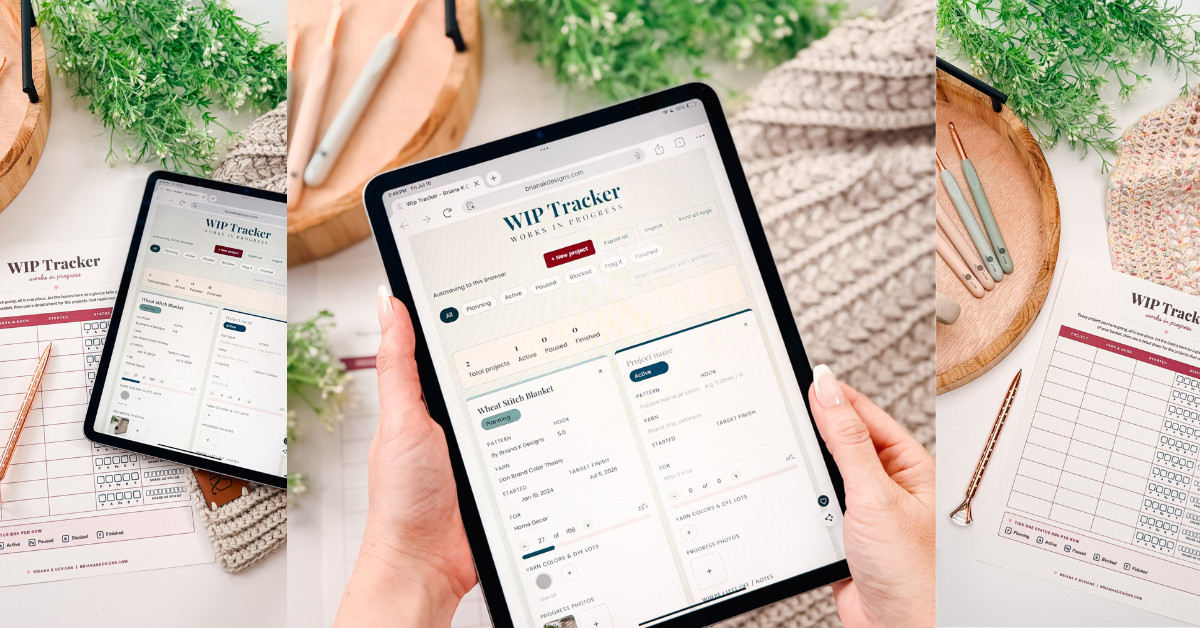
If you are new here and wondering, WIP just means work in progress. It is the blanket you are eighty percent finished with, the sweater you started with such confidence, the amigurumi that has a head, one leg, and a lot of hope. A WIP is any project you have cast on but not yet cast off, which, for most of us, is a number we do not say out loud.
Here is the truth we are all dancing around. We do not have a project going. We have several. We start a new one the second a pretty skein looks at us funny. It is a documented condition; it is called startitis, and there is no cure, only management. This tracker is for time management.
This tool runs on yarn and good vibes. Clicking below keeps it going.
If it saved you a headache, clicking below is the easiest way to say thanks.
What Is a Crochet WIP Tracker
A WIP tracker is exactly what it sounds like. It is where you keep the details of every project you have going so that when you set one down and pick it back up two weeks or two years later, you actually know what you were doing.
For years, this meant a scrap of paper shoved in the project bag, or a printable you filled in with a pen and then never updated again. Which is fine, until you change your row count, and now the paper is lying to you.
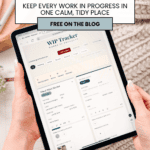
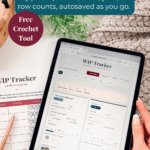
This one is different. It is a free crochet WIP tracker that lives right here in your browser, and it does the tracking with you. You add a project, you type in the good stuff, and it saves itself. Come back whenever. It will all be there, patient as anything, not judging you for the eleven other projects sitting next to it.
A quick note about your privacy: This tool saves everything you type directly in your browser on your device. Nothing you enter gets sent to me, stored on my website, or shared with anyone. I never see it, and I could not access it if I tried. If you use the Export button, the backup file is saved straight to your device, and Import reads it back from your device, so your information never leaves your hands. Just know that because it lives in your browser, clearing your browsing data will clear your saved projects, so export a backup if you want to keep them.
Join The Kindest Community
Join our vibrant community of crafters on Facebook today. Whether you enjoy crafting with others or simply have burning questions, we’ve got you covered – join us now!
Video Tutorial For The Best Project Tracker Ever
Relax & Crochet with No Ads
Go Distraction Free
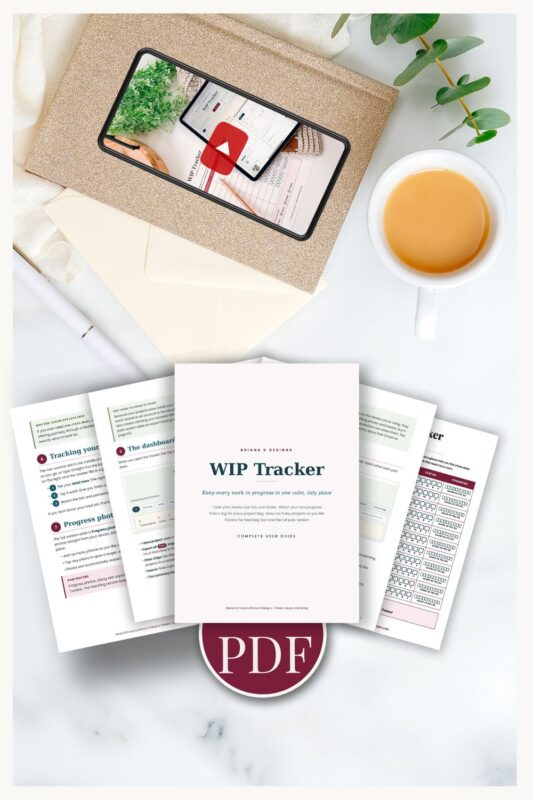
Beautifully formatted to print and take with you anywhere. The paid version includes:
This Tracker vs. a Printable: What’s Different
A printable is a lovely photograph of your project. This is the project’s actual brain.
- The row counter counts. Tap the plus button in every row, or type your number straight in. Set your total and watch the progress bar fill and the percentage climb. No tally marks, no “wait, where was I,” no counting little pen dashes at midnight.
- The status tells the truth. Every project gets a label: Planning, Active, Paused, Blocked, or Finished. With one glance, you know the whole state of your basket without touching a single skein.
- The yarn colors are real. Tap a swatch, pick the actual shade you are using, and it is saved. Not a colored pencil approximation, the real color.
- It holds all of them. One project or forty, the tracker does not care. Add as many as your startitis demands.
- It saves itself. Close the tab, live your life, come back. Everything is still there.
Want to Print WIP Project Tags?
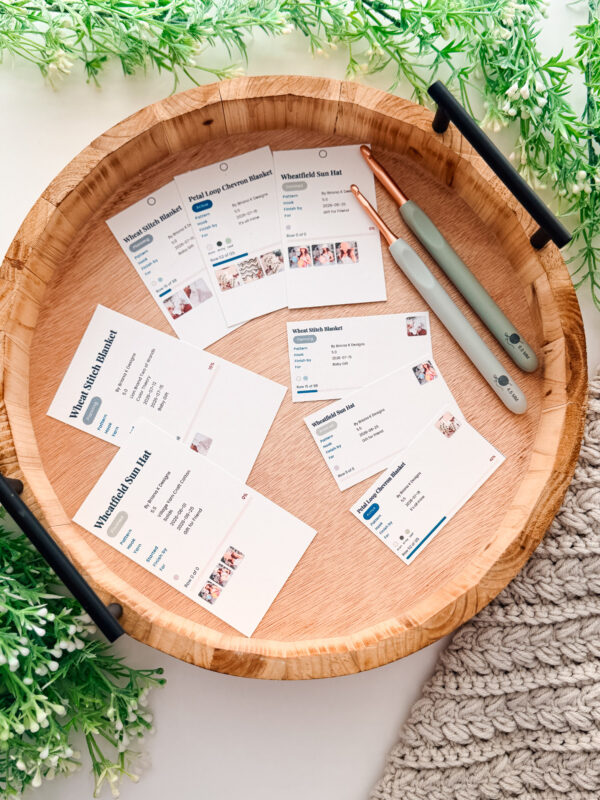
Print a neat little tag for every project bag, with your yarn, hook, dye lots, and where you left off right on it. It’s one of the features the full WIP Tracker unlocks, so your projects stay organized wherever they wander. There are 5 size options to print, organize how you like best.
How to Use the Crochet WIP Tracker
Let’s walk through it because a few small habits turn this from a nice list into something that genuinely rescues your projects. None of it is hard.
Add a Project and Name It Like You Mean It
Hit New project and give it a name your future self will recognize. Not “blanket.” You have four blankets. Try “Mom’s Christmas granny stripe” or “the sage market bag.” Specific names are the difference between finding a project and playing Guess Who with your own basket.
Set the Status So You Can See Your Whole Basket at a Glance
This is the quiet superpower. Set each project to Planning, Active, Paused, Blocked, or Finished. Use the filters at the top to show only your Active projects when you want to make progress, or only your Paused ones when you feel brave enough to face them. Blocked is for when you are stuck waiting on more yarn or a missing notion, so you know it is not your fault you stopped.
Log the Details That Vanish From Memory First
Fill in the pattern, the yarn, and the hook right away, before you get deep into the project. These three are the exact things that evaporate from your brain the fastest and haunt you the hardest. The hook especially. Write it down now and thank yourself in March.
Use the Row Counter as Your Actual Counter
You do not need a separate clicker. Tap the plus button as you finish each row, and the progress bar fills in real time. Pop your total row count in, and you get a live percentage, which is weirdly motivating when you can see yourself creeping toward the finish. Type the number in directly if you would rather jump ahead.
Track Multiple WIPs at a Time
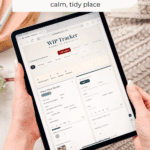
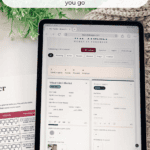
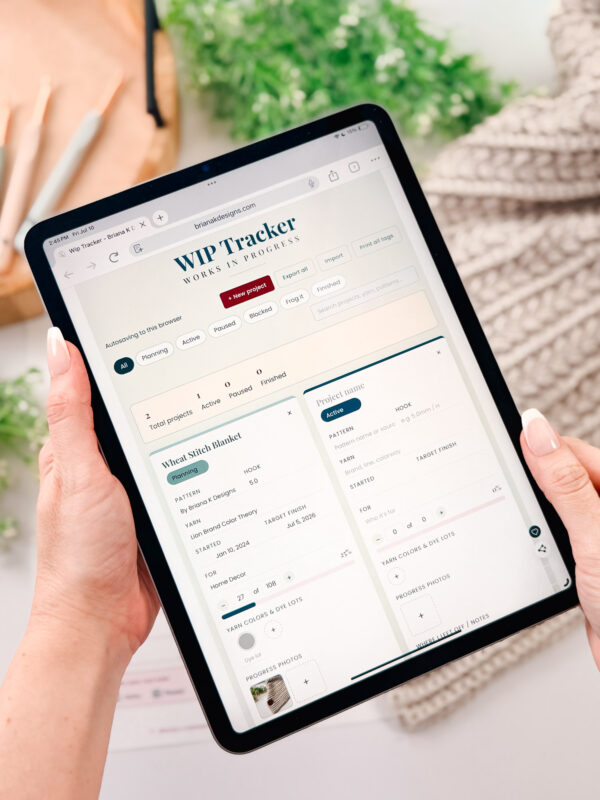
See the cards lined up on the dashboard? Each one is a separate project with its own pattern, hook, yarn, dye lots, row count, and status. Juggling a couple of makes at once? Give each its own card. Tap “+ New project” to start a fresh one, and name it whatever you like so you can tell them apart. Your projects don’t get tangled up, and every one saves on its own.
Write Down Where You Stopped. This Is the Whole Point.
The notes box says “Where I left off” for a reason. The second you put a project down, drop a line in there. “Paused mid row 14 of the body, yarn still attached, next up is the color change.” That one sentence is the entire difference between picking it right back up and frogging the whole thing in a fit of frustration. Do this every single time, and you will never lose a project again.
Add Your Yarn Colors So You Never Forget the Recipe
Tap to add a swatch for each color in the project and set the real shade. Now you have the yarn recipe saved forever, which is a gift when you run short mid-project and need to match it, or when you want to make the whole thing again.
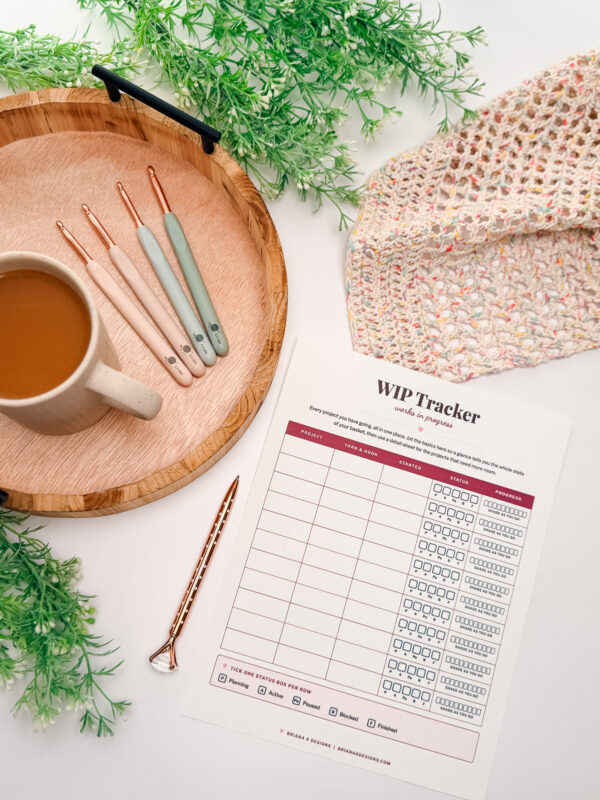
Tired of Screens? Log Off. Hook In.
Your phone can wait. The Free Crafters Library is full of printable goodies to keep your hands busy and your notifications ignored. Drop your email, get the password, start printing.
Tips and Tricks for the Chronically Multi-Project Crocheter
If you are nodding along because your WIP count is, let’s say, aspirational, these are for you.
- Do a Sunday basket check. Once a week, open the tracker and update your statuses. Two minutes. It keeps the whole thing honest, and it feels amazing to move something to Finished.
- Use Blocked instead of guilt. If a project stalled because you ran out of yarn, mark it Blocked, not Paused. Now you know it stopped for a real reason, and you can order the yarn instead of feeling vaguely bad every time you see it.
- Back up before you switch devices. Your projects save in this browser. If you are moving to a new laptop or clearing your browsing data, hit Export all first to save a backup file, then import it on the other side. Nothing lost.
- Track your gifts with a finish date. Set the status and note the deadline right in the project. Handmade gifts are so much calmer when the plan is written down instead of living rent-free in your head.
- Let Finished projects pile up on purpose. Do not delete them the second they are done. Filter to Finished at the end of the year and look at everything you actually made. It is genuinely good for the soul, especially in the seasons when it feels like you are not making progress.
Subscribe & Like

More Crochet Resources You’ll Love
A WIP tracker keeps your place while you work, and these guides help with everything around it:
WIP Tracker FAQs
What is a crochet WIP tracker?
WIP stands for “work in progress,” so a WIP tracker is a simple tool that keeps tabs on the projects you’ve got going at once. It holds the details you’d otherwise scribble on a sticky note or try to remember: which pattern you’re on, what hook and yarn you’re using, where you stopped, and what still needs to be done. Think of it as a home base for everything on your hooks right now.
Is the WIP tracker really free?
Yes, it’s completely free to use right here on the blog. No email sign-up, no download, no catch. I built it because I got tired of losing track of my own projects, and I figured you might be in the same boat.
How many projects can I track at once?
As many as you’d like. Whether you’re a one-project-at-a-time crocheter or you’ve got a basket full of half-finished makes (no judgment, I’ve been there), the tracker keeps track of them all so nothing gets forgotten.
Do I need to create an account or log in?
Nope. You can start using it the moment the page loads. Just add your projects and go.
Will my projects save if I close the page?
Your projects are stored directly in your browser, so they’ll be waiting for you when you come back to the same device. Just know that clearing your browser data or switching to a different device or browser can wipe them, so it’s a handy in-the-moment tool rather than permanent cloud storage.
Can I use the WIP tracker on my phone?
Absolutely. It’s built to work on your phone, tablet, or computer, so you can check where you left off, whether you’re on the couch or waiting in the school pickup line.
What should I write in the notes for each project?
Whatever helps future you pick the project back up. A lot of crocheters jot down the row or round they stopped on, any changes they made to the pattern, the hook size, or a reminder about how much yarn is left. There’s no wrong way to do it.
What’s the difference between a WIP tracker and a stitch counter?
They’re a great pair, but they do different jobs. A stitch counter keeps your live count as you work a row or round, while a WIP tracker zooms out to manage the whole project (or projects) from start to finish. My Stitch Keeper is a great tool to use alongside the WIP tracker.
Go Wrangle Those WIPs
Here is the thing. Having a lot of projects going is not a character flaw; it is just what happens when you love this craft and the yarn keeps being beautiful. The goal was never to have fewer WIPs. The goal is to be able to put one down and pick it right back up, with no mystery, no frogging out of frustration, no project lost to the bin forever.
So add your projects, name them well, and drop a note every time you set one down. Your future self, digging through that basket six months from now, will be so relieved you did.
Now go start a new one. You were going to anyway.
Cheers, Briana K

Your privacy: Everything you type with the crochet tools on this blog saves only in your own browser, never to my site. I do not collect it, see it, or store it. Clearing your browser data clears your saved work, so use Export to keep a backup.
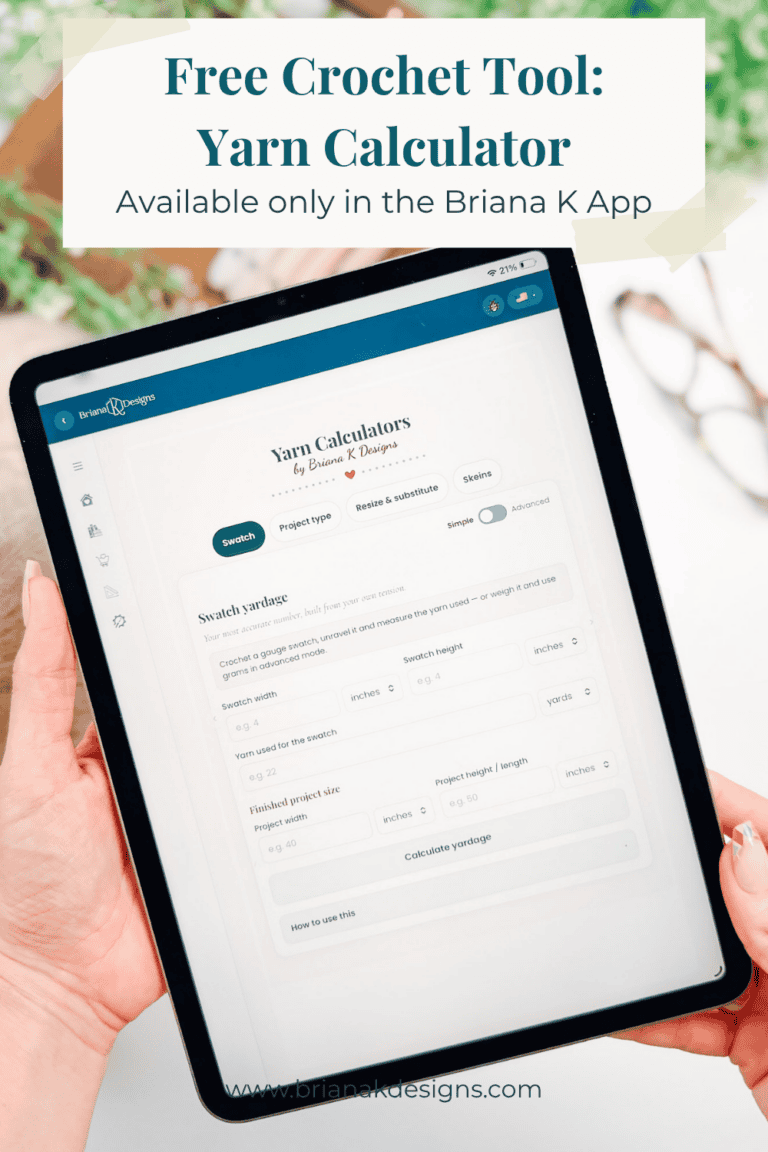
This tool also lives in my crochet app, right alongside my patterns, a row counter and more free crochet tools. No subscription required.
Hook down? Not so fast…
I’d Love to See Yours!
You made something beautiful. Here’s how to keep it, show it off, and inspire the next maker.

Keep the hook movingReaders Are Loving
 Willow Mesh Bag
 Wheatfield Sun Hat
 Stretchy Edging
 Wheat Keychain