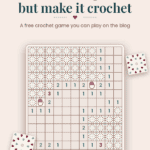
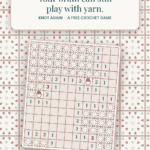
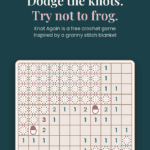
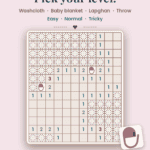
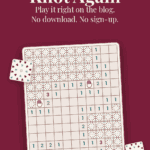
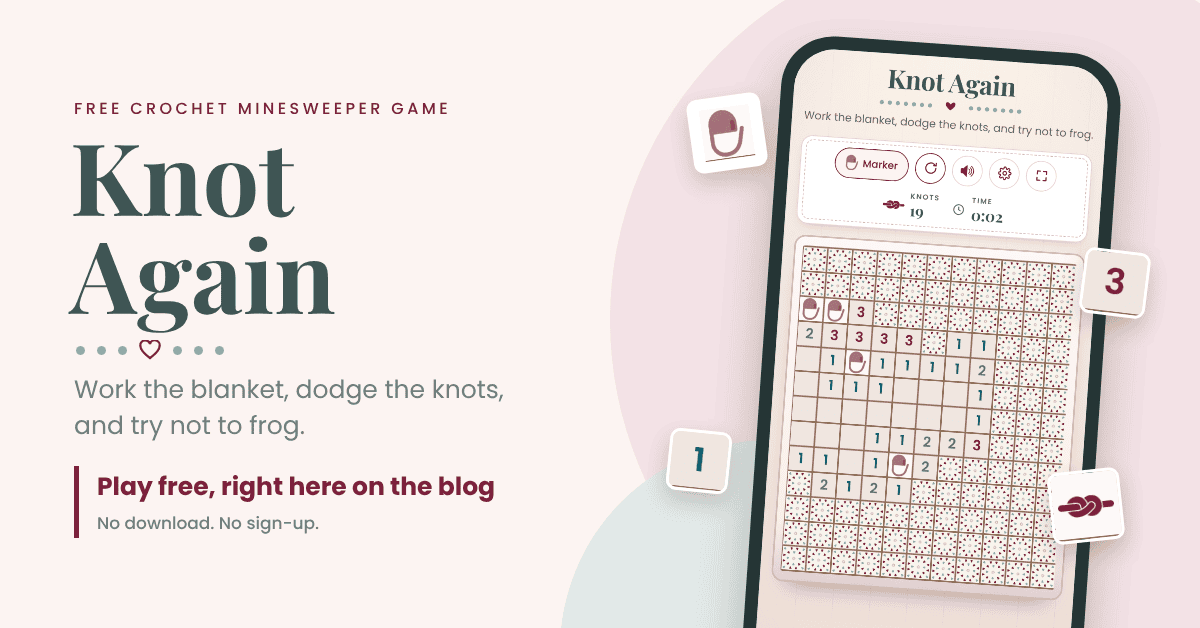
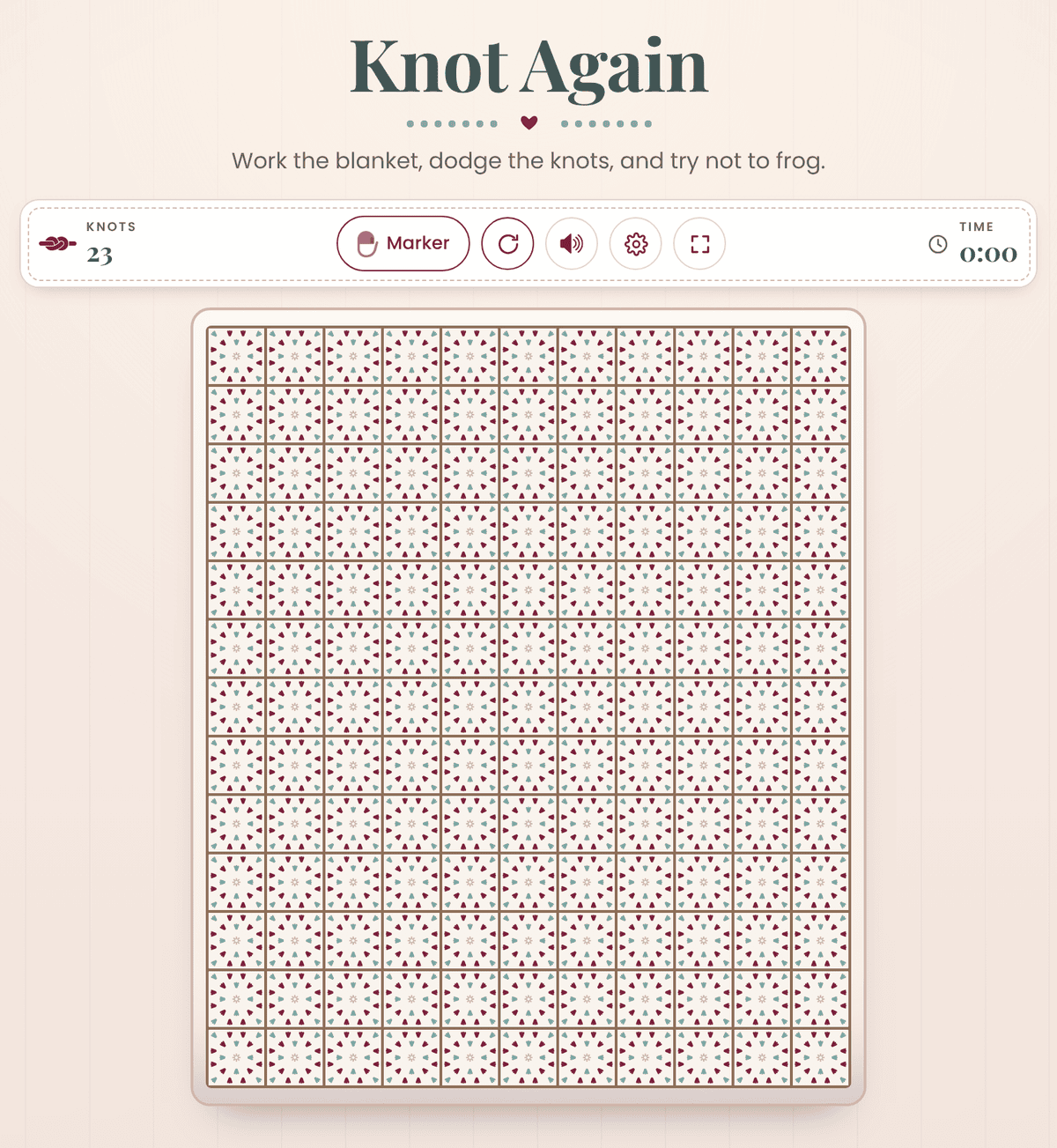
Knot Again is a free crochet game that plays like Minesweeper, set on a granny square blanket. Every square is a stitch you still have to work, and a few of them are hiding knots. Read the numbers, pin stitch markers where you think the knots are, and finish the whole blanket without ripping it out. You can play it right here on the blog, no download and no sign-up.
Open Knot Again in the Briana K App!
This whole thing started on a day I wanted to play with yarn, but my hands needed a break. So I made a game, and one game turned into a bunch of them. These are for the times you need a break from yarn but don’t want to break from yarn, like sitting in a waiting room without your project.
I grew up playing Minesweeper, so of course I had to make a crochet version. And I built it on my Windowpane Granny Stitch Blanket, because I love that blanket.
I love games because they keep my mind active and my hands busy when I can’t actually play with yarn.
Before You Play: Show Some Love
Save for Later • Pick Up Where You Left Off
Games here are free, always. If you want to say thanks, hit the button below to add us as a trusted Google source. Takes two seconds, and it genuinely helps us keep making these.
How to Play Knot Again
Step 1: Get to know the blanket
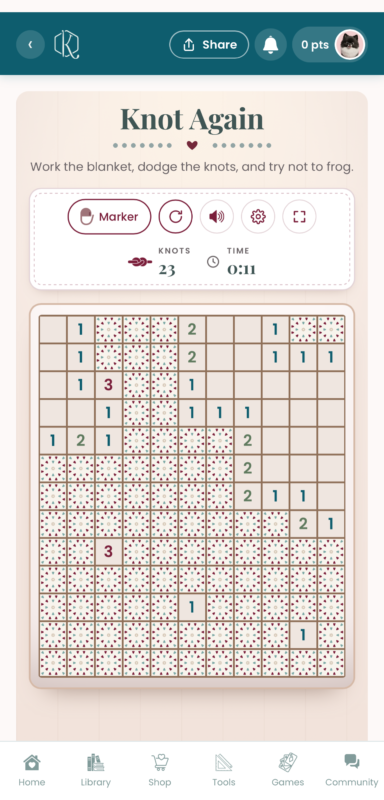
Every square on the board starts out as a finished granny square, colors and all. Your job is to work every square that doesn’t have a knot hiding under it. The knot counter on the left tells you how many knots are on this blanket, and the timer on the right starts with your first tap.
Step 2: Make your first tap
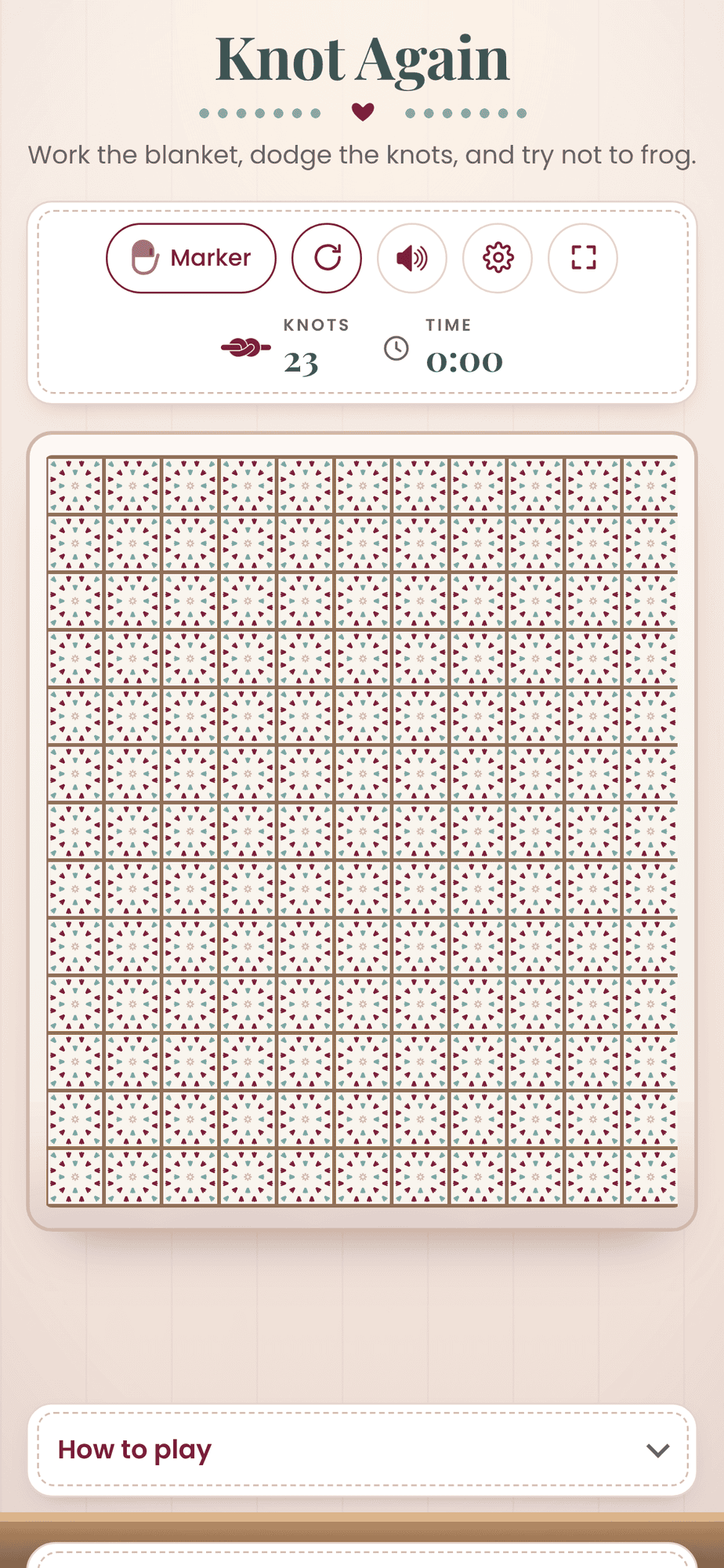
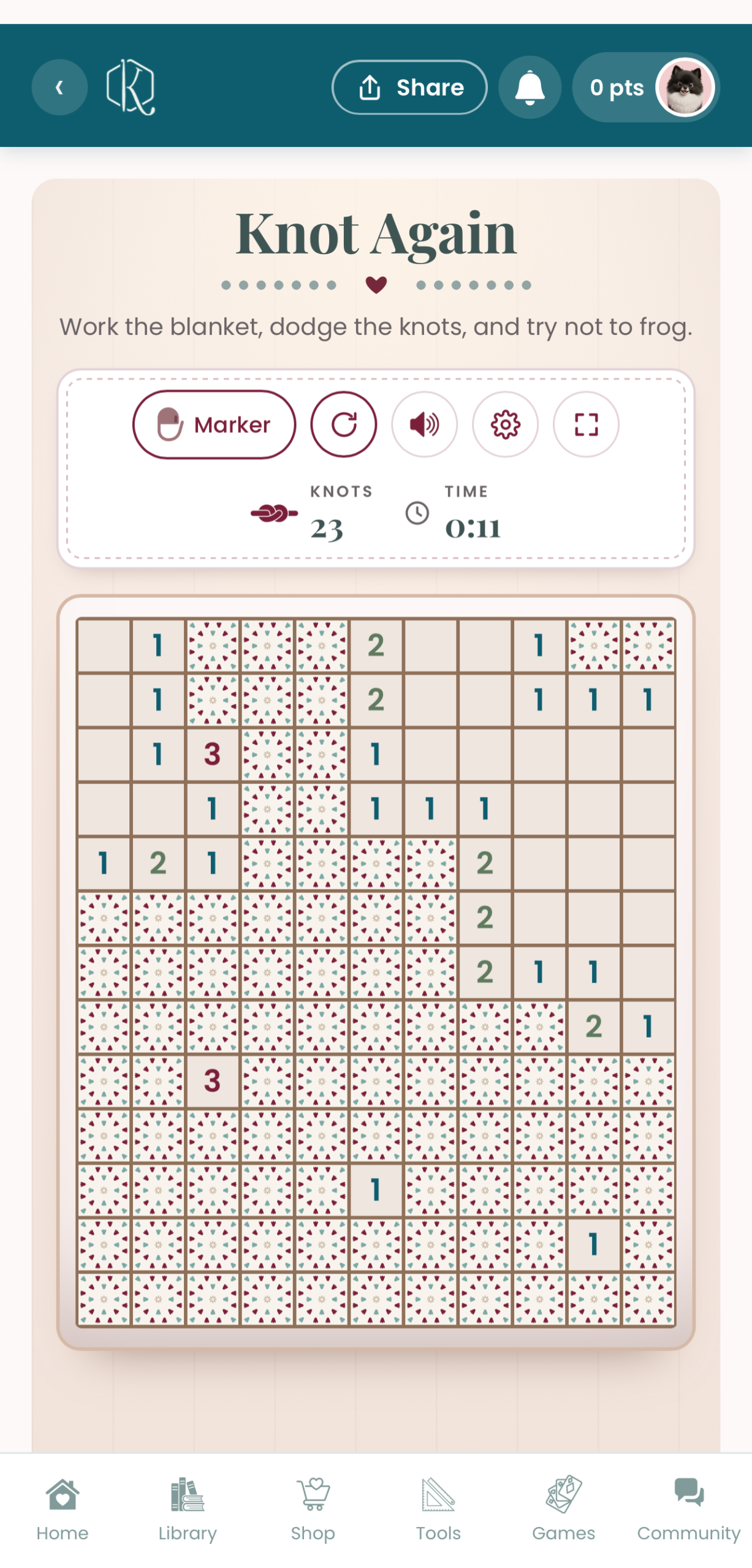
Tap any square to work it. Don’t worry, your first tap is always safe, so you’ll never lose on the opening move. When you work a square it empties out, and if nothing is nearby, a whole patch of the blanket opens up at once.
Step 3: Read the numbers
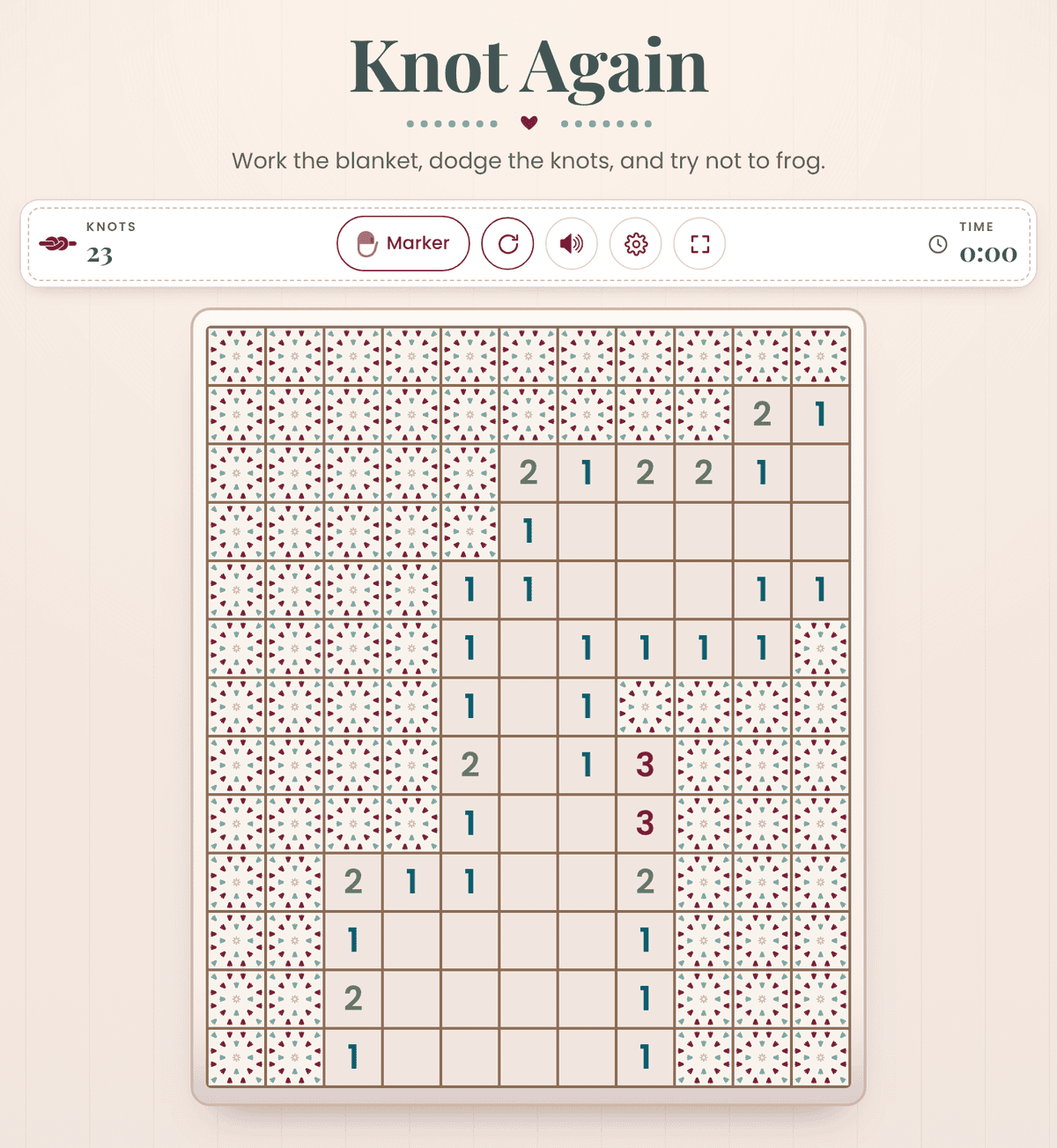
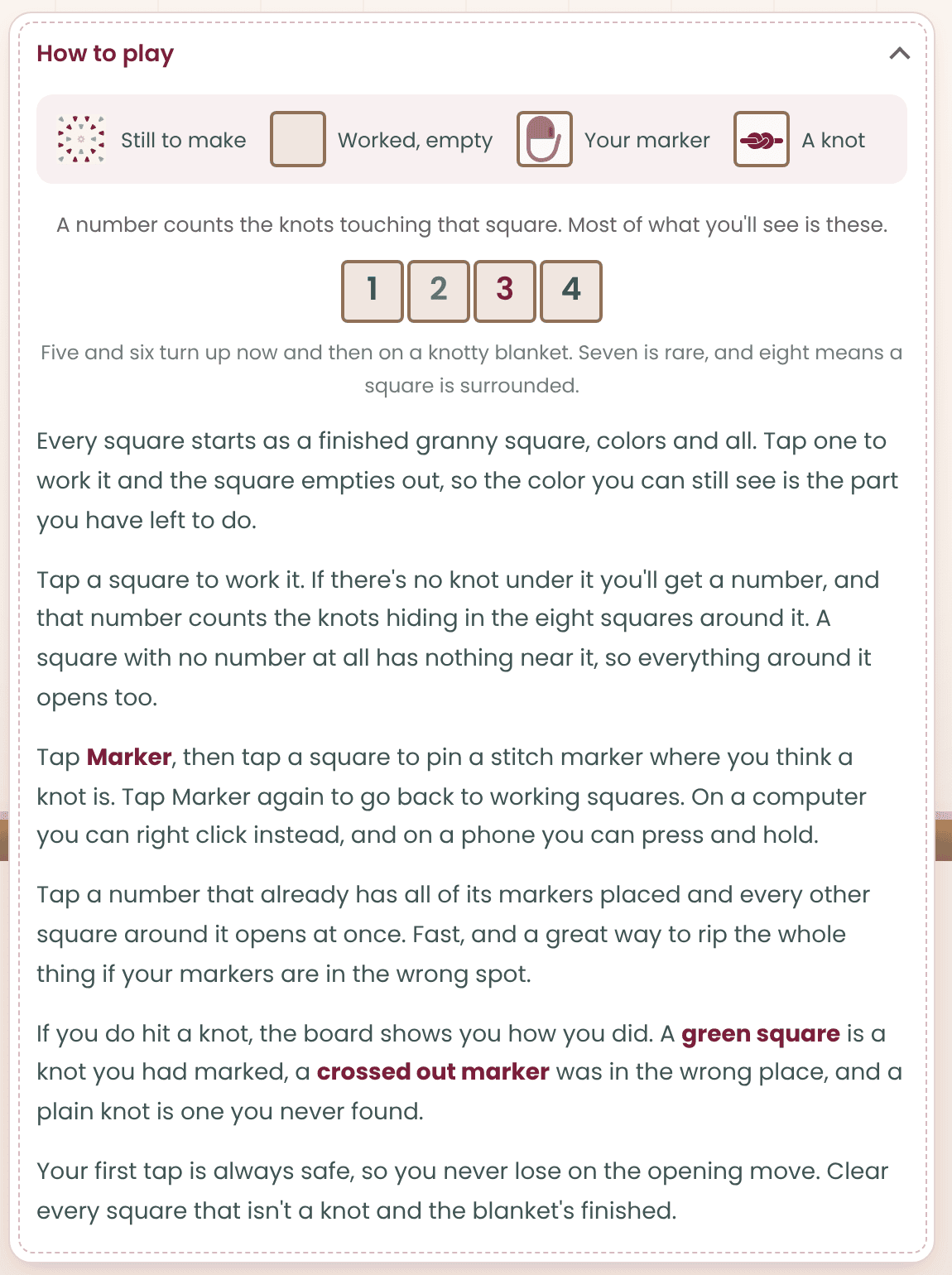
A number tells you how many knots are touching that square, counting all eight squares around it, corners included. A 1 means one knot is hiding somewhere next to it. A 3 means three. A square with no number has nothing near it at all, so everything around it opens too.
You’ll mostly see 1s, 2s, and 3s. Fives and sixes turn up now and then on a knotty blanket, a seven is rare, and an eight means a square is completely surrounded.
Step 4: Pin a stitch marker on a knot
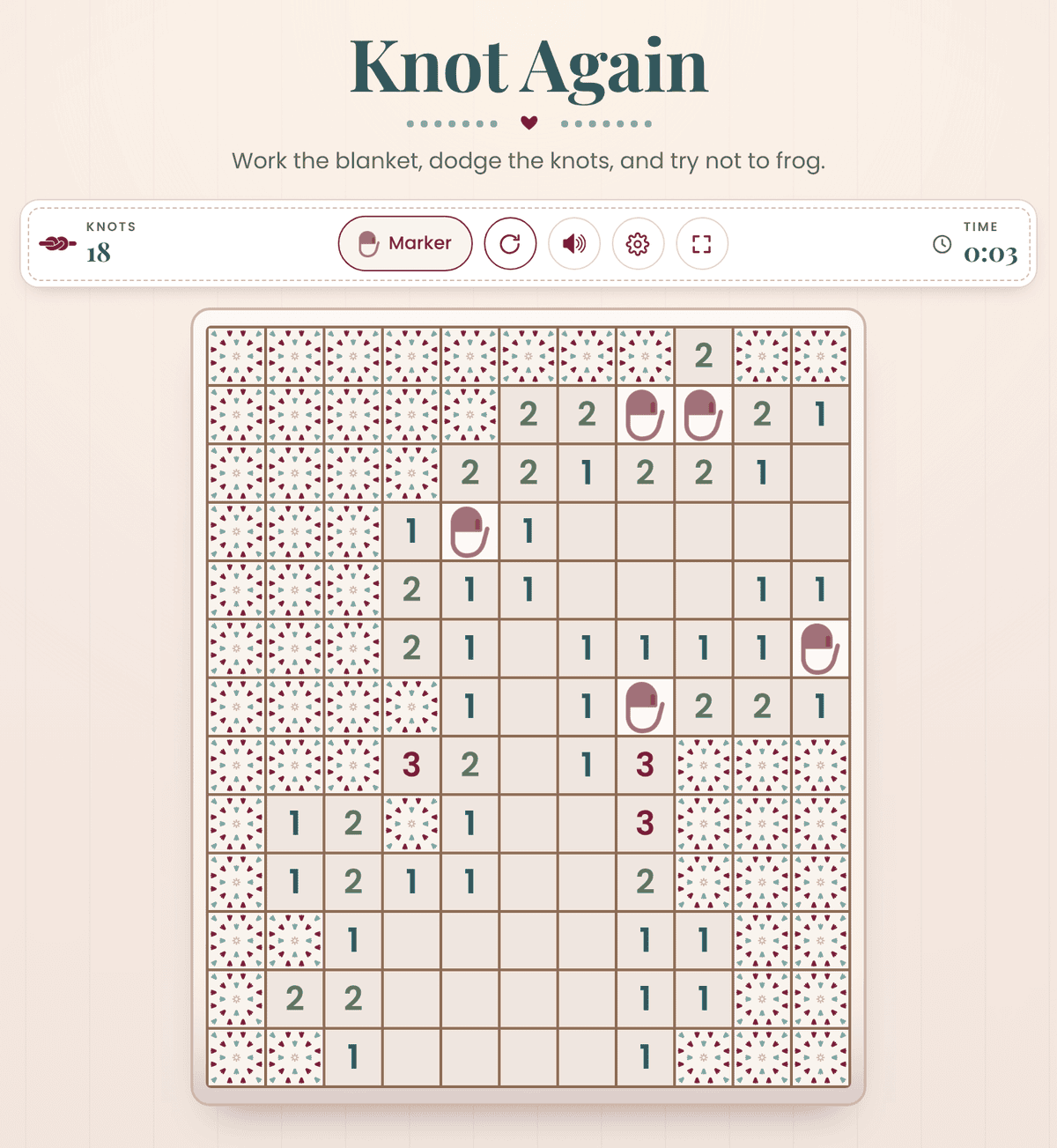
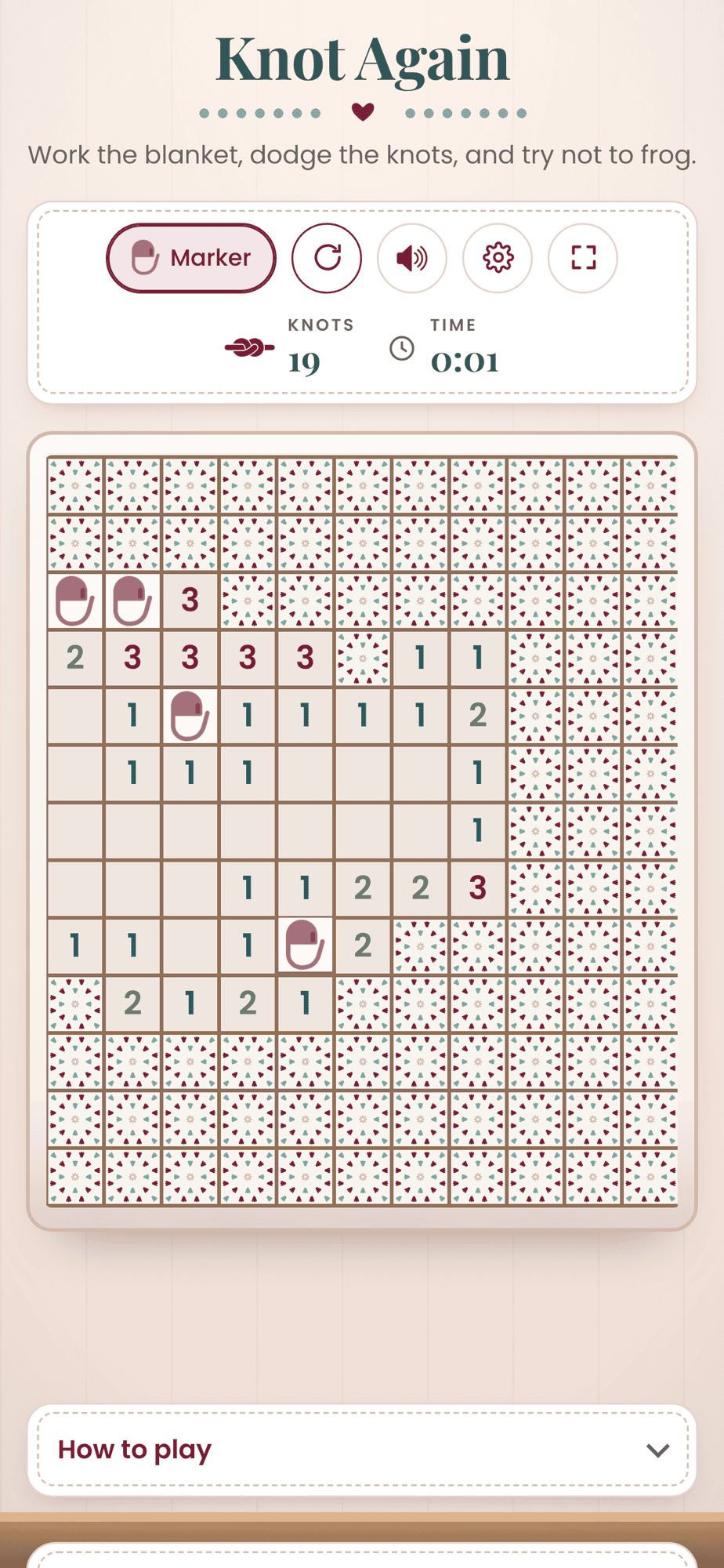
When you’ve figured out where a knot is, mark it. Tap Marker, then tap the square to pin a stitch marker on it. Tap Marker again to go back to working squares. On a computer you can just right click a square instead, and on a phone you can press and hold.
Step 5: Speed things up
Once a number has all of its markers placed, tap that number and every other square around it opens at once. It’s fast, and it’s also a great way to rip the whole thing out if one of your markers is in the wrong spot. So double check before you tap.
Step 6: Finish the blanket
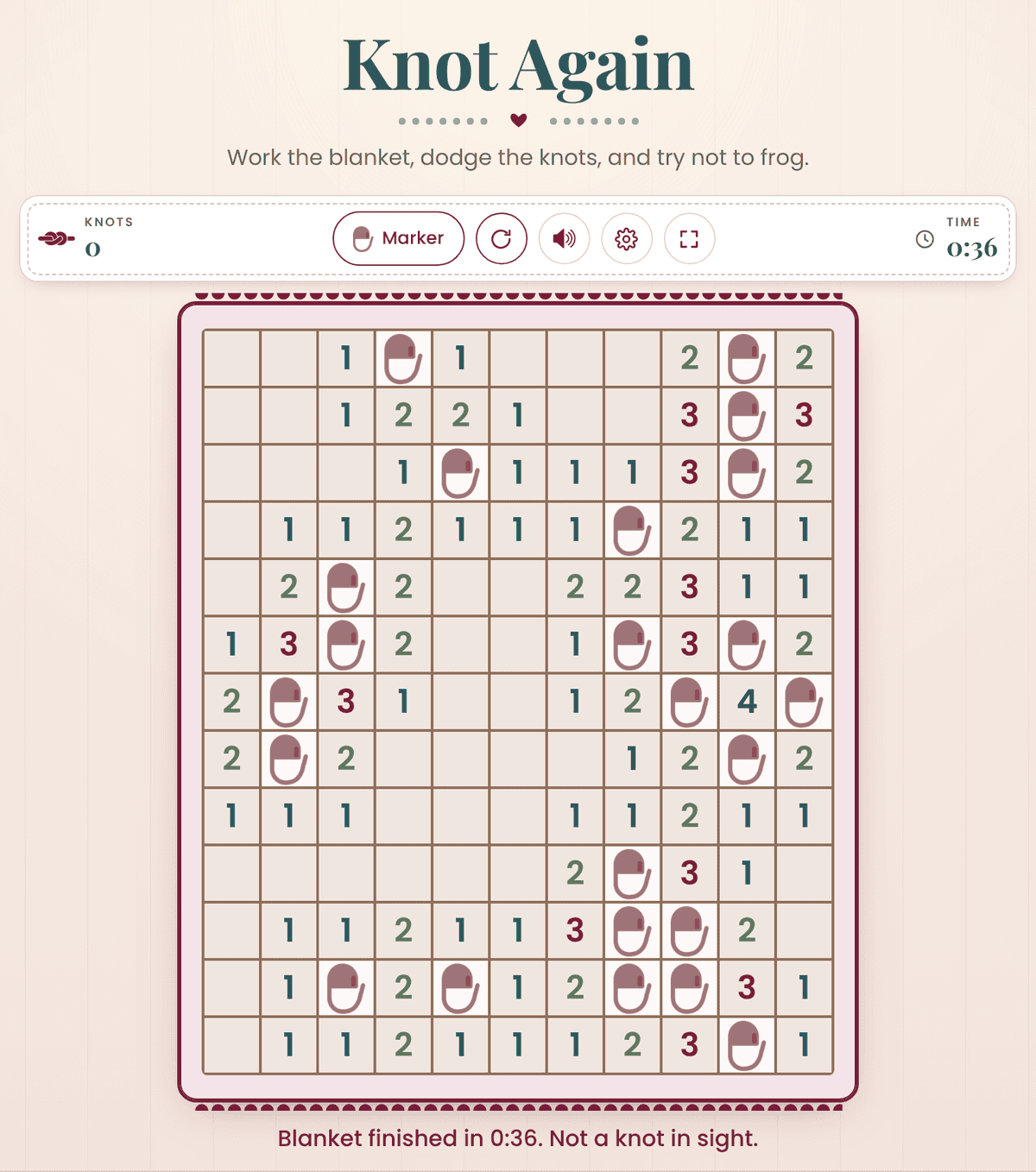
Work every square that isn’t a knot and the blanket is finished. The board gets a little scalloped edging and tells you your time.
Step 7: Hit a knot? Rip it, rip it.
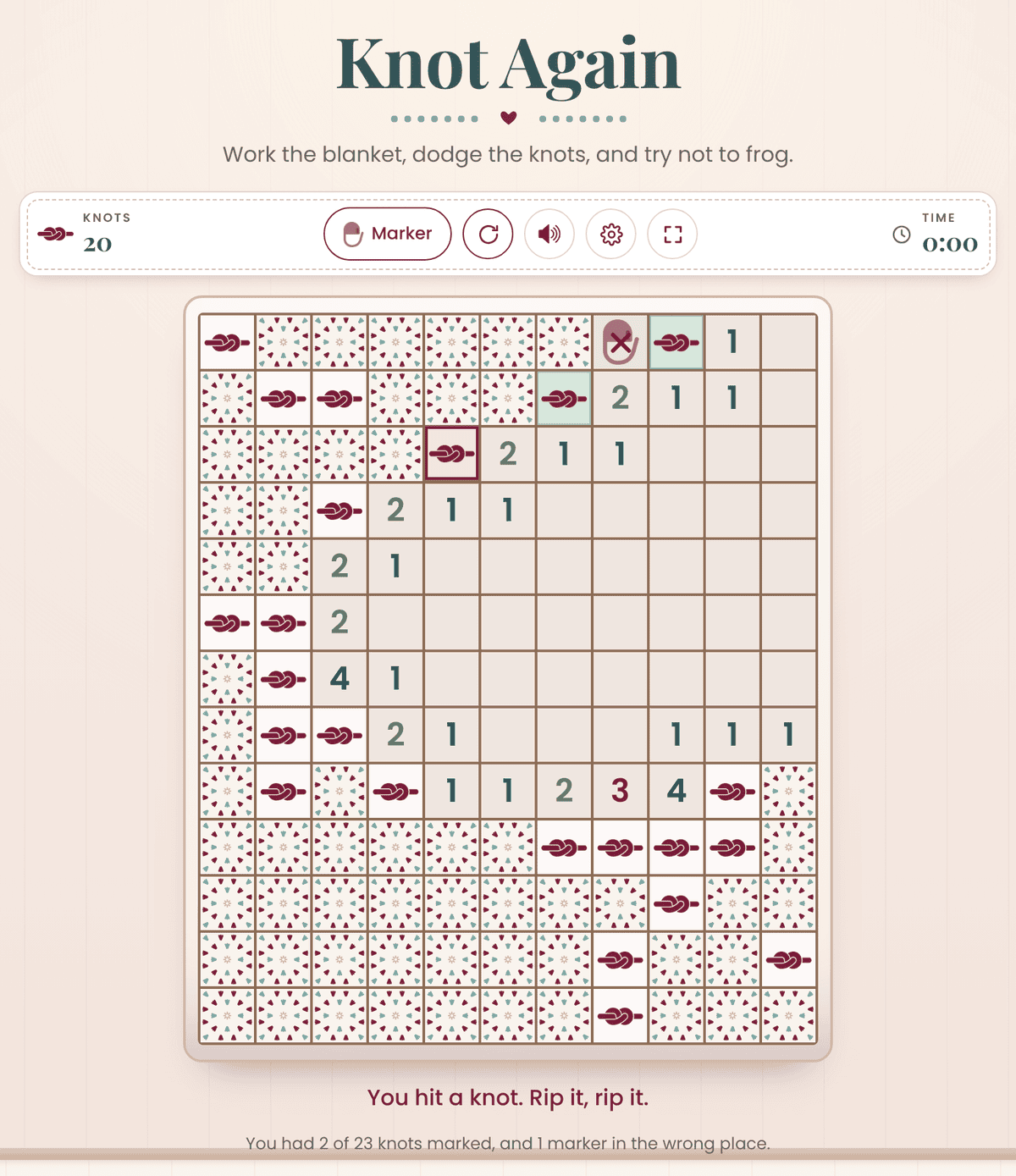
If you work a square with a knot under it, the game’s over and it’s time to frog. The board shows you how you did. A green square is a knot you had marked, a crossed out marker was in the wrong place, and a plain knot is one you never found. Then tap the new blanket button and cast on again.
Step 8: Make it yours
Tap the gear to change your blanket size and how knotty it is. Pick a quick Washcloth when you’ve only got a minute, or settle in with a Throw.
| Blanket | Squares | Easy | Normal | Tricky |
|---|---|---|---|---|
| Washcloth | 8 x 8 | 8 knots | 10 knots | 13 knots |
| Baby blanket | 11 x 13 | 17 knots | 23 knots | 29 knots |
| Lapghan | 13 x 17 | 27 knots | 35 knots | 44 knots |
| Throw | 15 x 21 | 38 knots | 50 knots | 63 knots |
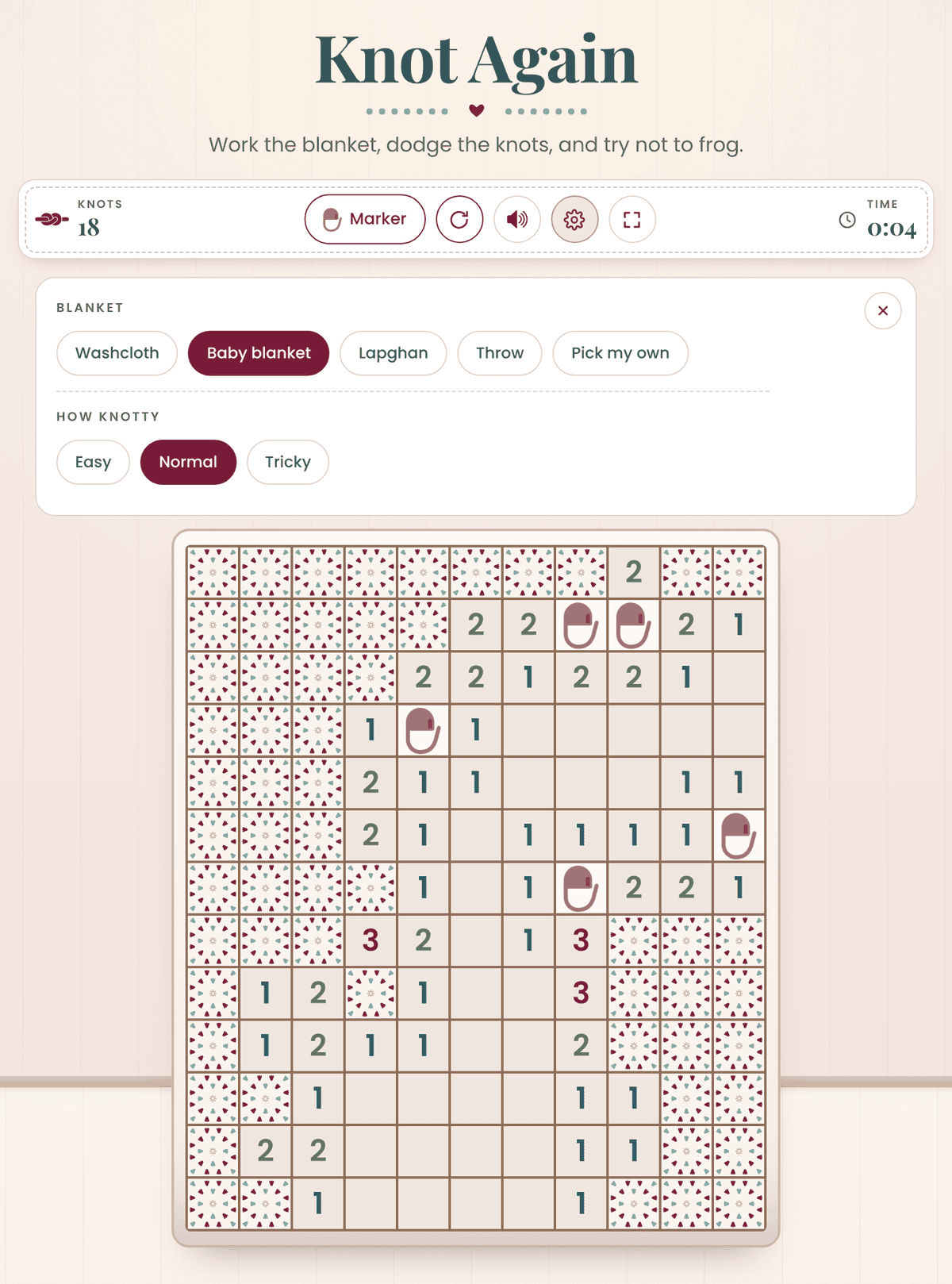
Want something in between? Choose Pick my own and set how many squares across (5 to 20) and down (5 to 26).
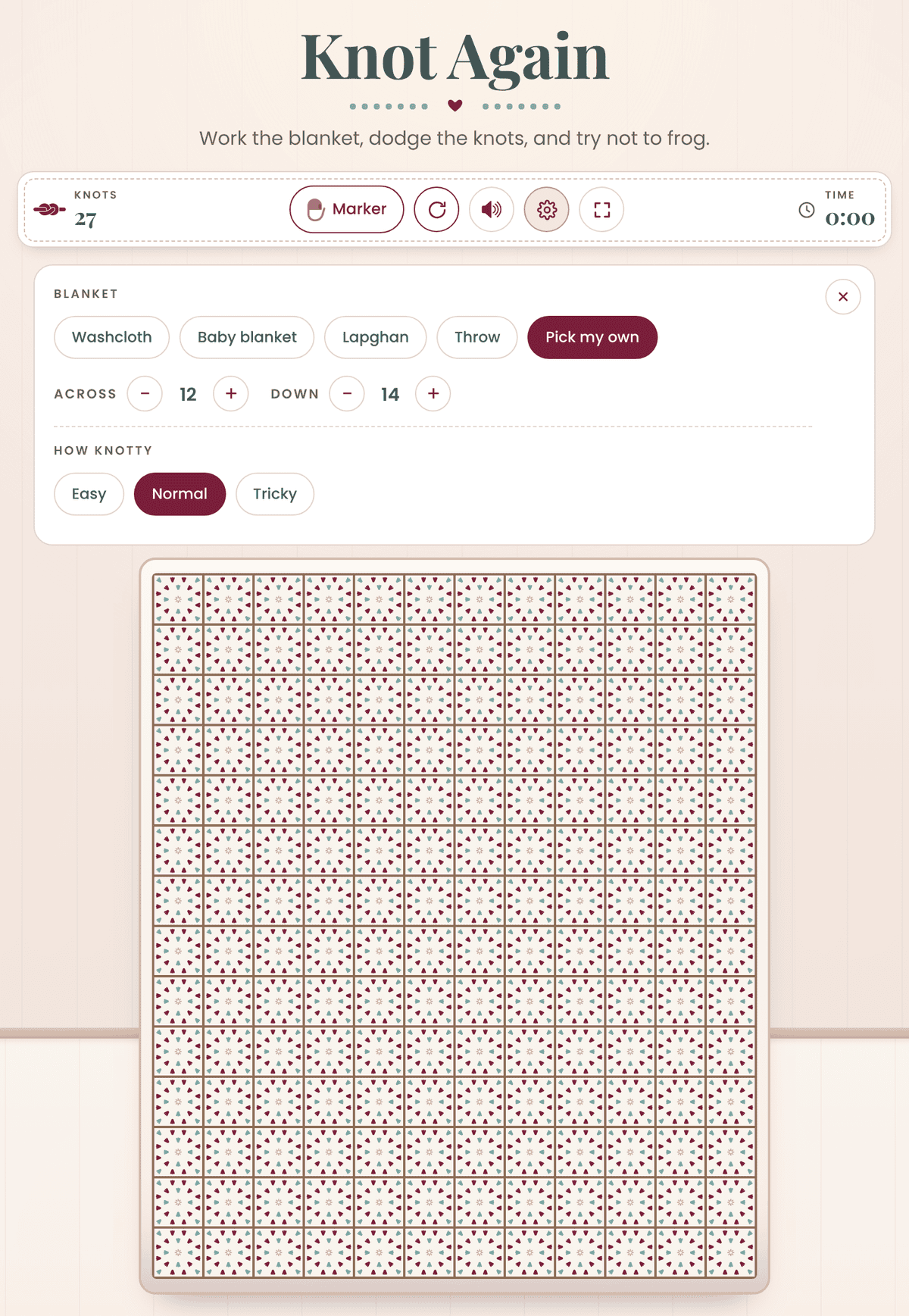
The speaker button lets you pick your sounds (Wooden, Chimes, Soft, or Off), and the corner button fills the window so the blanket gets bigger.
There’s also a How to play section right under the game if you need a refresher while you play.
Good to Know
- Your first tap is always safe.
- There’s a timer, but nothing ends when it runs. It’s just there if you want to beat your own time.
- Every new blanket hides its knots in new spots.
- It works on your phone, tablet, or computer. Press and hold to place a marker on a phone.
Inspired by the Windowpane Granny Stitch Blanket
The squares on the Knot Again board are drawn after my Windowpane Granny Stitch Blanket. It has windowpane granny squares at the top and bottom with a cozy granny stitch center, and it comes in seven sizes from a small throw to a full size bedspread. It’s advanced beginner friendly, worked in worsted weight yarn, and the pattern comes with stitch charts, a printable color planner, and a step by step video tutorial.

Get the Windowpane Granny Stitch Blanket pattern →
Play More Free Crochet Games
Knot Again is one of 20 free crochet games in the Briana K Stitch app. These ones are on the blog too:
- Tangled: a crochet matching game made like mahjong
- Loose Ends: solitaire with yarn cards
- Wind Up: start with a stitch marker and wind up with a blanket
- Yarn Shuffle: match three balls of yarn in a row
- Stitch Search: a crochet word search
Where to Play Them All
All 20 games live in the Games tab of the Briana K Stitch app. You’ll just need a free account to get in, and there’s a leaderboard if you want to see how you stack up.
Once you’re signed in, here’s where to find them. On your phone, tap Games in the menu along the bottom of the screen.
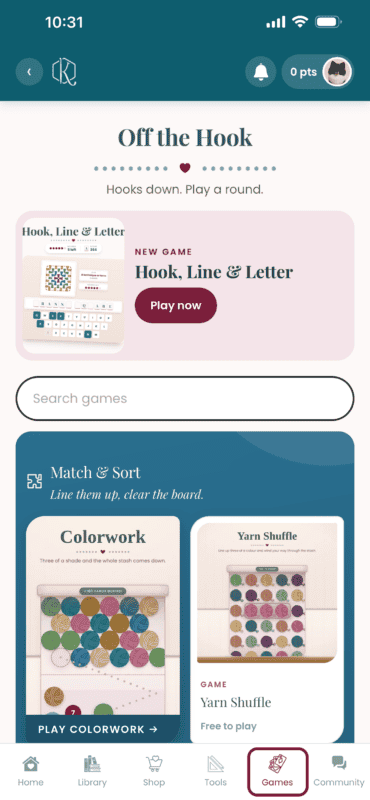
On a computer or tablet, Games is in the menu on the left side of the screen.
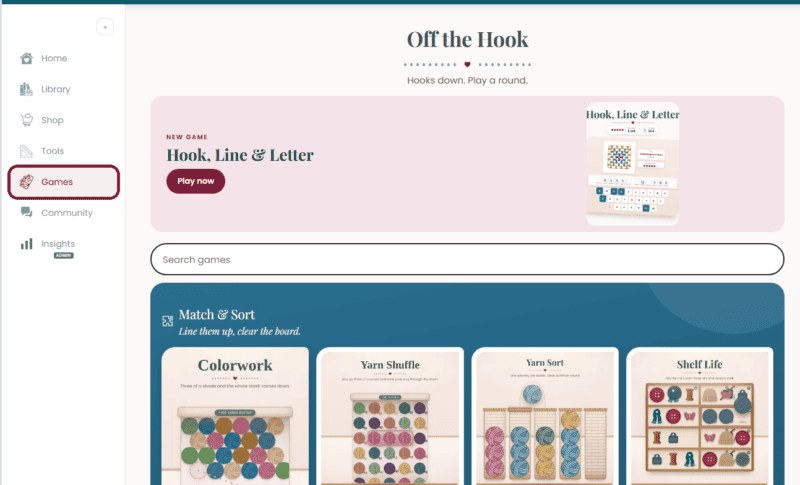
Play all the games in the Briana K Stitch app →
Now go work a blanket. Happy crocheting and cheers!
Briana
Free to play
Stuck on a row? Play a round.
Twenty crochet games live inside the Briana K app, including Yarn Shuffle, Tangled, Word Stash, Shop Hop and Colorwork. All free, all ad-free, and no app store needed.
20 games. No download.
Free account. Takes about ten seconds.
This game is one of 20 free games in my crochet app, right alongside my patterns, a row counter, and free crochet tools. No subscription required.
Knot Again FAQs
Is Knot Again free to play?
Yes. It’s free on the blog, and it’s one of 20 free games in the Briana K Stitch app.
Is Knot Again like Minesweeper?
Yes. It plays like Minesweeper, with knots instead of mines and stitch markers instead of flags, all on a granny square blanket.
Do I need to know how to play Minesweeper?
Nope. The numbers tell you how many knots are touching each square, your first tap is always safe, and there’s a How to play guide right under the game.
Can I change the board size?
Yes. Tap the gear to pick Washcloth, Baby blanket, Lapghan, Throw, or your own size, and choose Easy, Normal, or Tricky.
How do I place a stitch marker?
Tap Marker, then tap the square. On a computer you can right click, and on a phone you can press and hold.
Can I play it on my phone?
Yes, on a phone, tablet, or computer.
Do I need an account?
Not to play on the blog. You’ll need a free account to play in the app.
More Crochet Goodies To Love
We’ve got tools, games, patterns, tutorials…it’s all here waiting for you!
🥂 Cheers, and happy crocheting!
Want more? See all my free crochet games, or try my crochet tools and calculators.