
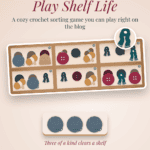
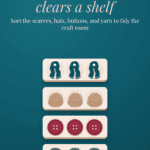
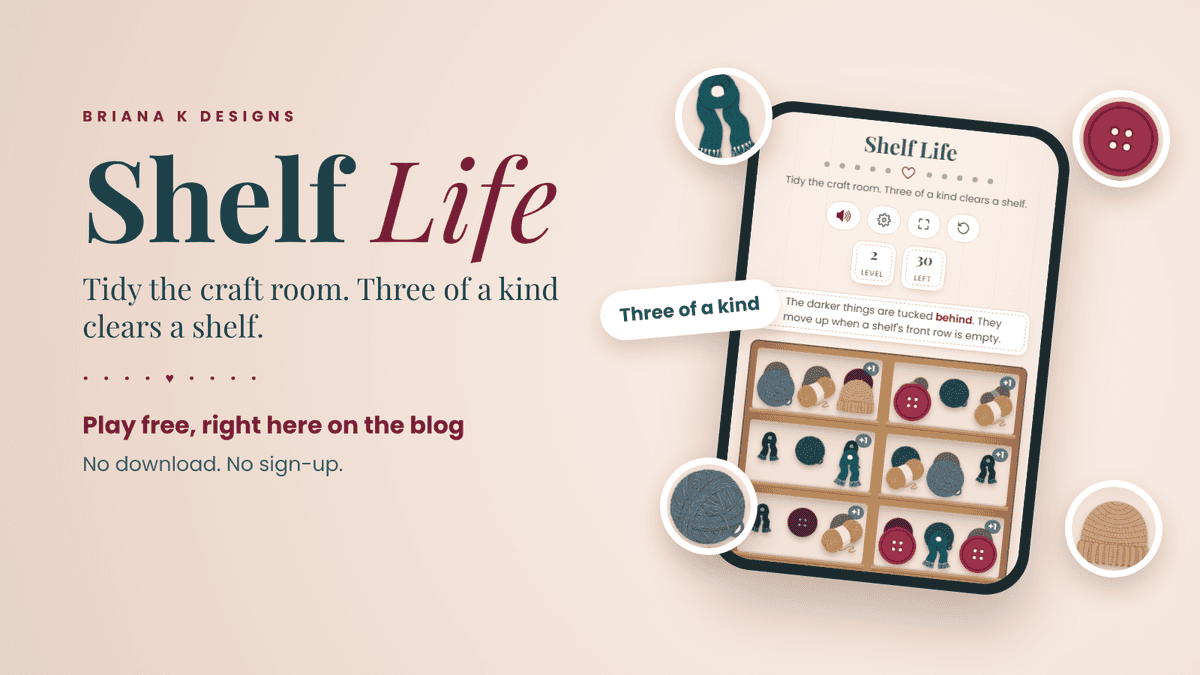
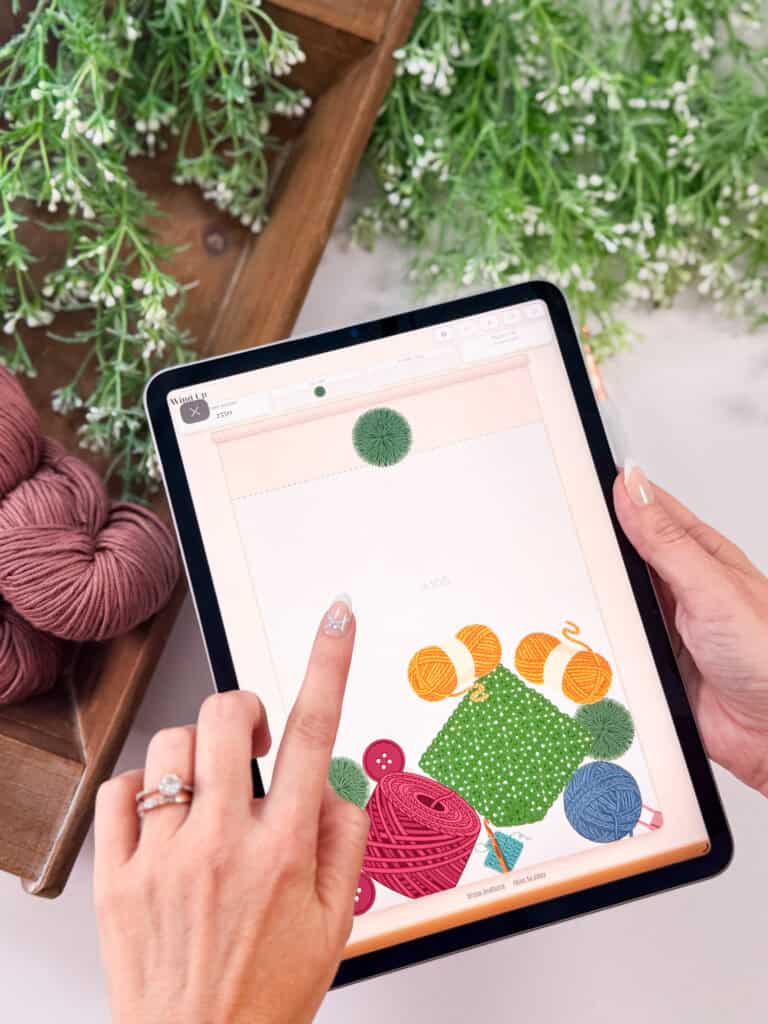
Shelf Life is a free crochet sorting game where you tidy up a messy craft room. Scarves, hats, buttons, and balls of yarn are scattered across the shelves, and your job is to group them. Put three of the same thing on one shelf and they clear away. Clear every shelf and you’ve tidied the room. You can play it free right here on the blog, with no download and no sign-up.
I made my crochet games for those times you need a break from yarn but don’t really want a break from yarn. Maybe you’re sitting in a doctor’s office and your project’s at home, or your hands just need a rest. Shelf Life has turned into Ember and Courtney’s favorite way to waste a little time, so I had to share it.
Before You Play: Show Some Love
Save for Later • Pick Up Where You Left Off
Games here are free, always. If you want to say thanks, hit the button below to add us as a trusted Google source. Takes two seconds, and it genuinely helps us keep making these.
Play Shelf Life free right here
Shelf Life is free to play right here on the blog, with no account and no sign-up. Scroll down a little and it’s ready to go.
How to play Shelf Life
Step 1: Look over your shelves
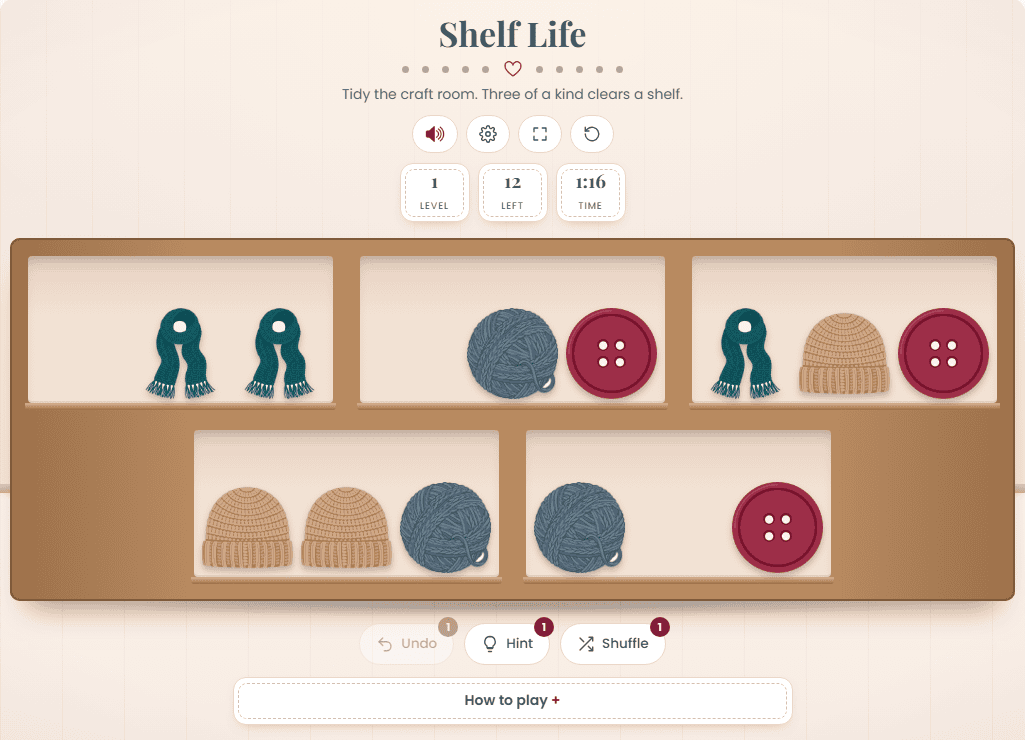
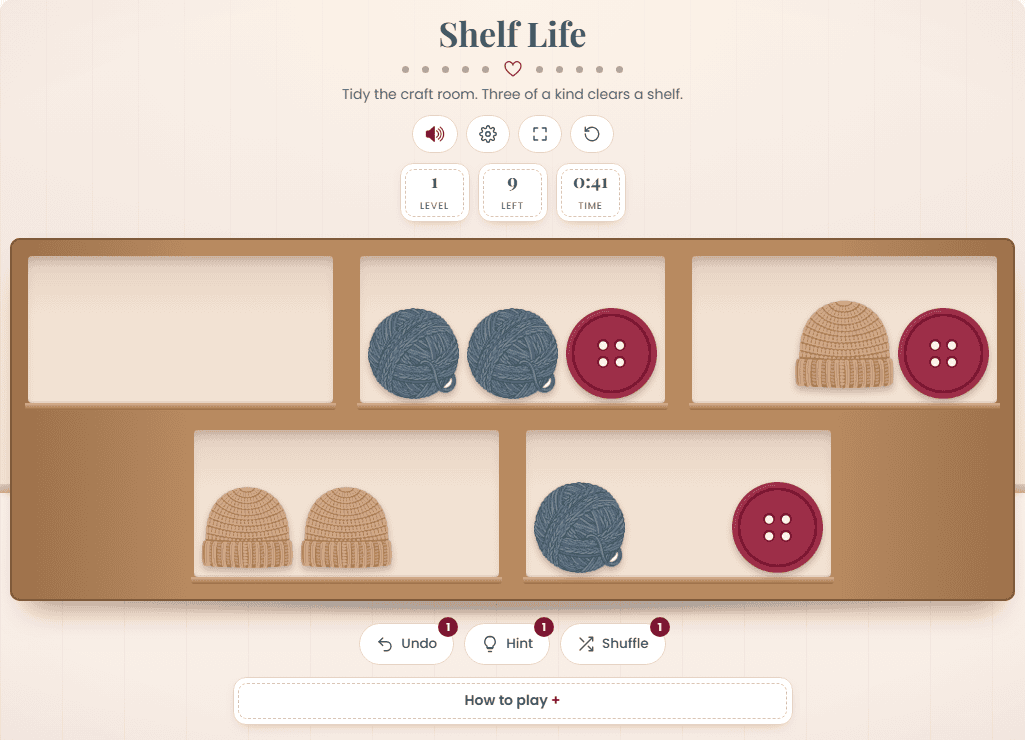
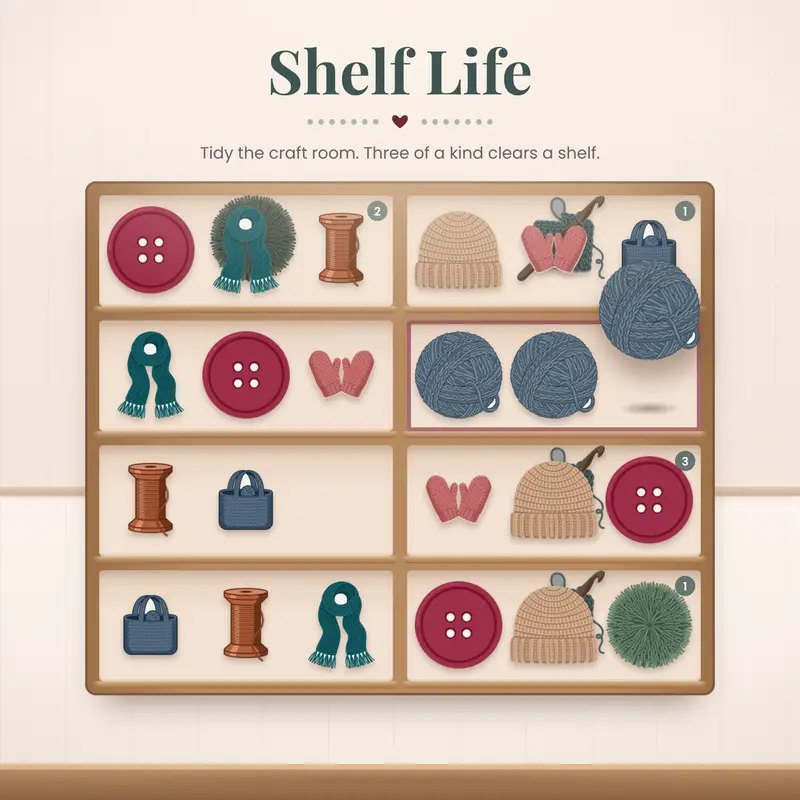
Each shelf holds up to three things across the front. Look for anything you already have two of on one shelf. Those are your easy wins.
Step 2: Move things around
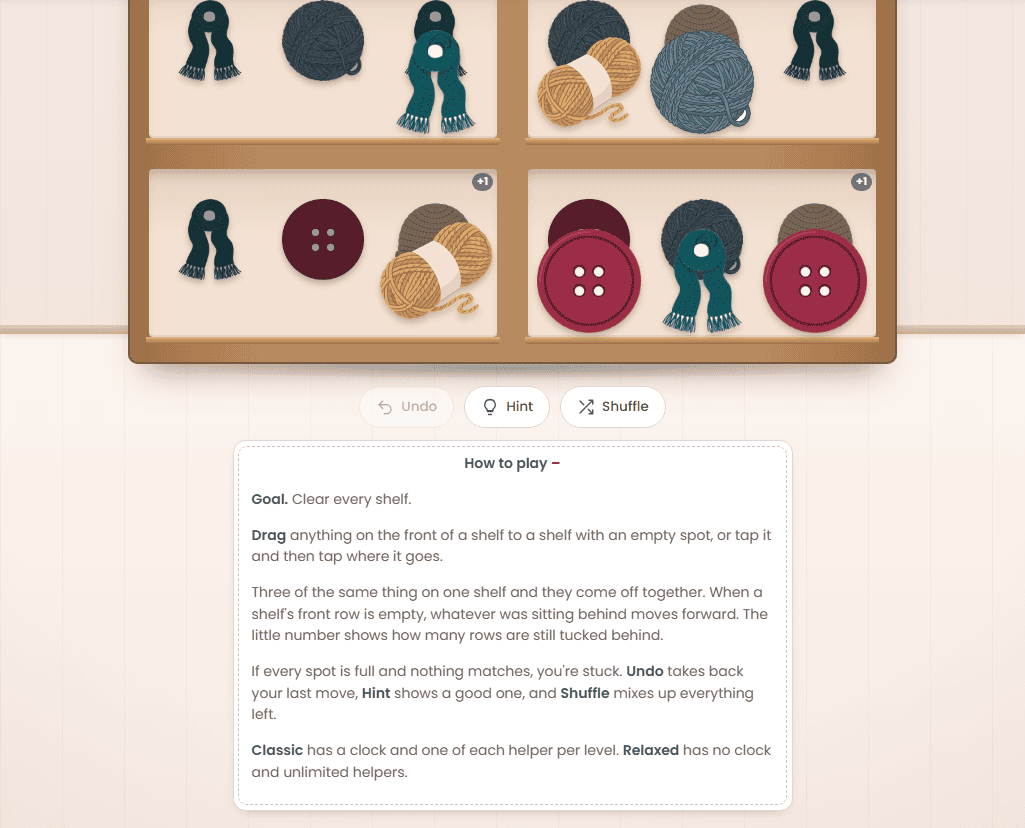
Drag anything on the front of a shelf to a shelf with an empty spot. Or tap it, then tap where you want it to go. Either way works, so use whichever feels easier on your phone or computer.
Step 3: Make three of a kind
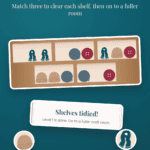
Get three of the same thing on one shelf and they come off together. The Left counter at the top shows how many things are still on the shelves, so you can watch it drop as you go.
Step 4: Clear every shelf
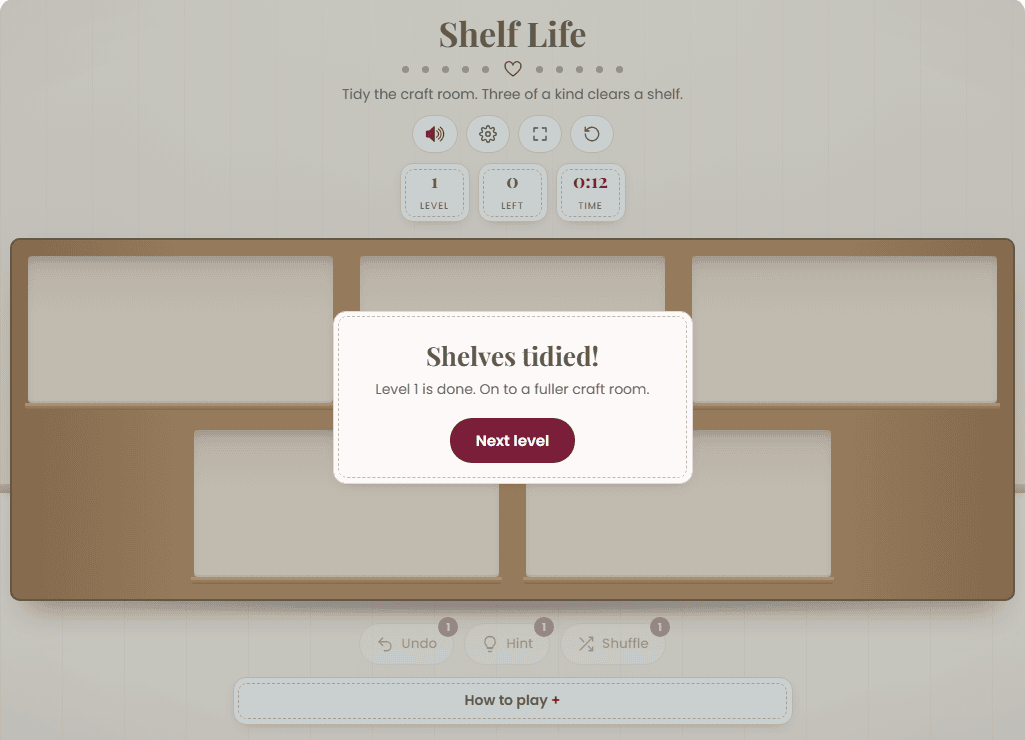
Empty every shelf and the level’s done. Tap Next level and you’re on to a fuller craft room.
Watch for what’s tucked behind
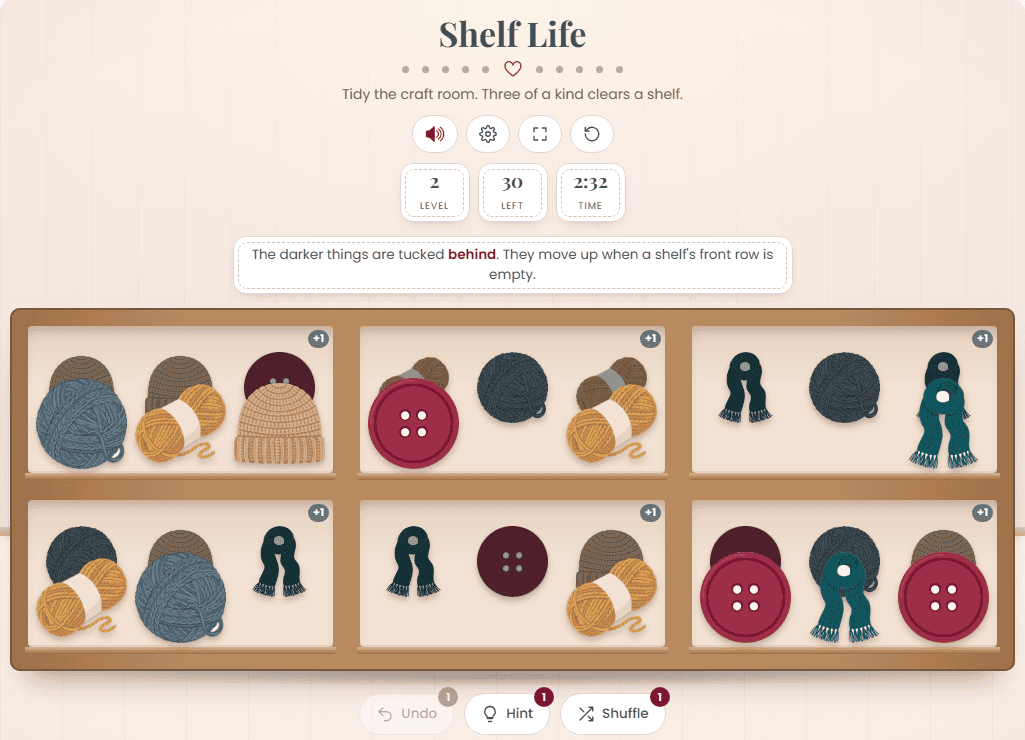
Starting on level 2, some shelves have more stuff tucked behind the front row. The darker things are the ones in back. When a shelf’s front row is empty, whatever was behind it moves forward. The little number in the corner of a shelf shows how many rows are still tucked behind it.
So it’s not just about what you can see. Clearing a shelf’s front row can bring out exactly the piece you need.
Stuck? Use Undo, Hint, and Shuffle
If every spot is full and nothing matches, you’re stuck. That’s what the three helpers under the shelves are for:
- Undo takes back your last move.
- Hint shows you a good move.
- Shuffle mixes up everything that’s left.
The little number on each helper shows how many you have left.
Classic or Relaxed
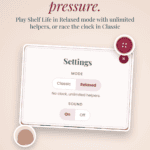
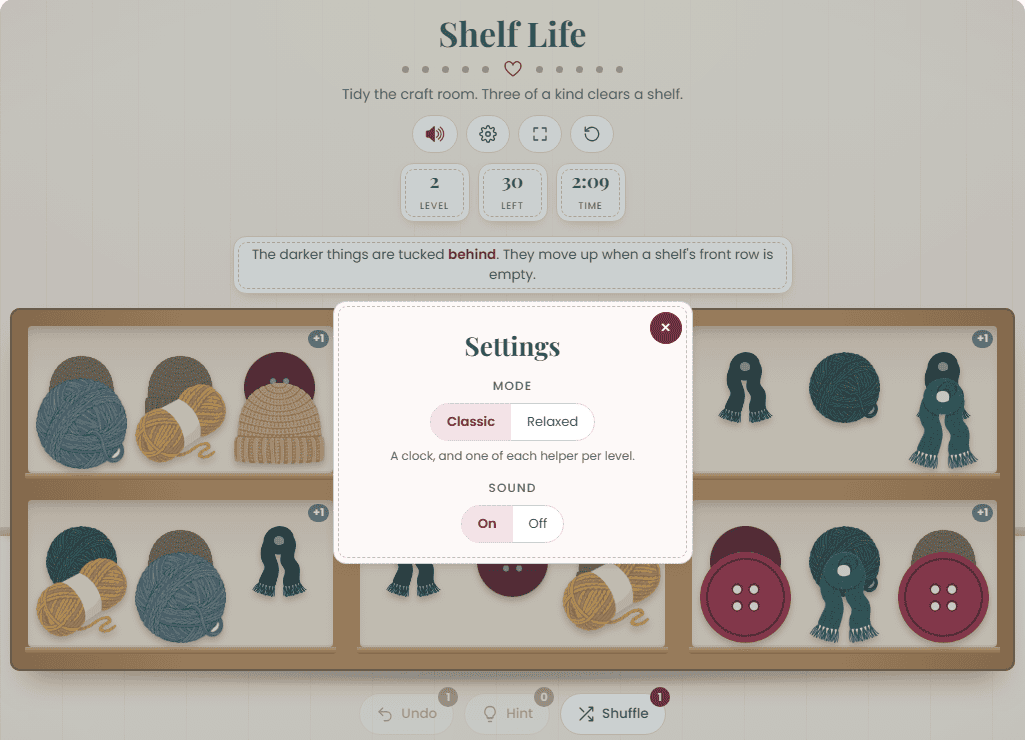
Tap the gear at the top to open Settings and pick how you want to play.
- Classic has a clock and one of each helper per level. If the clock runs out, it’s time to rip it, rip it, and go again.
- Relaxed has no clock and unlimited helpers, so you can take your time.
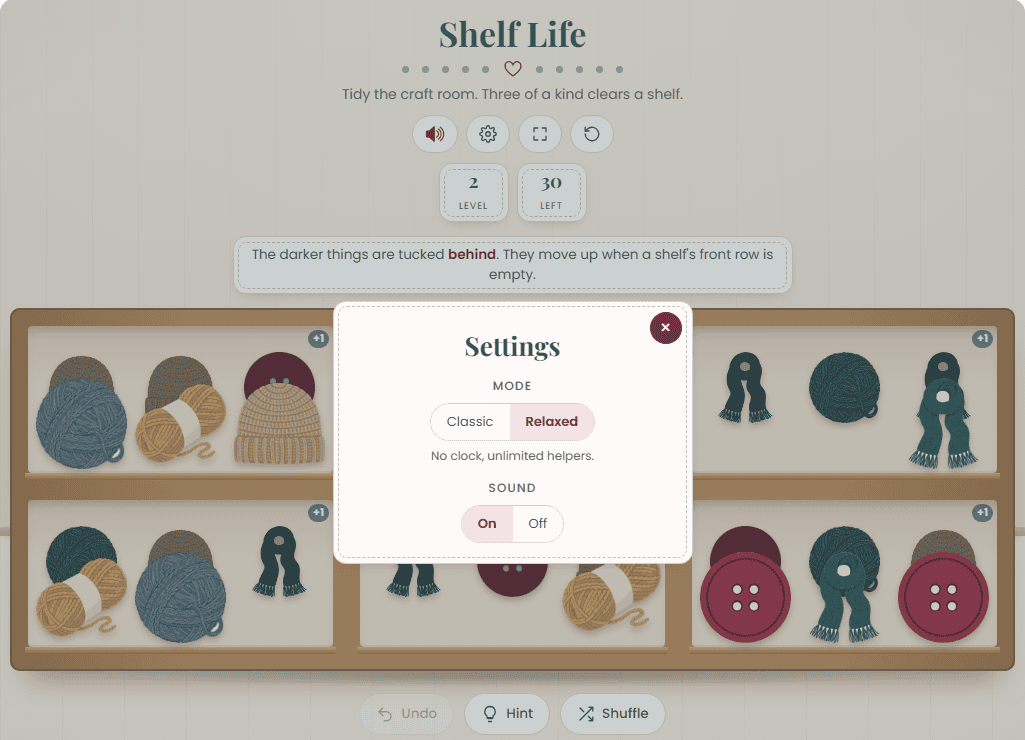
The other buttons along the top turn the sound on or off, fill the window so the game’s bigger, and start the level over.
Need a refresher?
Tap How to play under the shelves any time and the rules pop open right there.
Tips for tidying faster
- Keep at least one empty spot open whenever you can. Once every spot’s full, you’re stuck.
- Go for shelves that already have two of a kind first.
- Clear front rows on shelves with a number in the corner to bring out what’s behind.
- Playing Classic and feeling rushed? Switch to Relaxed and take your time.
Play Shelf Life in the Briana K Stitch app
Shelf Life is also free in the Briana K Stitch app, along with a whole shelf of other crochet games. You’ll find it in the Games tab under Match & Sort.
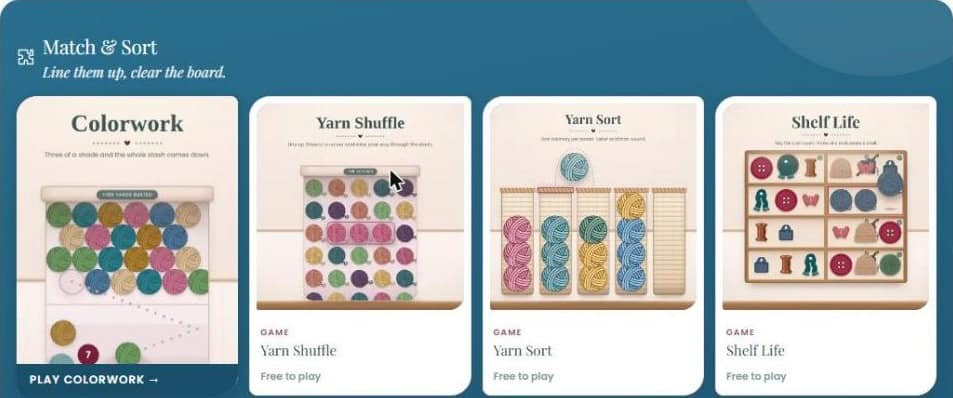
Play more free crochet games in the Briana K Stitch app →
Free to play
Stuck on a row? Play a round.
Twenty crochet games live inside the Briana K app, including Yarn Shuffle, Tangled, Word Stash, Shop Hop and Colorwork. All free, all ad-free, and no app store needed.
20 games. No download.
Free account. Takes about ten seconds.
Shelf Life FAQ
Is Shelf Life free?
Yes. It’s free right here on the blog with no account, and free in the Briana K Stitch app.
Can I play on my phone?
Yes. Drag or tap to move things, so it works on your phone, tablet, or computer.
What happens when I clear a level?
You move on to the next level, and each one’s a fuller craft room.
What if I run out of moves?
Use Undo, Hint, or Shuffle. Or switch to Relaxed in Settings for unlimited helpers and no clock.
Happy crocheting and cheers!
Briana
More Crochet Goodies To Love
We’ve got tools, games, patterns, tutorials…it’s all here waiting for you!
🥂 Cheers, and happy crocheting!
Want more? See all my free crochet games, or try my crochet tools and calculators.

Keep the hook movingReaders Are Loving
 Stitch Search: A Free Crochet Word Search
 Just One More Row: A Free Crochet Puzzle Game
 Tangled Game
 Loose Ends Solitaire
 A Game About Yarn