
Open Tangled in the Briana K App!
I love mahjong-style tile games. Really, really love them, and I spend a lot of time playing them. So I made a crochet version for you, and it’s right here on this page.
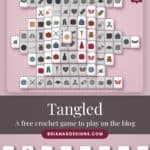
It’s called Tangled. You tap two matching tiles; they come off the table, and you keep going until the table’s clear. Every tile is something from a crocheter’s world: yarn balls, skeins, sweaters, mittens, sheep, teddy bears, scissors, teacups.
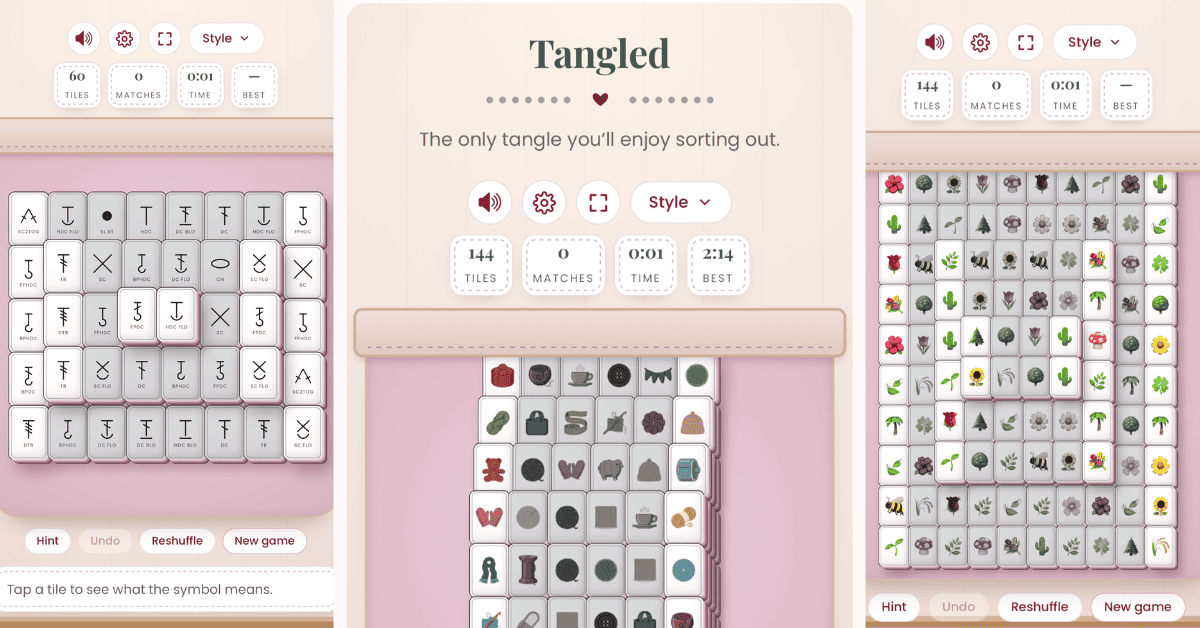
It’s a calm one. No dead ends, just you and a pile of tiles to untangle. The tagline says it best: it’s the only tangle you’ll enjoy sorting out.
It’s free, and it’s one of eight games in the app’s Games section, nicknamed Off the Hook.
Before You Play: Show Some Love
Save for Later • Pick Up Where You Left Off
Games here are free, always. If you want to say thanks, hit the button below to add us as a trusted Google source. Takes two seconds, and it genuinely helps us keep making these.
What Tangled Actually Is
If you’ve ever played mahjong solitaire, you already know Tangled’s shape. A big stack of tiles sits in the middle of the table, some of them piled on top of others, and your job is to clear every last one by matching them in pairs.
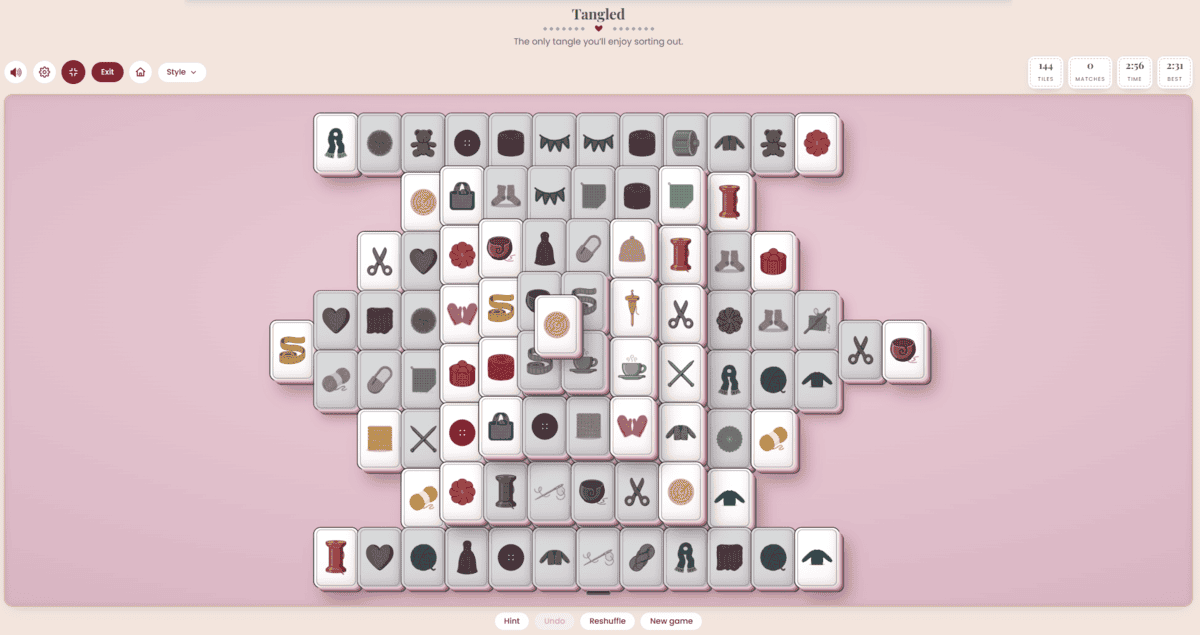
The difference is what’s on the tiles. No bamboo sticks or dragons here. You’re matching yarn balls and skeins, spools of thread, sweaters, mittens, scarves, hats and socks, little sheep, teddy bears, buttons, tape measures, hearts and cups of tea.
The tiles are stacked in layers, so the trick isn’t finding a match. It’s figuring out which match to take first so you don’t bury the one you need later.
How to Play Tangled
The rules fit on an index card, and the game keeps them right under the table. Tap How to play at the bottom of the board to open the full rundown.
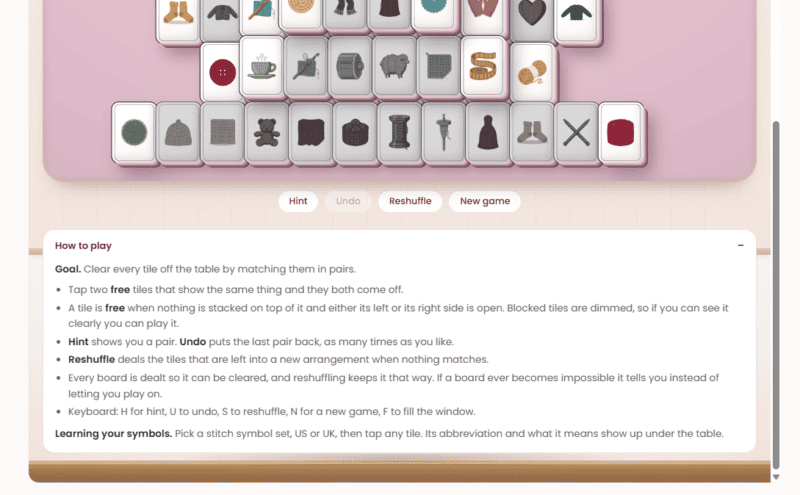
The goal. Clear every tile off the table by matching them in pairs.
Making a match. Tap two free tiles that show the same thing, and they both come off.
What counts as free. A tile is free when nothing’s stacked on top of it, and either its left or right side is open. Blocked tiles are dimmed, so if you can see it clearly, you can play it.
If you get stuck. Hint shows you a pair. Undo puts the last pair back, as many times as you like, so there’s no penalty for trying something. And if nothing on the table matches, Reshuffle deals the remaining tiles into a new arrangement.
Every board can be won. This is the big one. Each board is dealt so it can be cleared, and reshuffling keeps it that way. If a board ever does become impossible, the game tells you instead of letting you keep playing a dead end.
Keyboard shortcuts. On a computer, H is hint, U is undo, S is reshuffle, N is a new game, and F fills the window.
Make It Yours
This is the part I love. Tangled isn’t one game board; it’s a whole set, and you can dress it up however you like.
Tap Style above the board to find two things to play with.
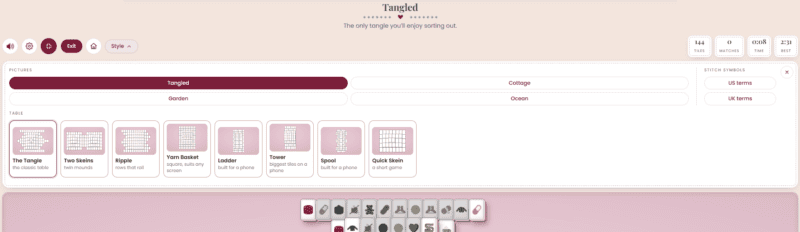
Pictures. Switch the tile art between four sets: Tangled, Cottage, Garden, and Ocean.
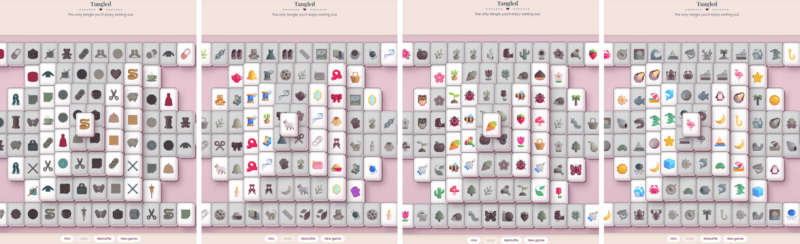
Table. Pick the shape of the stack you’re clearing:
- The Tangle, the classic table
- Two Skeins, twin mounds
- Ripple, rows that roll
- Yarn Basket, a square that suits any screen
- Ladder, built for a phone
- Tower, the biggest tiles on a phone
- Spool, built for a phone
- Quick Skein, a short game for when you really only have a minute
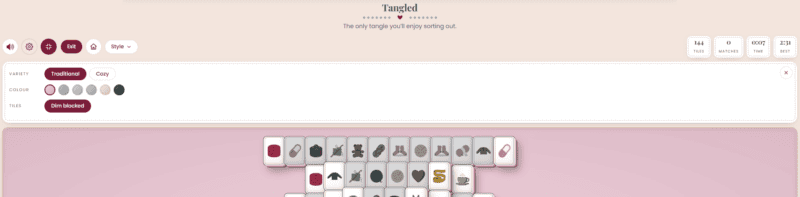
The gear icon has a few more settings. You can switch the tiles between Traditional and Cozy, pick a table color, and turn dimming on blocked tiles on or off. There’s also a sound toggle and a full-screen button, so you can make it as quiet or as big as you want.
Learn Your Stitch Symbols While You Play
Tangled has a stitch symbol mode tucked into the Style menu, and it’s a sneaky good way to learn to read crochet charts.
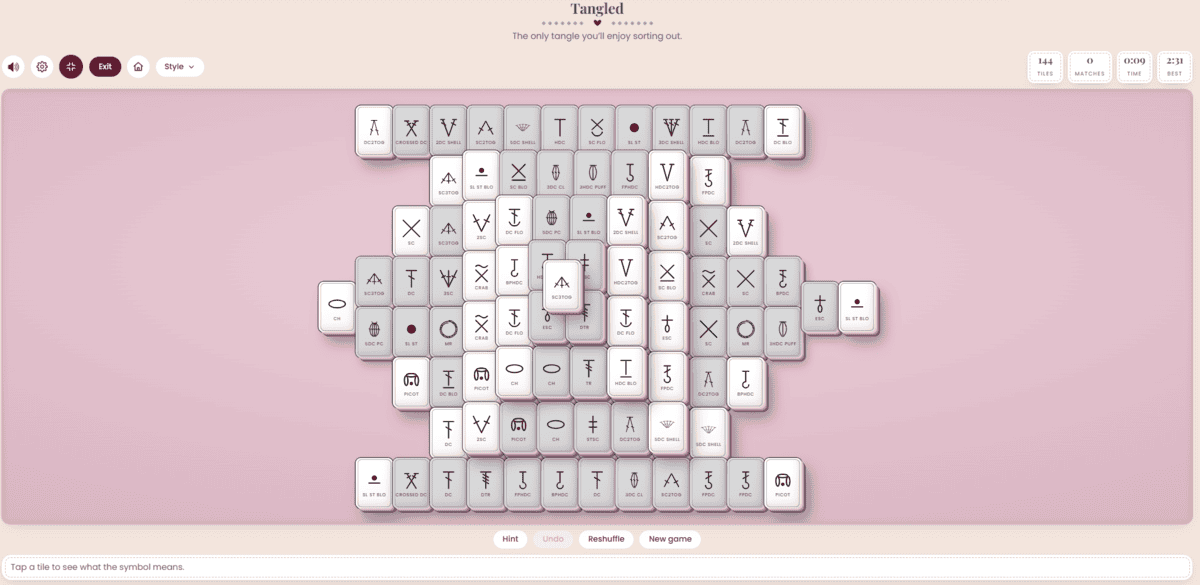
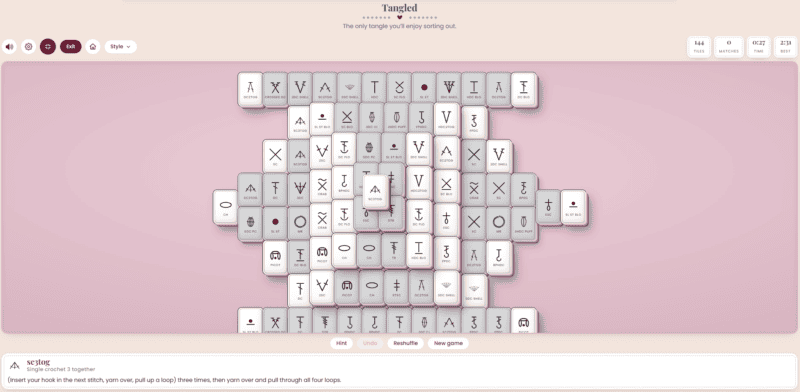
Pick US terms or UK terms, and every tile turns into a crochet chart symbol, with its abbreviation printed right on the tile. Tap any tile and the full stitch name and how to work it show up under the table. Tap sc3tog, for example, and it tells you it’s single crochet 3 together, then walks you through the stitch. Match enough of them, and you’ll start reading symbols without thinking about it.
Built for a Break, Not a Marathon
Across the top of the board, Tangled keeps count of the tiles left, the matches you’ve made, your time, and your best time, so you always know if you’re on pace to beat your record.
There’s a Leaderboard, too, so you can see how you stack up against everyone else playing, plus a running list of today’s wins right under the game. It’s there if you want it and easy to ignore if you don’t. Beat your best time? Brag about it in the Facebook group. We’d love to hear it.
Where to Find It, and the Rest of the Lineup
You can play Tangled right here on this page. It also lives in the Games section of the Briana K app, in the hub called Off the Hook.
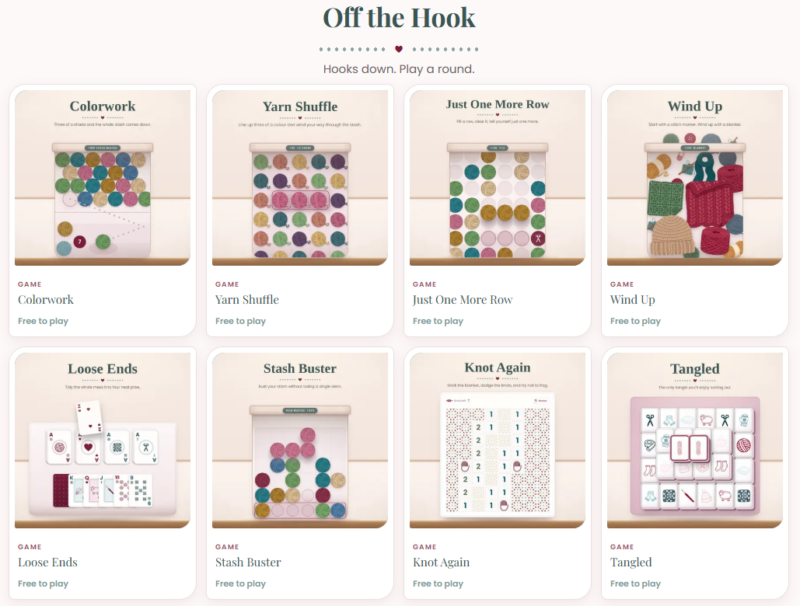
It’s one of eight games there right now, alongside Wind Up, Loose Ends, Yarn Shuffle, Just One More Row, Stash Buster, Knot Again and Colorwork. If you’ve already read about Loose Ends or Wind Up, Tangled is a completely different kind of game: a calm matching puzzle instead of cards or dropping pieces, but it lives in the same spot and is just as free.
The other seven games are in the app, along with the free tools and your patterns. You’ll need a free account for those. If you’re new here, that’s about a ten-second sign-up.
Like everything else in the app, you’ll need a free account to play, the same one that holds your patterns and the rest of the free tools. If you’re new here, that’s about a ten-second sign-up, and then Tangled and the other seven games are waiting for you.
Open Tangled in the Briana K App!

Free to play
Stuck on a row? Play a round.
Eight crochet games live inside the Briana K app. Wind Up, Yarn Shuffle, Loose Ends, Tangled, Colorwork, Just One More Row, Stash Buster, and Knot Again. All free, all ad-free, and no app store needed.
Eight games. No download.
Free account. Takes about ten seconds.
This game is one of eight free games in my crochet app, right alongside my patterns, a row counter and free crochet tools. No subscription required.
Tangled FAQs
Is Tangled free to play?
Yes. It’s one of eight free games in the Briana K app, alongside the free tools like the Yarn Amount Calculator and the Crochet Time Estimator.
Do I need to know how to play mahjong solitaire?
No. The rules are short and live right under the board in the How to play panel. Hint will point you to a pair any time you want one, and Undo goes back as far as you need.
Can every game be won?
Yes. Every board is dealt so it can be cleared, and reshuffling keeps it that way. If a board ever becomes impossible, the game tells you.
Can I play it on my phone?
Yes. It runs in your browser on a phone, tablet, or laptop, so you don’t need to download anything. The Ladder, Tower and Spool tables are made with phone screens in mind.
Do I need an account?
Not to play it here on the blog. To play it in the app, along with the other seven games, you’ll need the free account that holds your patterns and the rest of the app. It only takes a few seconds to set up.
Free crochet tools to try next
When you’re ready to pick your hook back up, these free tools in the Briana K app make the crochet part easier.
- Yarn Swap finds the closest substitute yarn and how many skeins to buy.
- Yarn Amount Calculator works out how much yarn a project needs.
- Yarn Stash Inventory keeps track of every yarn you own, down to the dye lot.
- Blanket Size Calculator gives you blanket sizes and stitch counts for any gauge.
- Crochet Time Estimator tells you how long a project will really take.
- WIP Tracker keeps all your works in progress in one place.
- Stitch Keeper counts your rows and stitches and saves your place.
More free games: play Yarn Shuffle, Just One More Row, Loose Ends, and Wind Up free right here on the blog.
New to the app? Here’s how to put it on your phone, tablet, or computer.
More Crochet Goodies To Love
We’ve got tools, games, patterns, tutorials…it’s all here waiting for you!
🥂 Cheers, and happy crocheting!
Want more? See all my free crochet games, or try my crochet tools and calculators.