
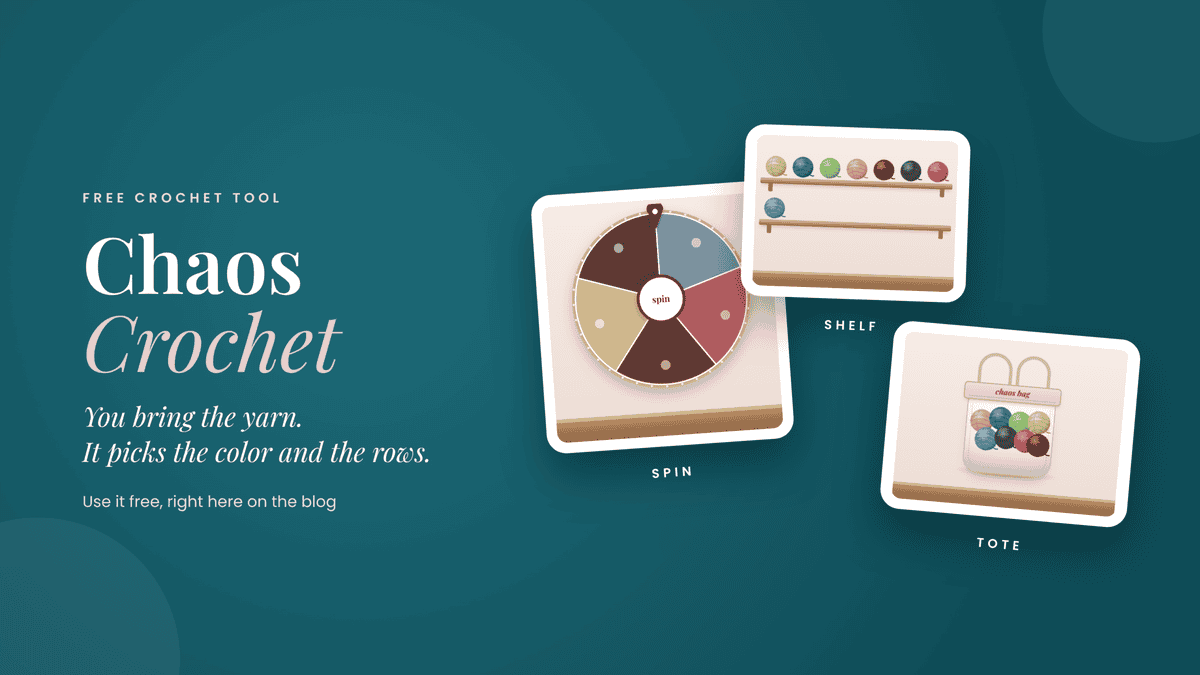
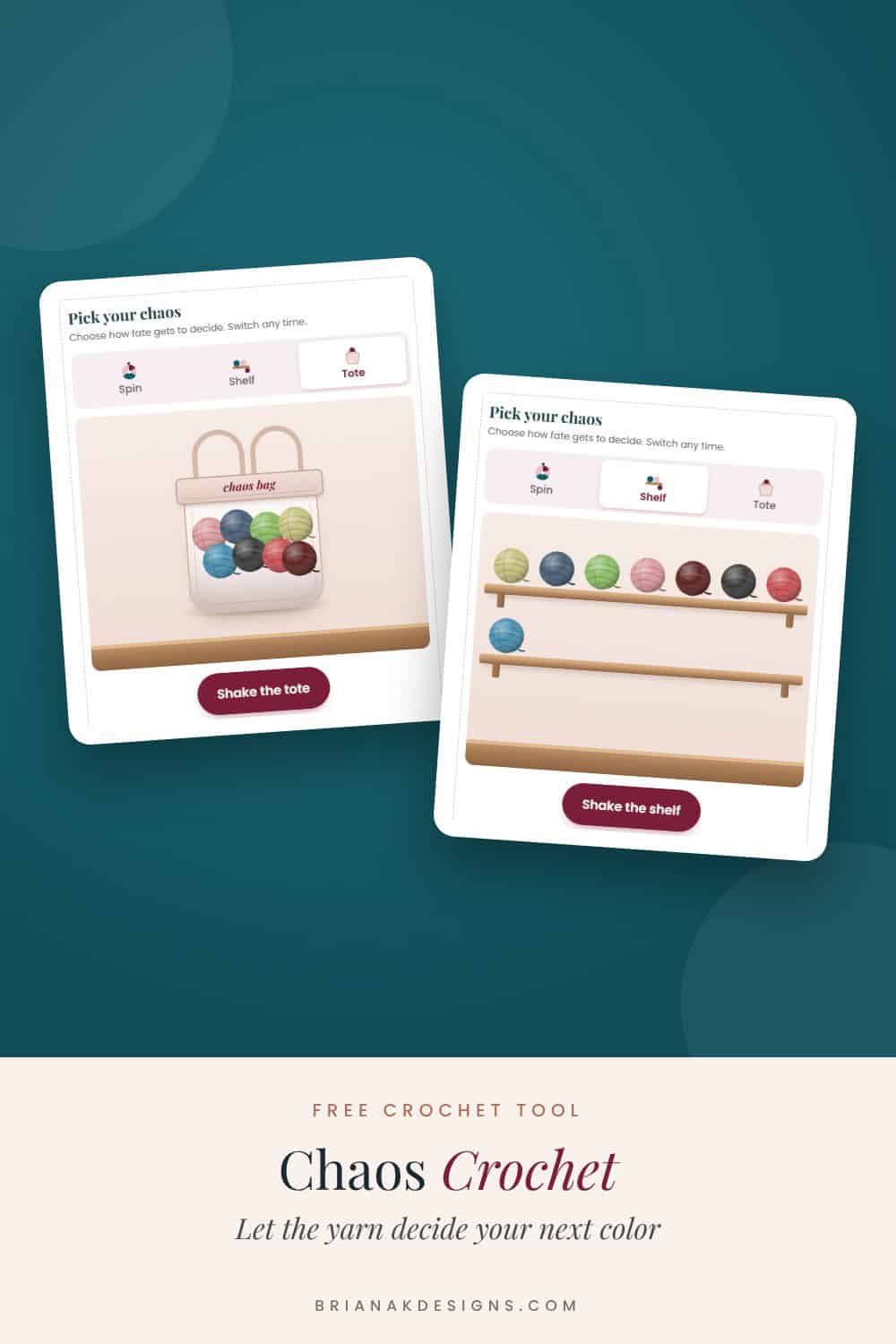
Chaos Crochet is a free tool that picks your next yarn color and how many rows it gets. Spin a wheel, shake a shelf, or shake a tote, then crochet whatever it tells you. It’s perfect for a scrappy stripe blanket or a pile of granny squares, and you can use it right here on the blog.
I made it for two reasons, and it’s pretty much 50/50. First, we all have stash that needs to get used up. Second, picking colors can be the hardest part of a project. You stare at your yarn, can’t decide, and worry you won’t like how it turns out. Chaos Crochet takes that decision off your plate. No overthinking allowed.
Full disclosure: even I can’t go full chaos. Grabbing eight random yarns from my stash literally hurts my senses. So I pick the five colors I’d actually use together, toss those in the bag, and let Chaos Crochet decide the order and how many rows. You get to decide how chaotic your chaos is.
How to Use Chaos Crochet
Step 1: Fill your chaos bag
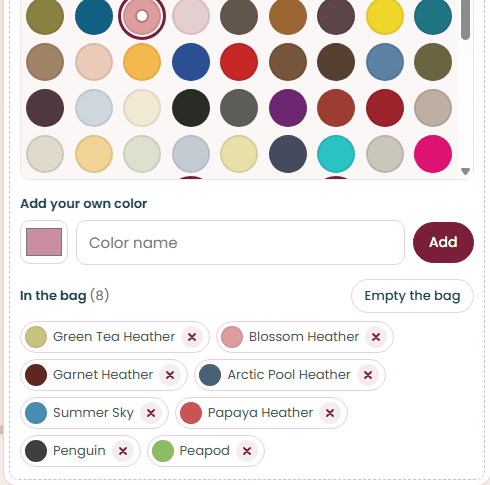
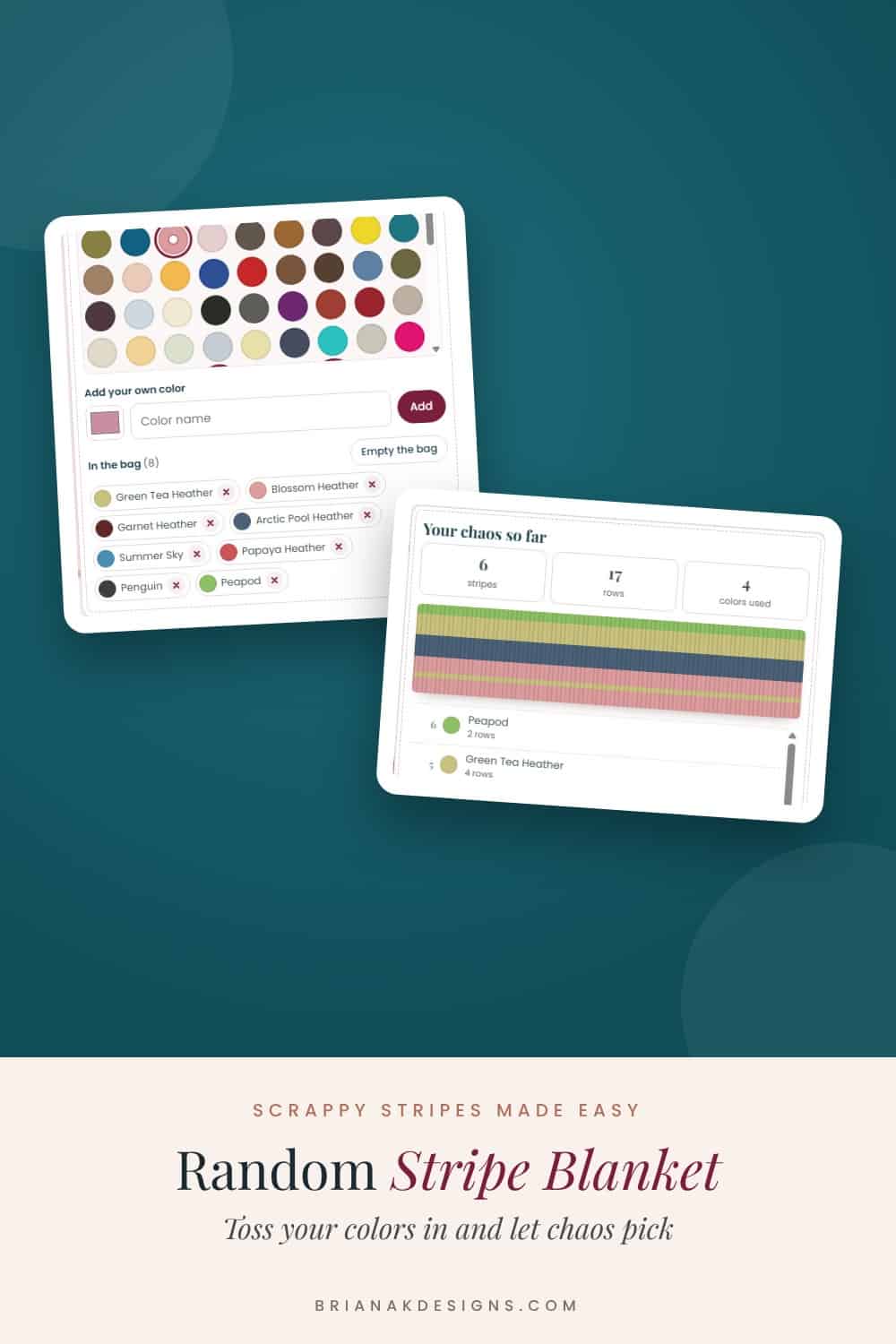
Start by tossing colors in your chaos bag. Tap a color to add it. You can pull from yarn you already have in your stash, browse the yarn library, or add your own color. You need at least two colors in the bag.
In the yarn library, you can pick a yarn weight and a yarn line, so the colors match the yarn you actually have. Can’t decide even on that? Tap Grab 8 at random.
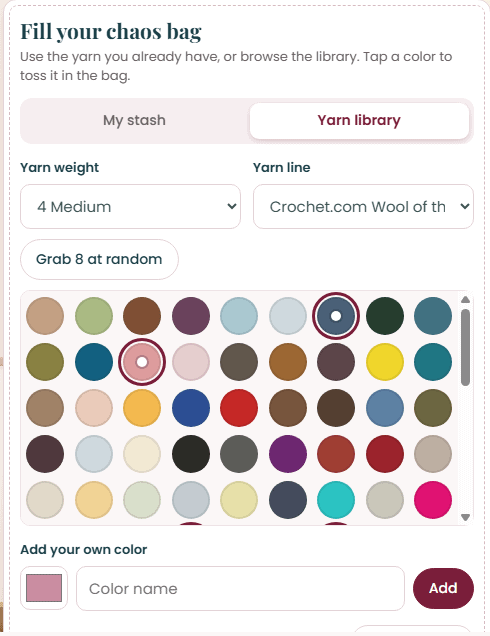
Everything you pick shows up under In the bag. Tap the little x to take a color back out.
Step 2: Set your chaos rules
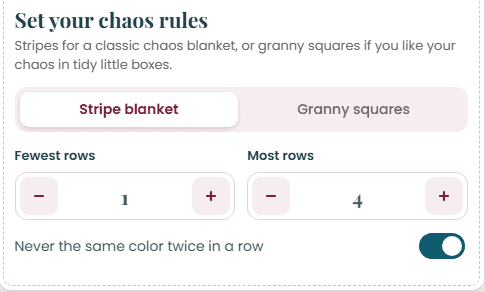
Choose a stripe blanket or granny squares. For stripes, set the fewest and most rows a color can get. For grannies, set how many squares across and tall, and how many rounds go in each square.
Want to keep things from getting too wild? Turn on Never the same color twice in a row.
Step 3: Freestyle or follow a pattern
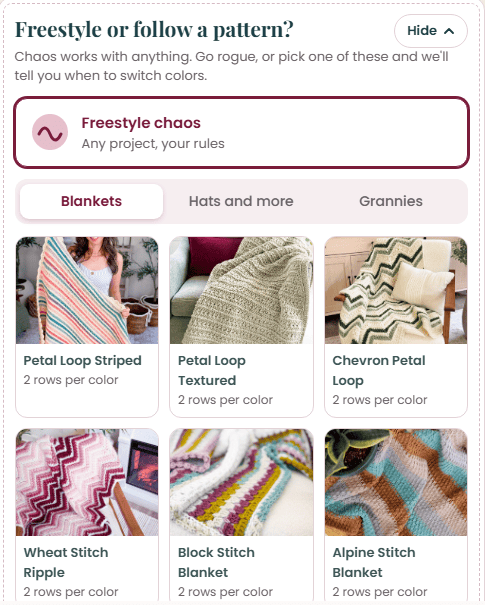
Go freestyle with any project, or pick one of my patterns under Blankets, Hats and more, or Grannies. When you pick a pattern, it fills in the rules for you, like how many rows each color gets, and tells you when to switch colors.
Step 4: Choose how fate decides
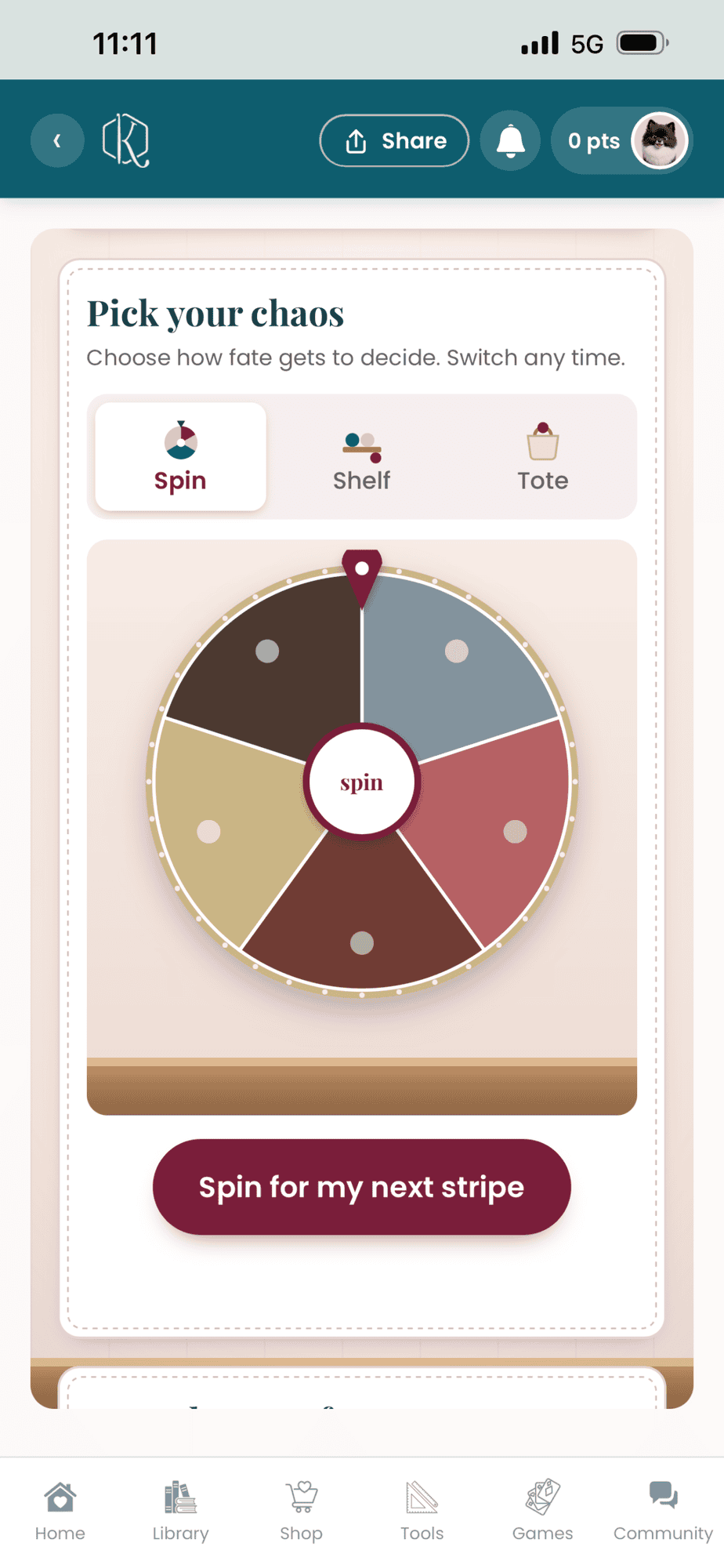
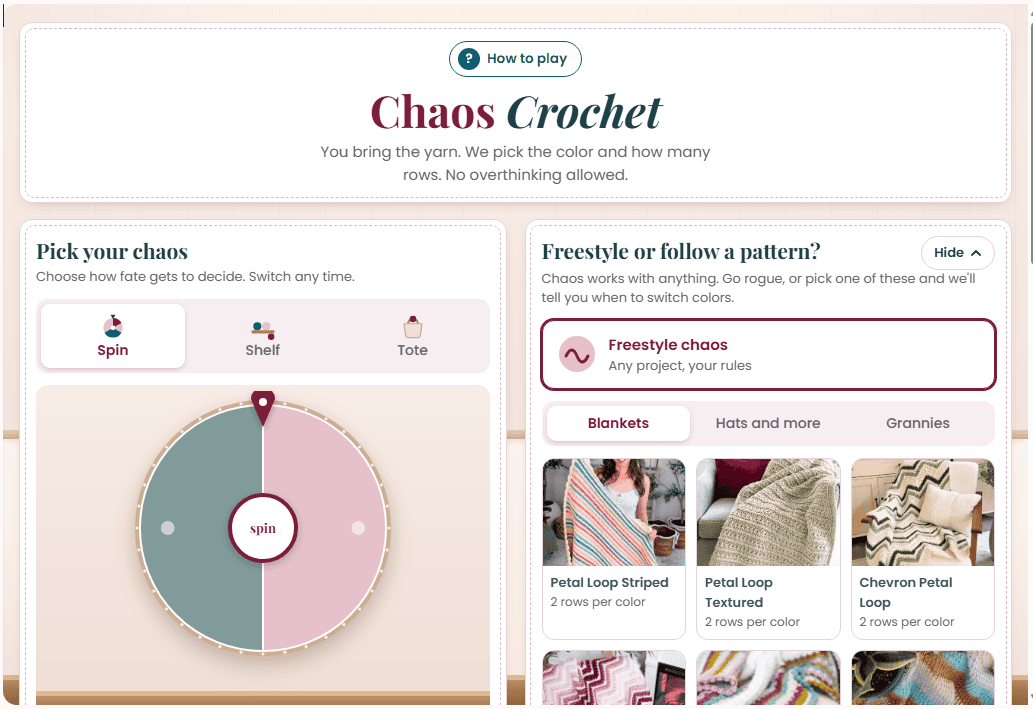
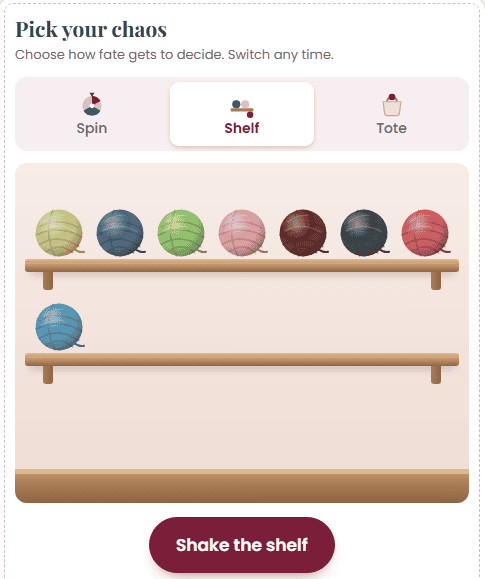
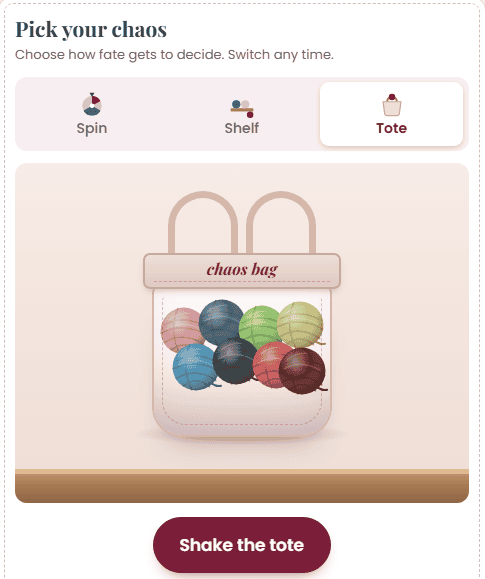
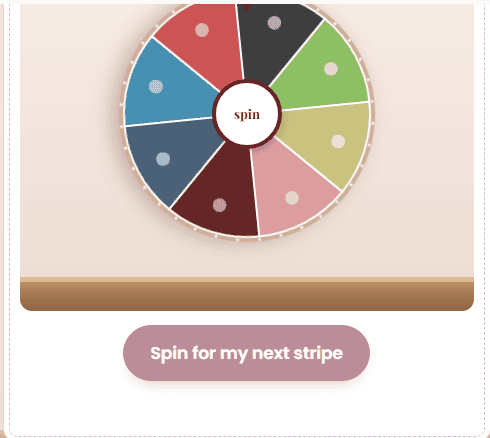
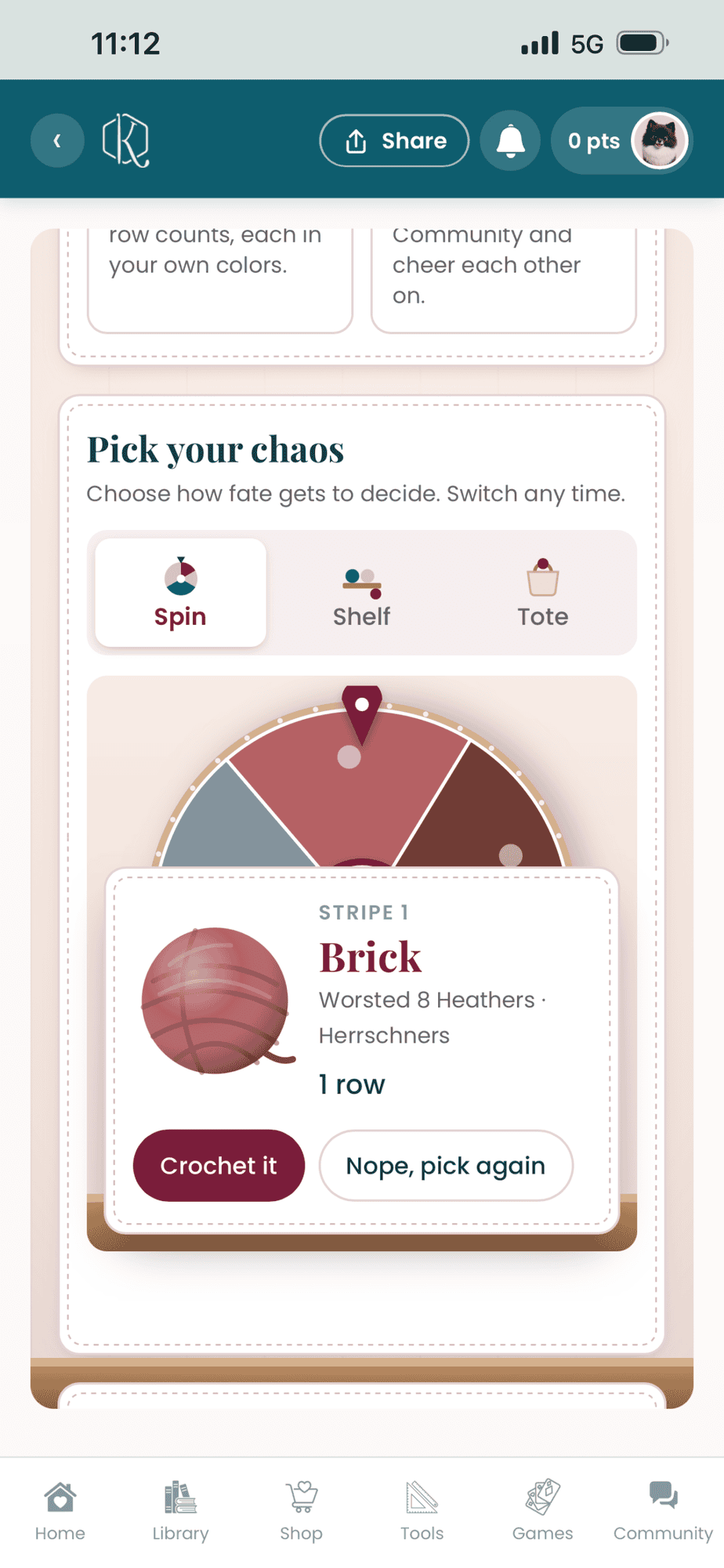
There are three ways to let the yarn decide: spin the wheel, shake the shelf, or shake the tote. They all pick at random, so go with the one you like watching. You can switch any time.
Step 5: Let it pick
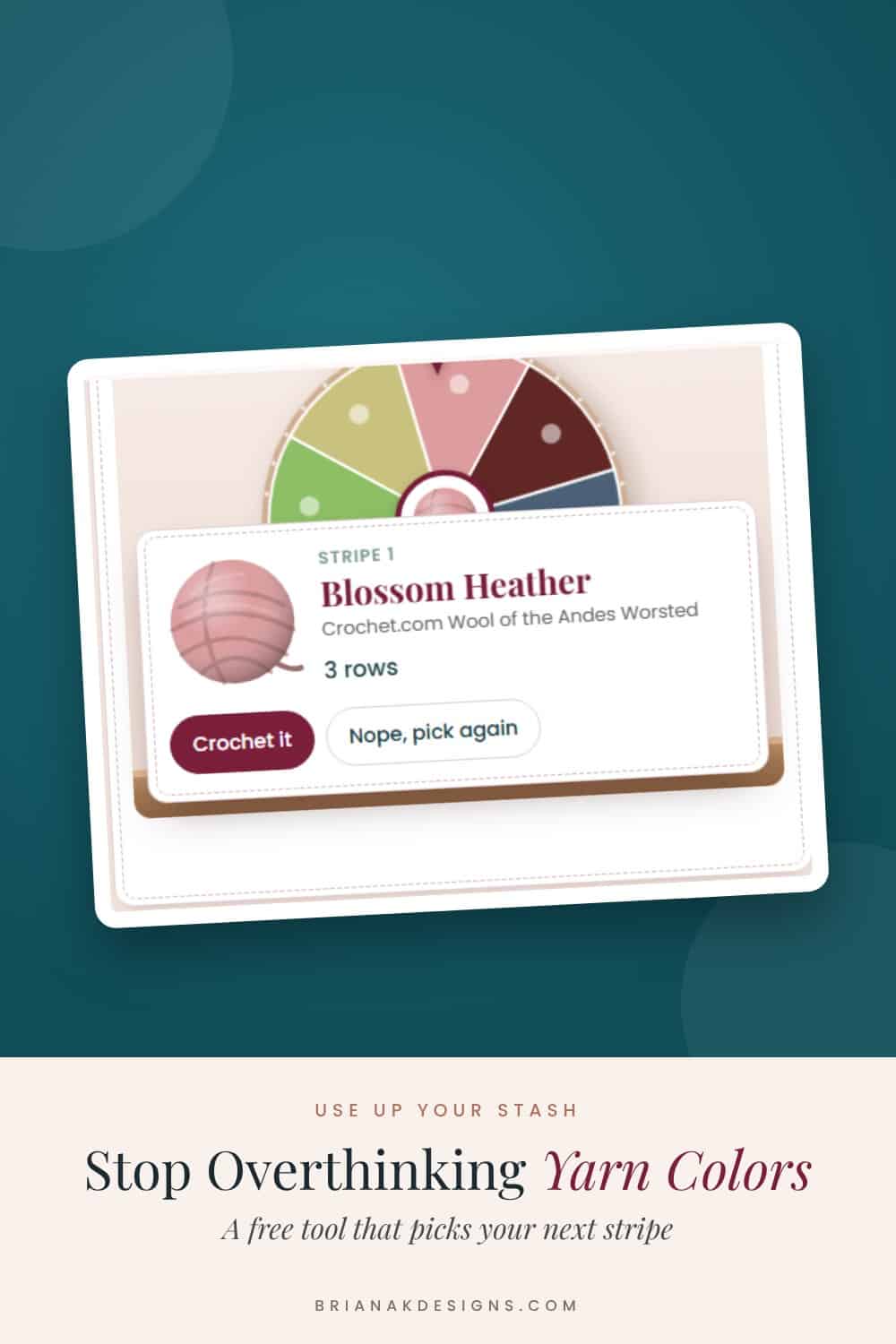
Tap the big button. Chaos picks your color and how many rows it gets. If you’re making granny squares, it picks one round at a time.
Step 6: Crochet it, or pick again
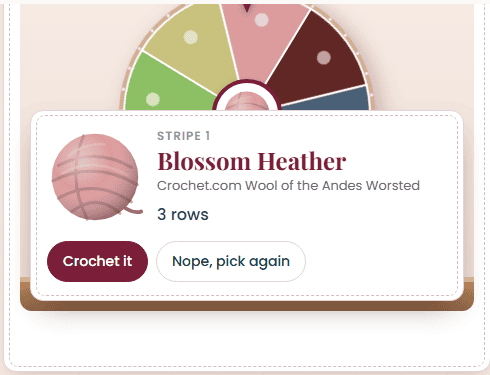
Happy with it? Tap Crochet it. Not feeling it? Tap Nope, pick again and you’ll get a new one. (We won’t tell.)
Step 7: Tick off each row
Tap Crochet it and it opens crochet mode. Everything you need fits on one screen, and your screen stays awake while you work. Tap each row as you finish it. When you’re ready for a new color, the spin button is right there, so you don’t have to scroll back up.
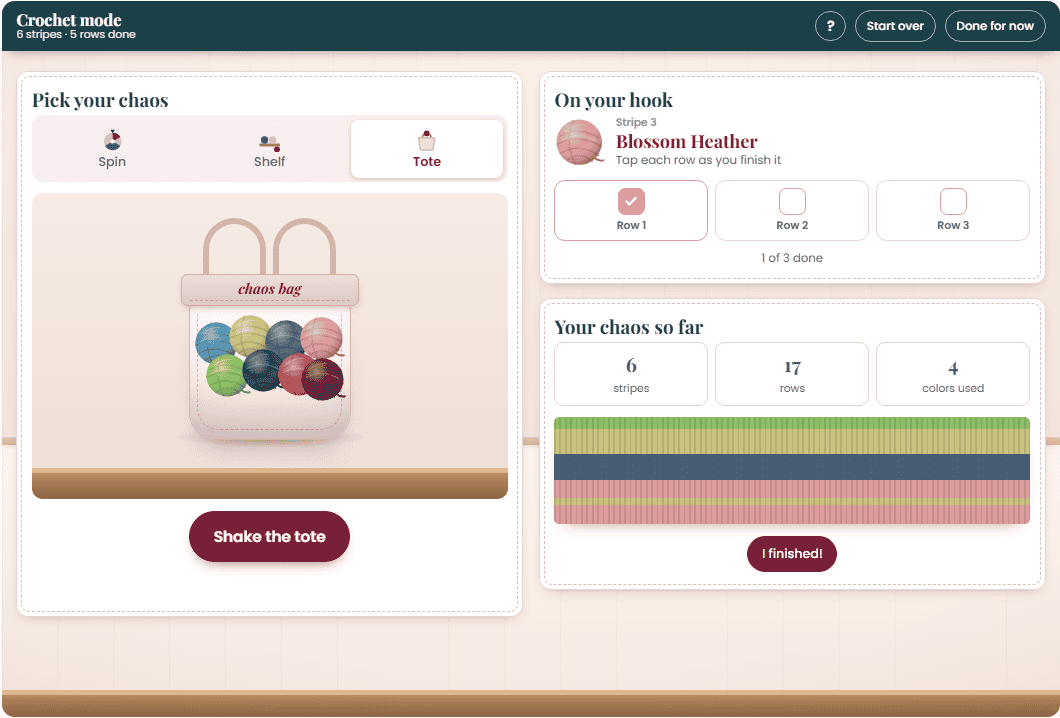
Step 8: Watch it grow
Your chaos so far shows every stripe or square as you go, with the newest one on top. It also keeps count of your stripes, rows, and colors used. Need to stop? Tap Done for now, and it saves your spot.
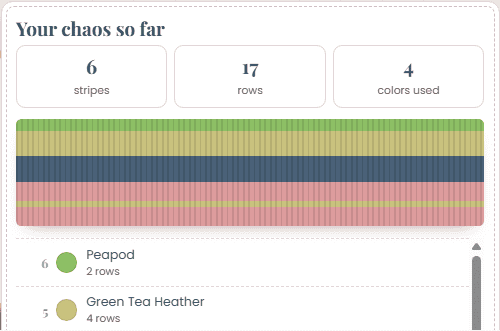
Step 9: Show it off
All your rows done? Tap I finished! Add a photo of your project, take the yarn you used out of your stash, and share your chaos.
Use Chaos Crochet
Okay, your turn. Grab some yarn and let it decide!
It works on your phone, tablet, and computer.
Even More Chaos in the App
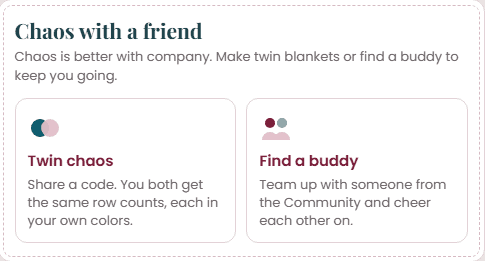
In the Briana K Stitch app, Chaos Crochet can pull colors straight from your yarn stash. And chaos is better with company:
- Twin chaos: Share a code with a friend. You both get the same row counts, each in your own colors.
- Find a buddy: Team up with someone from the Community and cheer each other on.
It’s free with your Briana K Stitch app account. Make one with your email and a password, and Chaos Crochet is yours.
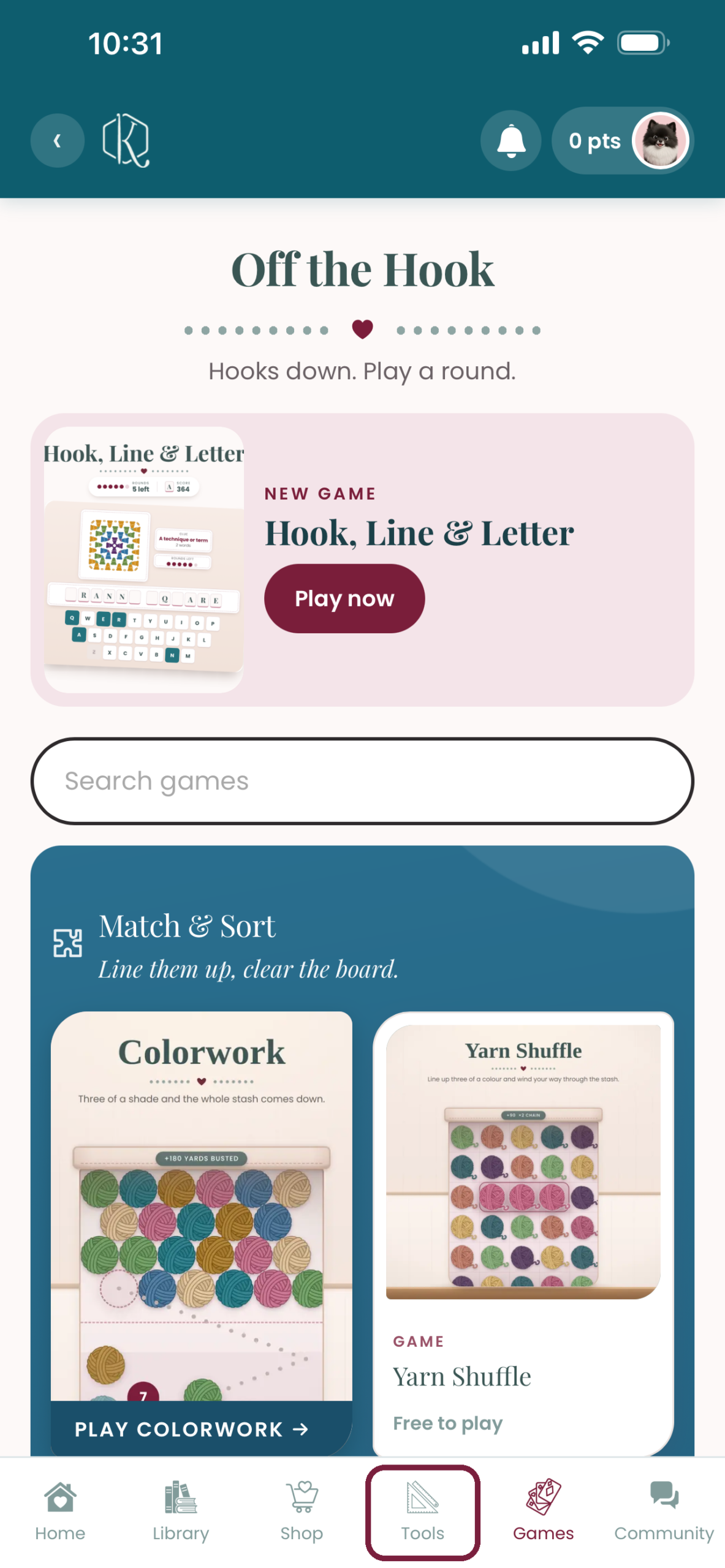
Once you’re signed in, here’s where to find it. On your phone, tap Tools in the menu along the bottom of the screen.
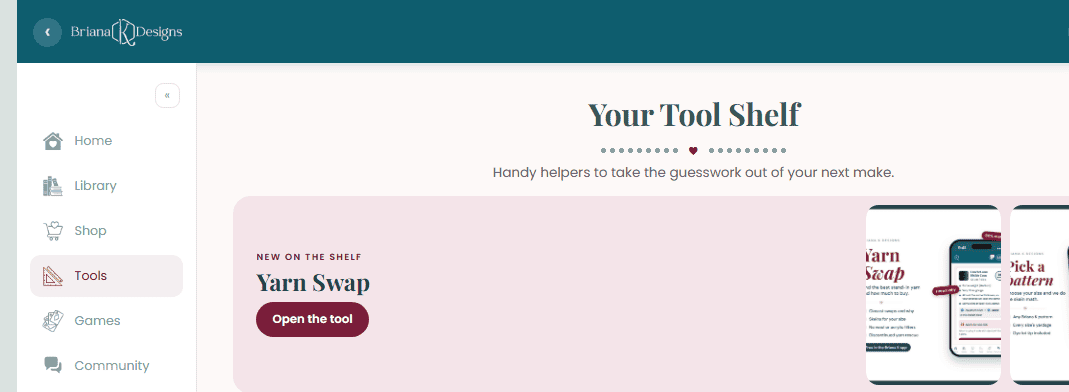
On a computer or tablet, Tools is in the menu on the left side of the screen.
More Free Tools
If you like letting a tool do the thinking, these are free too:
- Yarn Amount Calculator: find out how much yarn to buy.
- Crochet Time Estimator: find out how long your project will take.
Now go let the yarn decide.
Pin Chaos Crochet for Later
Save your favorite to your crochet board so it’s right there the next time you can’t pick a color.
More Crochet Goodies To Love
We’ve got tools, games, patterns, tutorials…it’s all here waiting for you!
🥂 Cheers, and happy crocheting!
Want more? See all my free crochet games, or try my crochet tools and calculators.

What should you make next?
Keep the hook movingReaders Are Loving
 Best Beginner Hooks
 Mosaic for Beginners
 How to Tie Slip Knot
 Twisted Fringe