
The Blanket Color Striping Planner lets you design a striped blanket before you ever pick up your hook. Pick a yarn line and its real colorways load right in, then set how many rows each stripe runs and watch your blanket come together on screen. Try it flat or as a ripple, add your gauge, and see the finished size in inches. It’s a Deluxe Tool in the Briana K Stitch app.
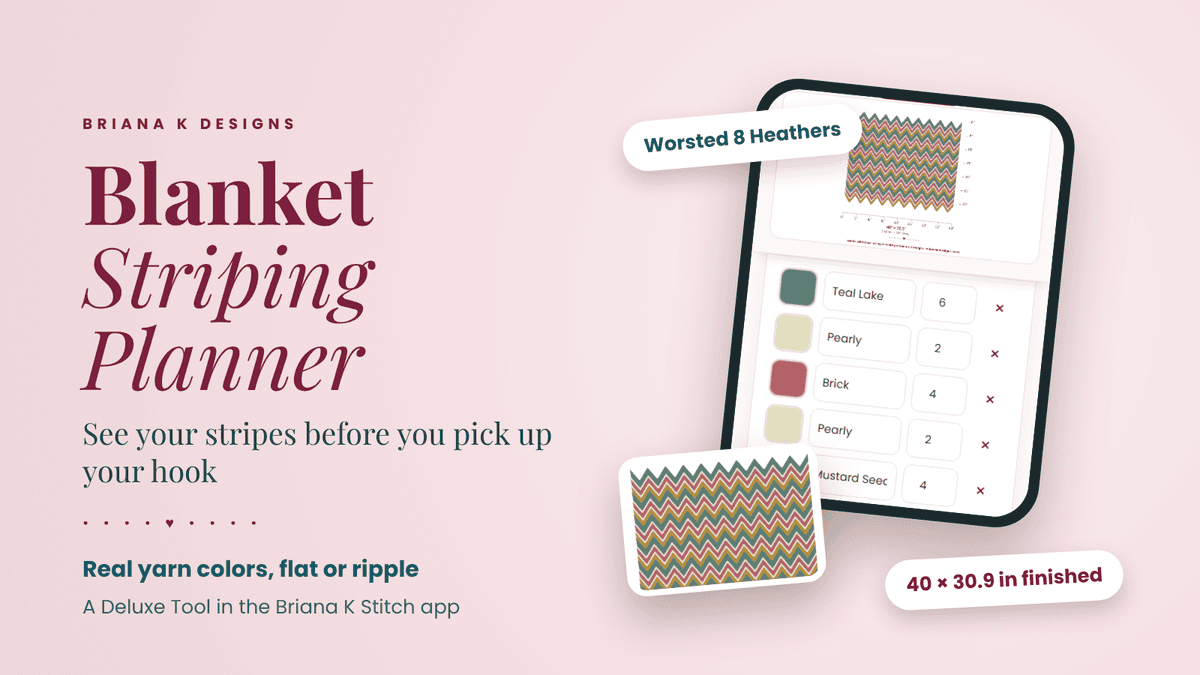
It’s for any striped or ripple blanket, from any pattern. No more buying a pile of yarn and hoping the colors work together, or crocheting six stripes only to frog them because the sequence looks off. You’ll know exactly what your blanket’s going to look like, and how big it’ll be, before you start.
Where to find the Blanket Color Striping Planner
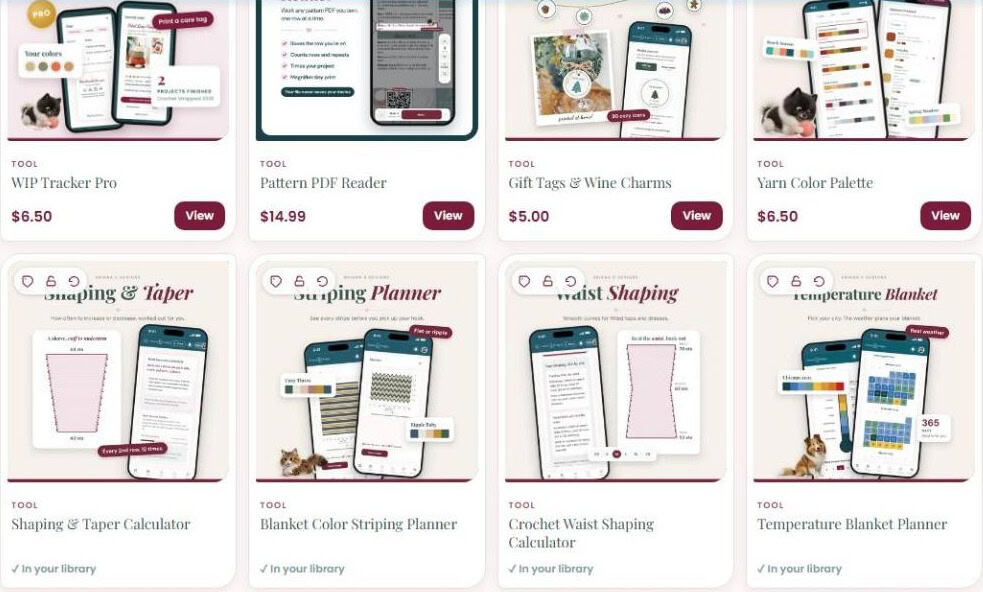
The Blanket Color Striping Planner lives in the Briana K Stitch app, under Deluxe Tools. It works on your phone, tablet, and computer.
- Open the Briana K Stitch app and sign in (or create your free account).
- Tap Tools.
- Scroll down to Deluxe Tools and tap the Blanket Color Striping Planner.
- Tap View to get it. Once it’s yours, it says In your library and opens any time.
How to use the Blanket Color Striping Planner
When you open it, you’ll see three sections: Your colors, Blanket style and size, and How to use this. The Preview sits right beside them (or at the top on your phone) and updates every time you change something.
Step 1: Pick your yarn line
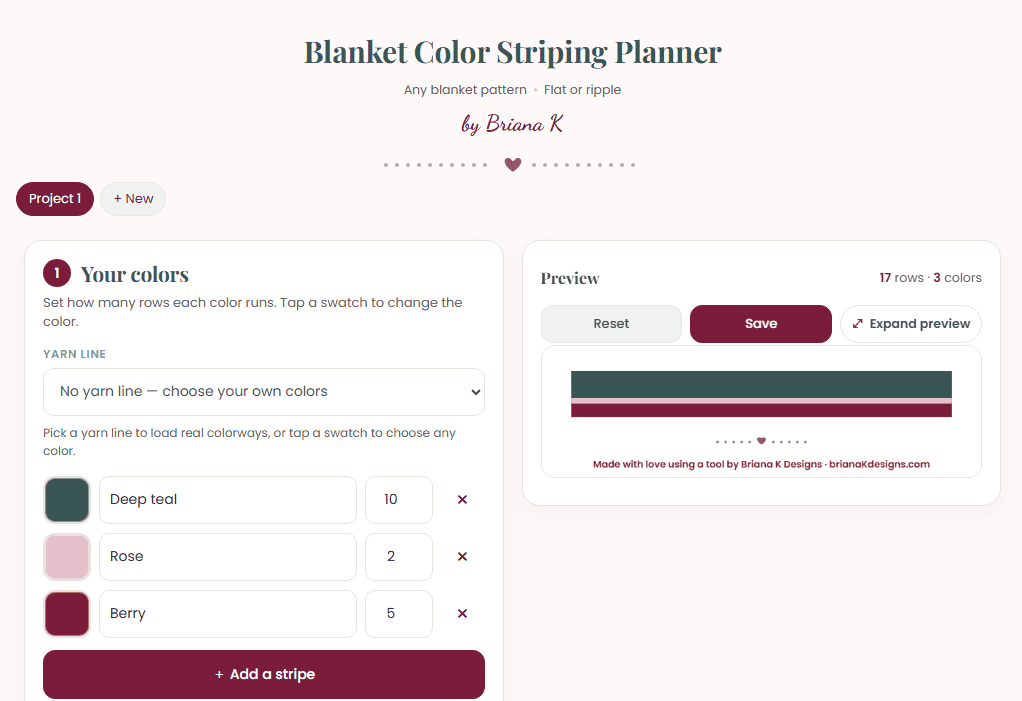
Choose a yarn line from the Yarn line menu. It shows the yarn’s weight and fiber, and all of its real colorways load in with their names. Tap Browse colorways to see them all.
Don’t see your yarn, or just want to play? Leave it on No yarn line and tap any swatch to choose your own colors.
Step 2: Build your stripe sequence
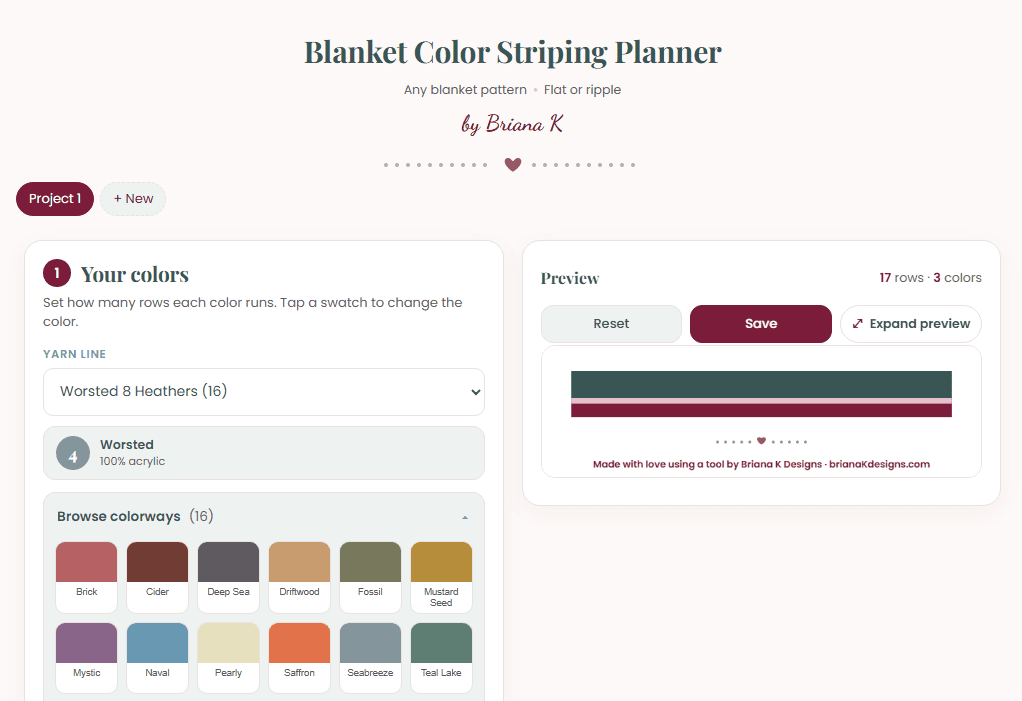
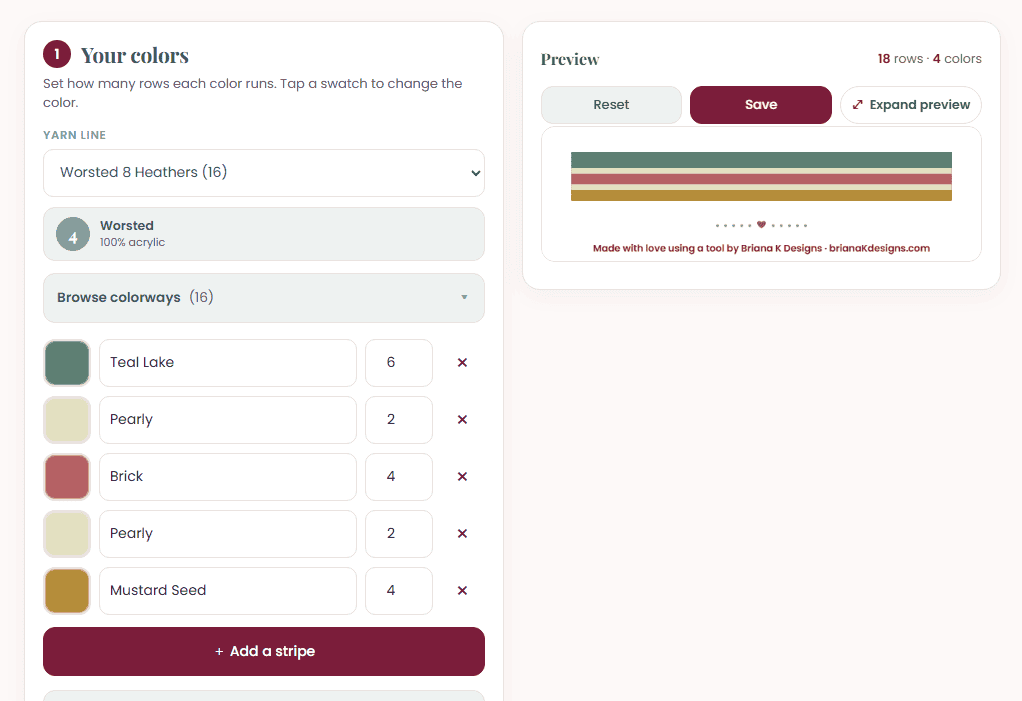
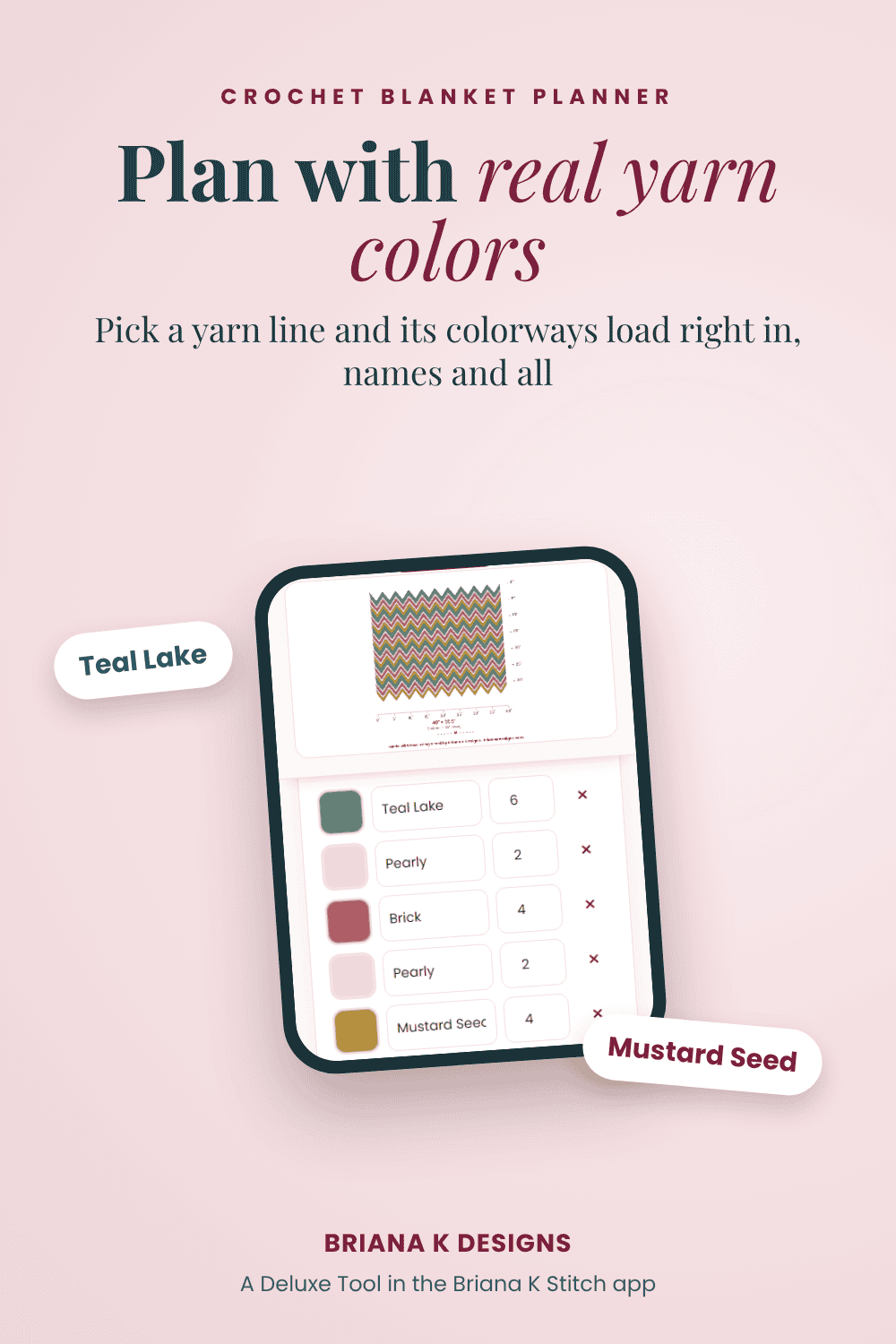
Tap a colorway to add it as a stripe. Then set how many rows each stripe runs in the box next to it. Want the same color in two spots? Just tap it again. Tap the × to remove a stripe, or + Add a stripe to add another.
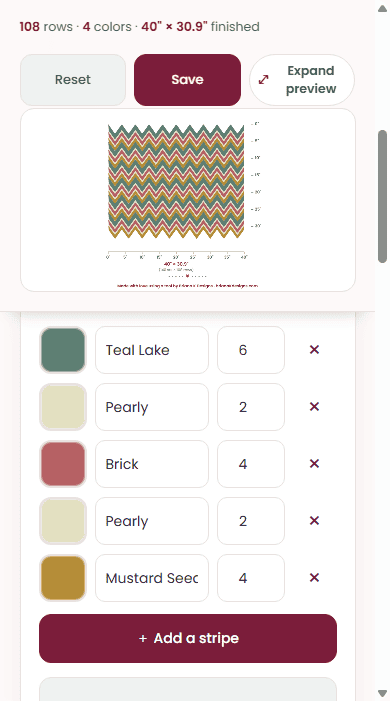
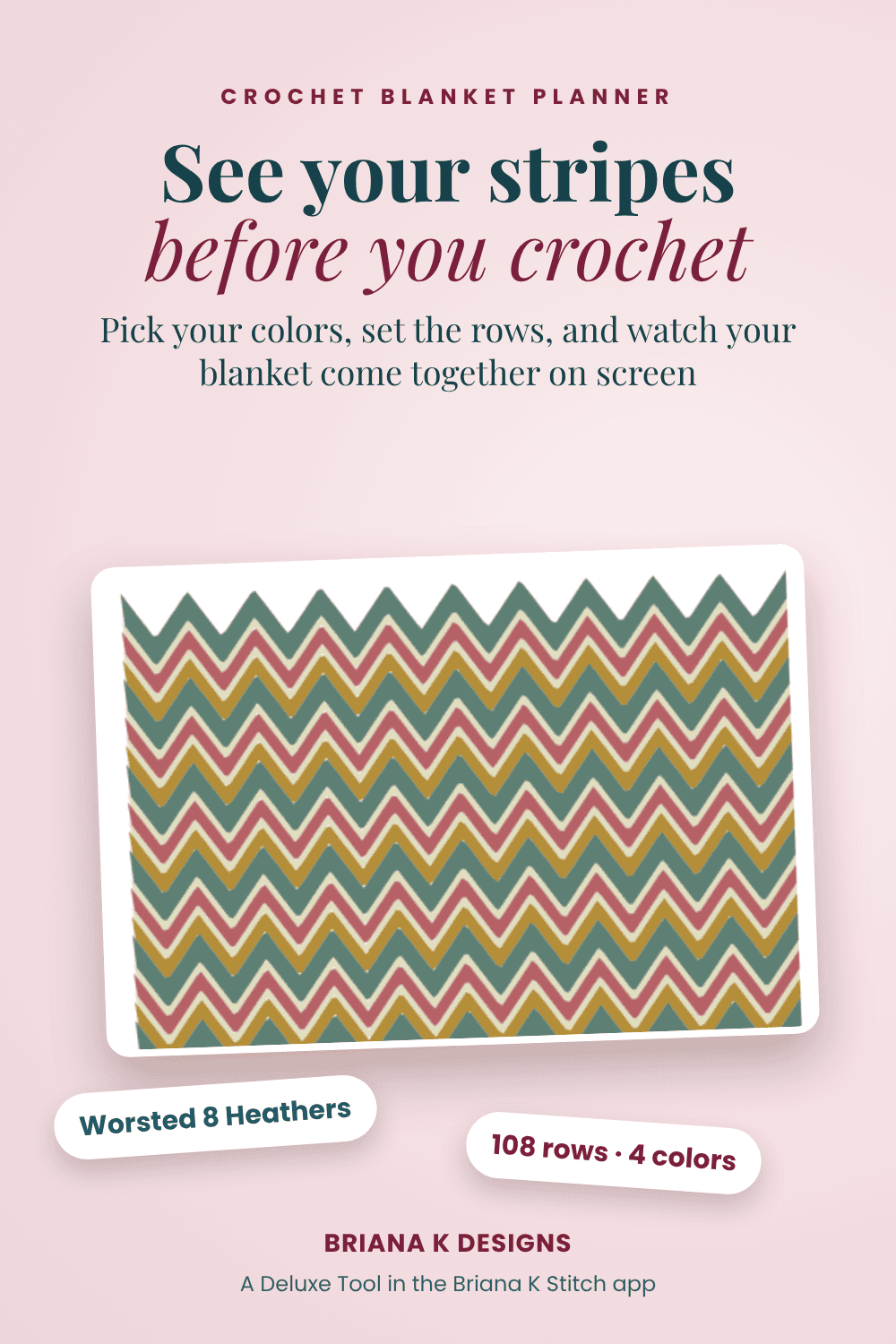
Here’s a sequence in Worsted 8 Heathers: 6 rows of Teal Lake, 2 of Pearly, 4 of Brick, 2 of Pearly, and 4 of Mustard Seed.
Step 3: Repeat the whole sequence
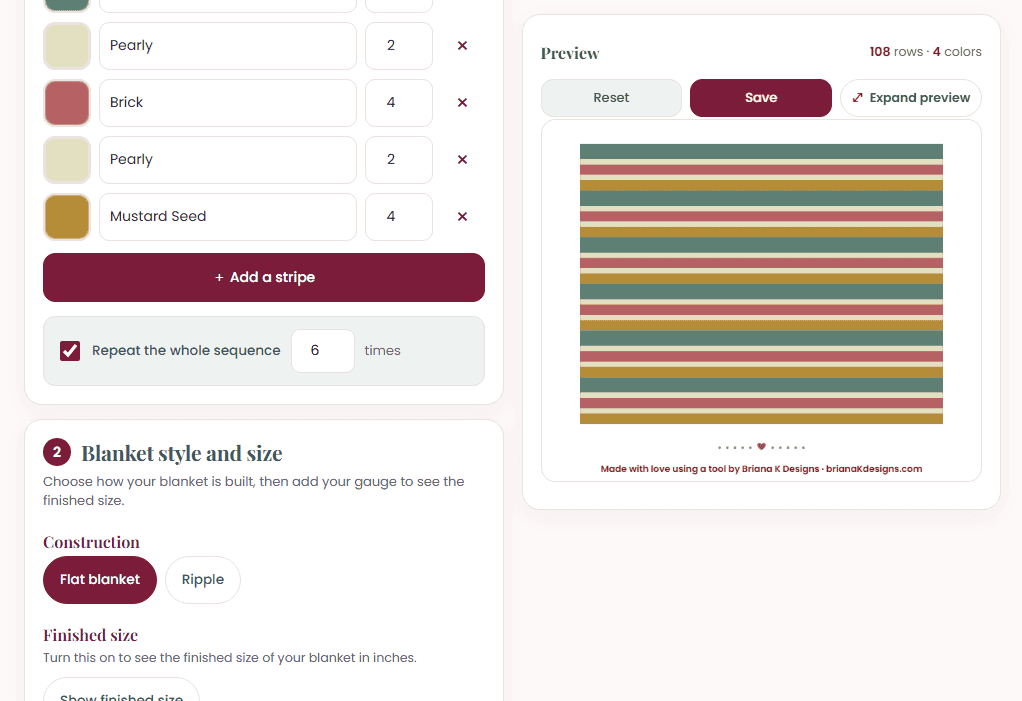
Tick Repeat the whole sequence and enter how many times. The preview fills out right away, and the top of the preview shows your total rows and colors. Repeating the sequence above 6 times gives you 108 rows.
Step 4: Choose flat or ripple
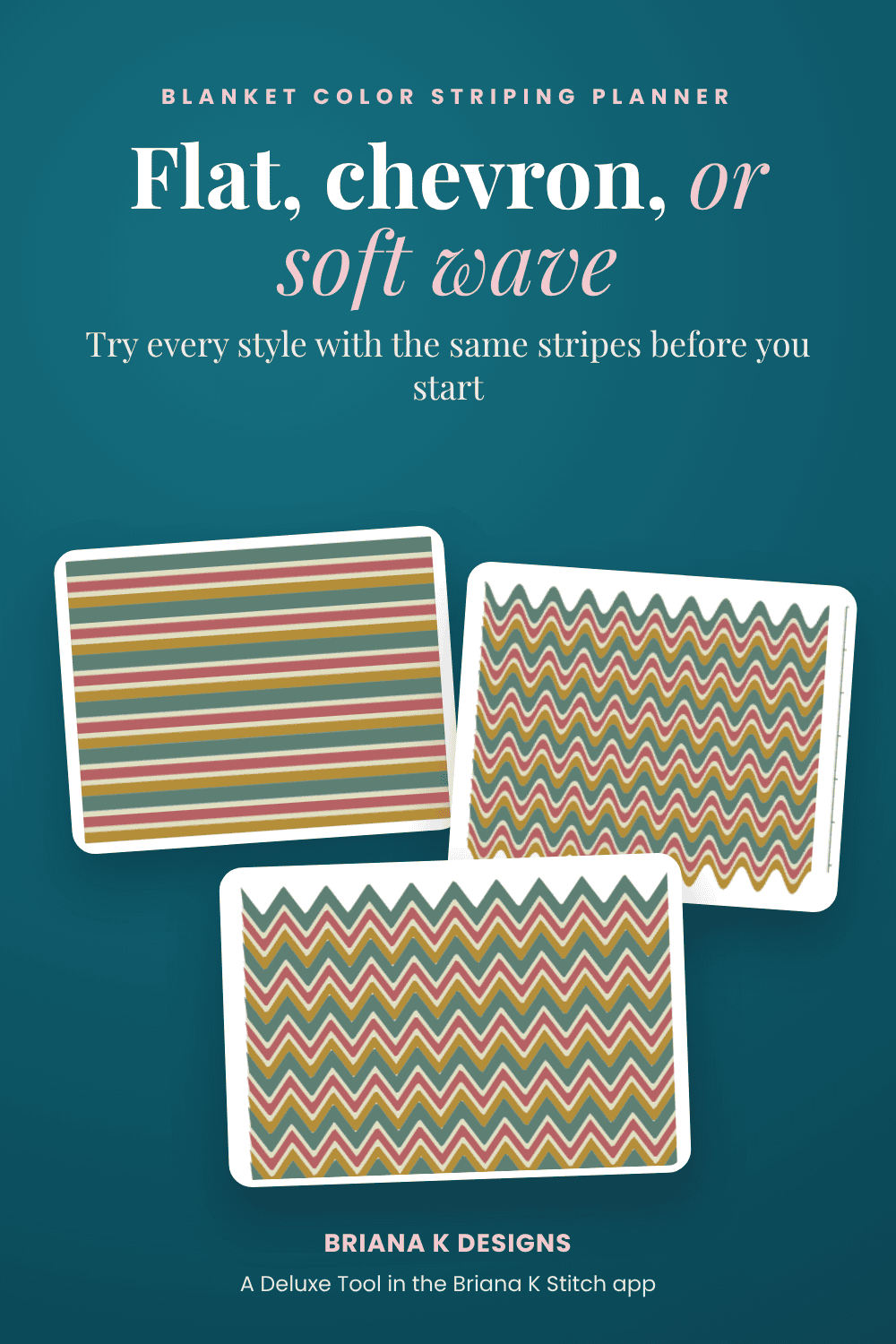
Under Blanket style and size, pick your Construction: Flat blanket or Ripple. If you pick Ripple, choose your Ripple shape:
- Chevron zigzag for sharp points.
- Soft wave for gentle curves.
Then set your Stitches per repeat from your pattern, and the planner works out how many points go across your blanket.
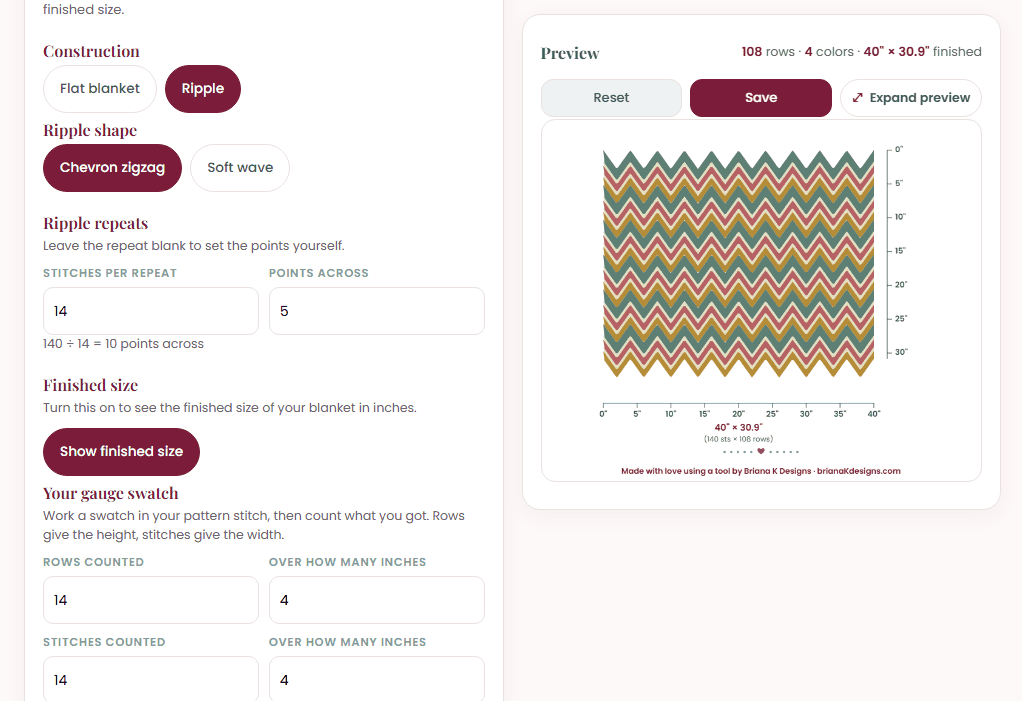
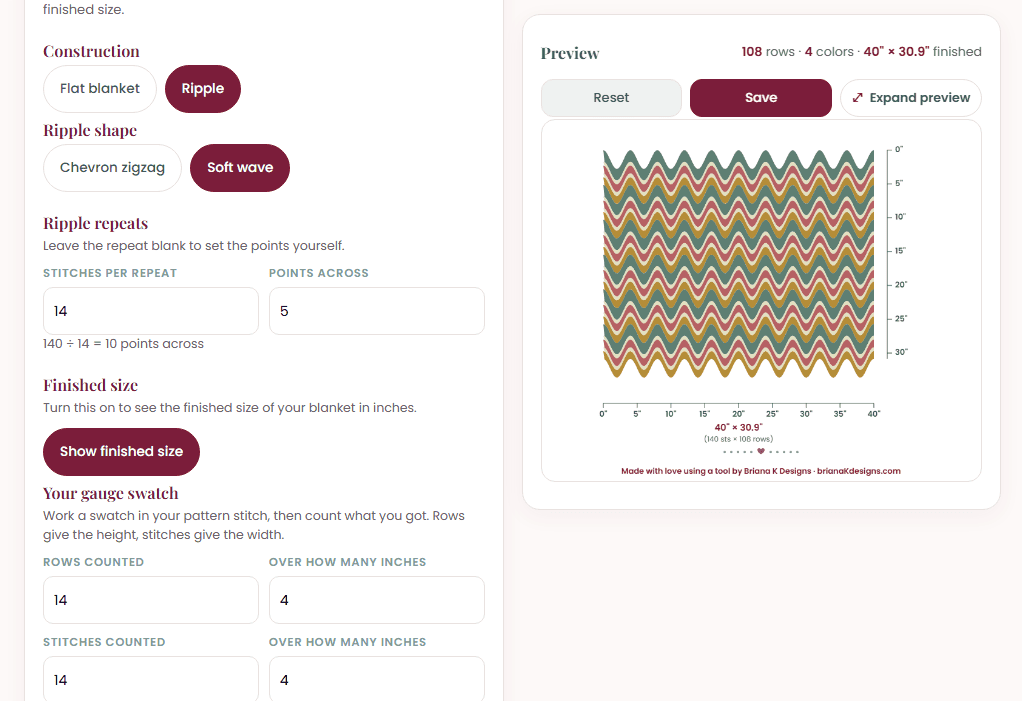
Same stripes, three looks. Flip between them and pick the one you love.
Step 5: See your finished size
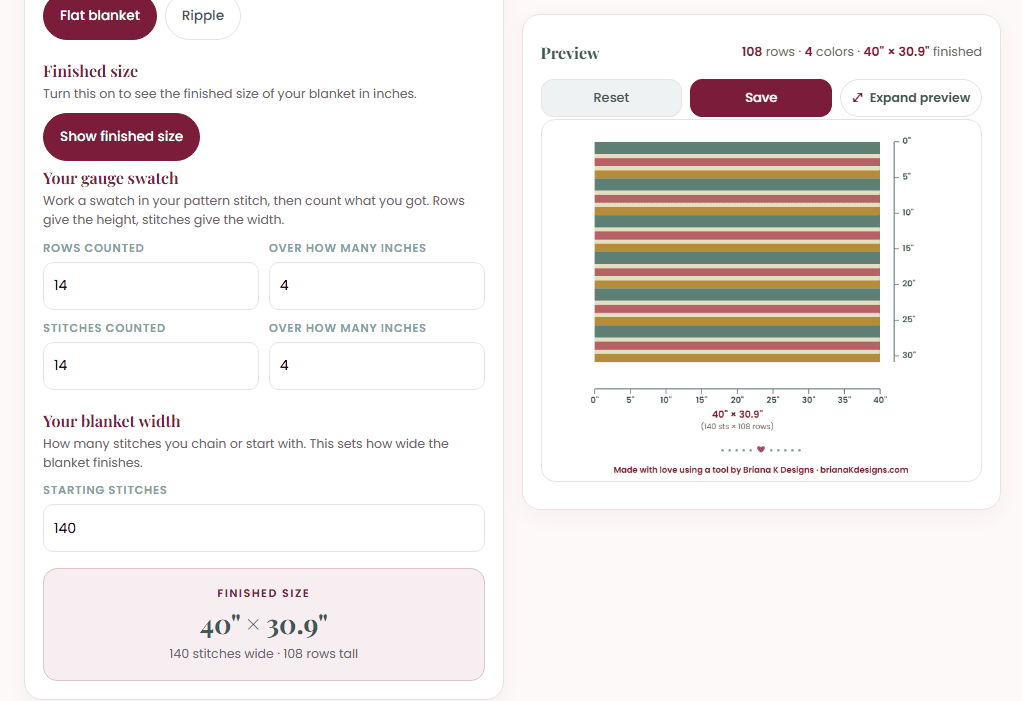
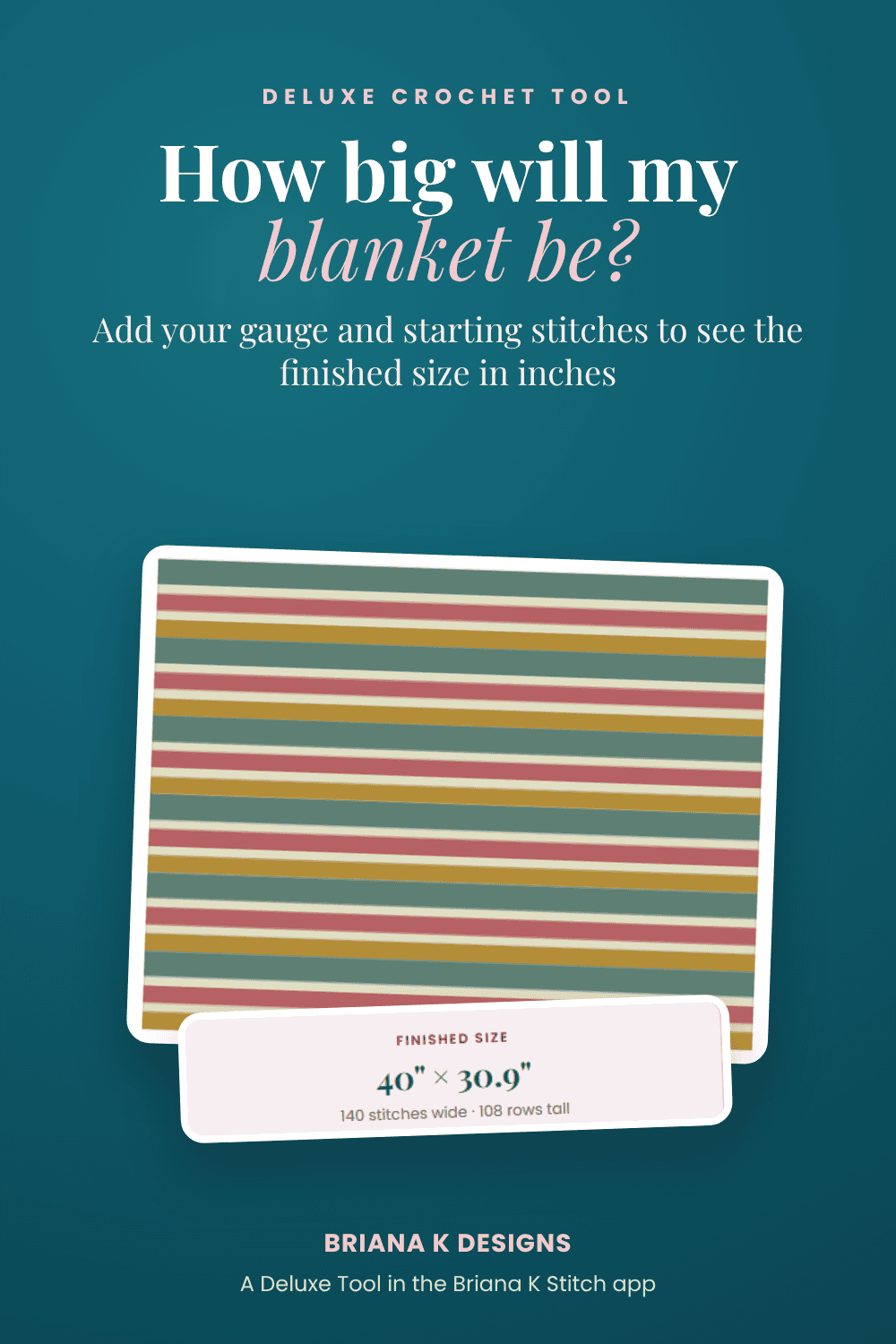
Tap Show finished size, then fill in your gauge swatch: how many rows and how many stitches you counted, and over how many inches. Add your starting stitches (how many you chain or start with). The planner tells you the finished size in inches, and the preview gets a ruler along the sides.
With 14 rows and 14 stitches over 4 inches and 140 starting stitches, this blanket finishes at 40″ × 30.9″.
Step 6: Expand and save your plan
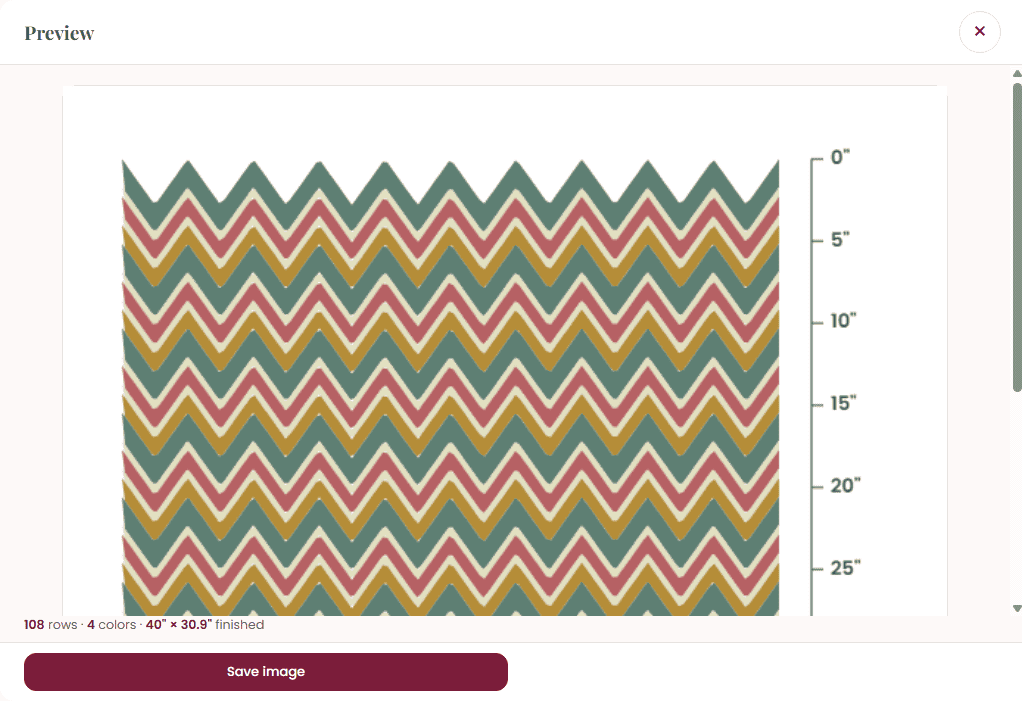
Tap Expand preview to see your blanket big, with the ruler. From there, tap Save image to keep a picture of your plan for your project bag.
Tap Save to keep your plan. Want to plan more than one blanket? Tap + New to start another project. Each one gets its own tab at the top.
Need a refresher?
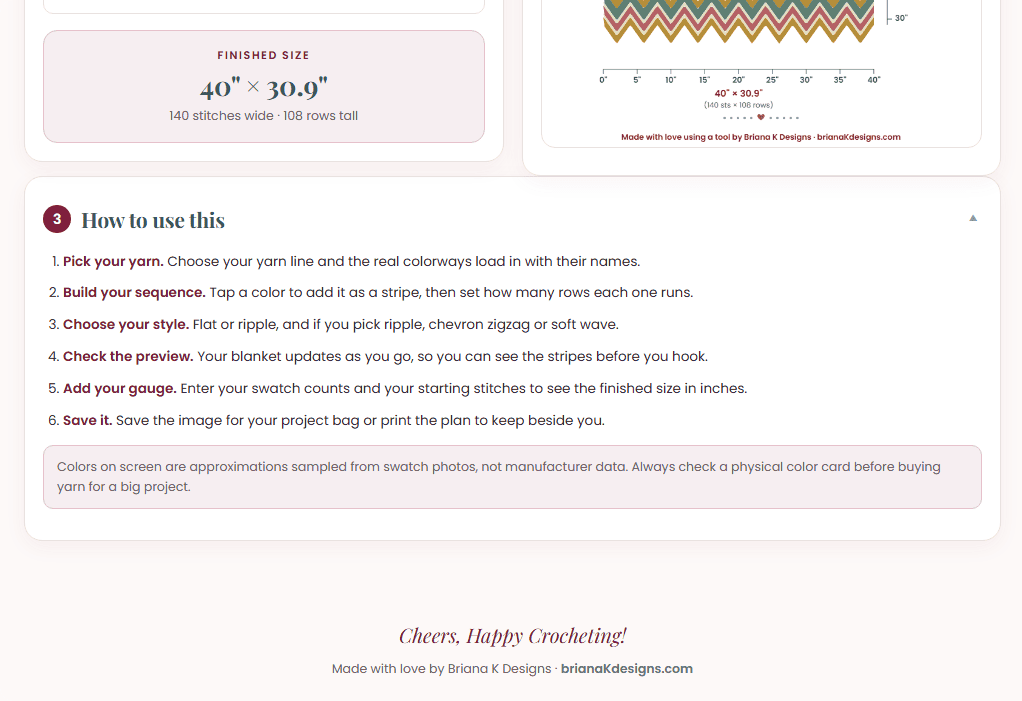
Open How to use this at the bottom of the planner any time for the steps.
One thing to know: colors on screen are close, not exact. They’re sampled from swatch photos, so always check a physical color card before buying yarn for a big project.
Plan on your phone
On your phone, the preview stays pinned at the top while you scroll through your stripes, so you can see every change as you make it.
Tips for planning a striped blanket
- Use a light neutral, like Pearly here, as a thin stripe between bolder colors. It makes each one pop.
- Mix stripe widths. A few thin stripes between wide ones keeps the eye moving.
- Try your sequence as flat, chevron, and soft wave before you decide.
- Swatch in your actual pattern stitch so your finished size is right.
- Check a real color card before buying all your yarn.
Blanket Color Striping Planner FAQ
Is the Blanket Color Striping Planner free?
No. It’s a Deluxe Tool in the Briana K Stitch app, so it’s a one-time purchase. Once you have it, it’s in your library any time.
Can I use it on the blog?
It’s only in the Briana K Stitch app. The app works on your phone, tablet, and computer.
Does it work with any blanket pattern?
Yes. It works for any flat or ripple blanket. You set the rows, the stitches per repeat, and your gauge.
What if my yarn isn’t listed?
Choose No yarn line and pick your own colors by tapping a swatch.
Are the colors exact?
They’re close, sampled from swatch photos. Always check a physical color card before buying yarn for a big project.
Get the Blanket Color Striping Planner
Stop guessing whether your stripes will work. Plan your blanket with real yarn colors, try it flat or rippled, and know your finished size before you start. Find the Blanket Color Striping Planner under Deluxe Tools in the Briana K Stitch app.
Pin the Blanket Color Striping Planner for Later
Save it to your crochet board so it’s right there the next time you plan a striped blanket.
More Crochet Goodies To Love
We’ve got tools, games, patterns, tutorials…it’s all here waiting for you!
🥂 Cheers, and happy crocheting!
Want more? See all my free crochet games, or try my crochet tools and calculators.
What should you make next?
Keep the hook movingReaders Are Loving
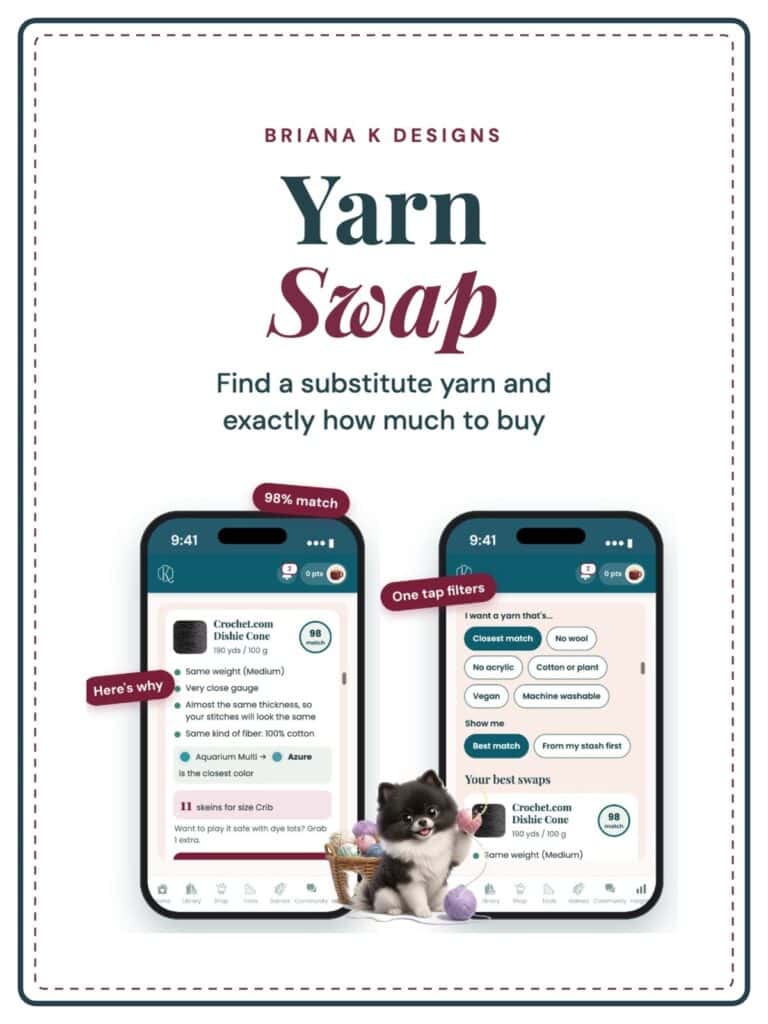 Yarn Substitute Finder
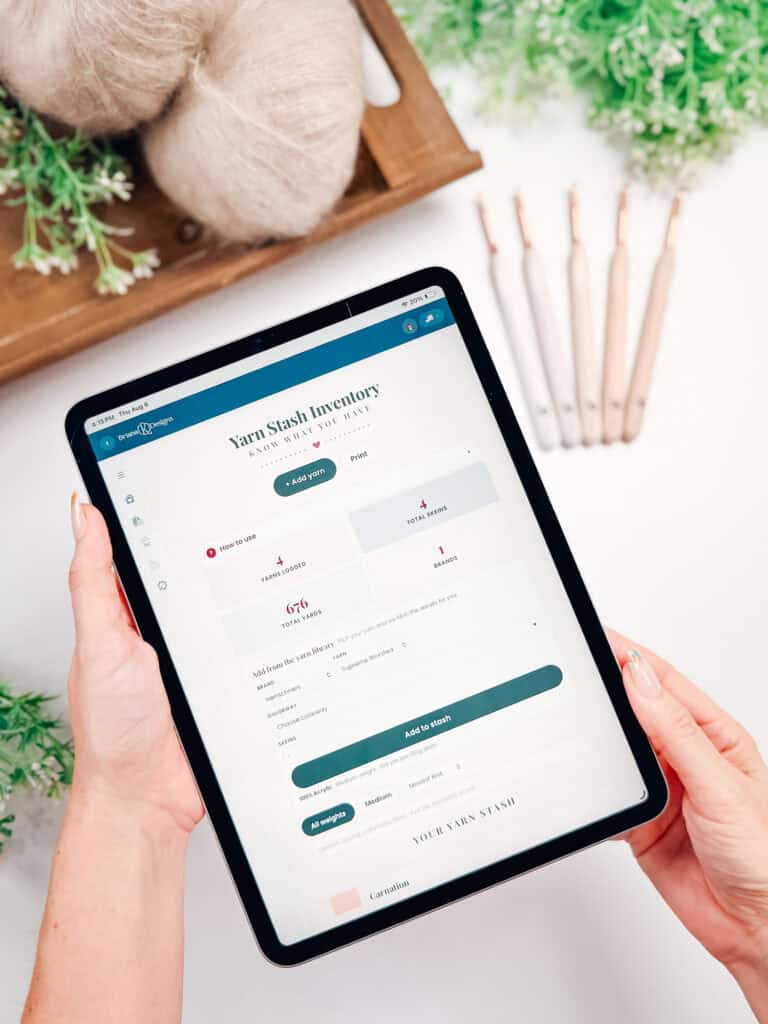 Yarn Stash Inventory
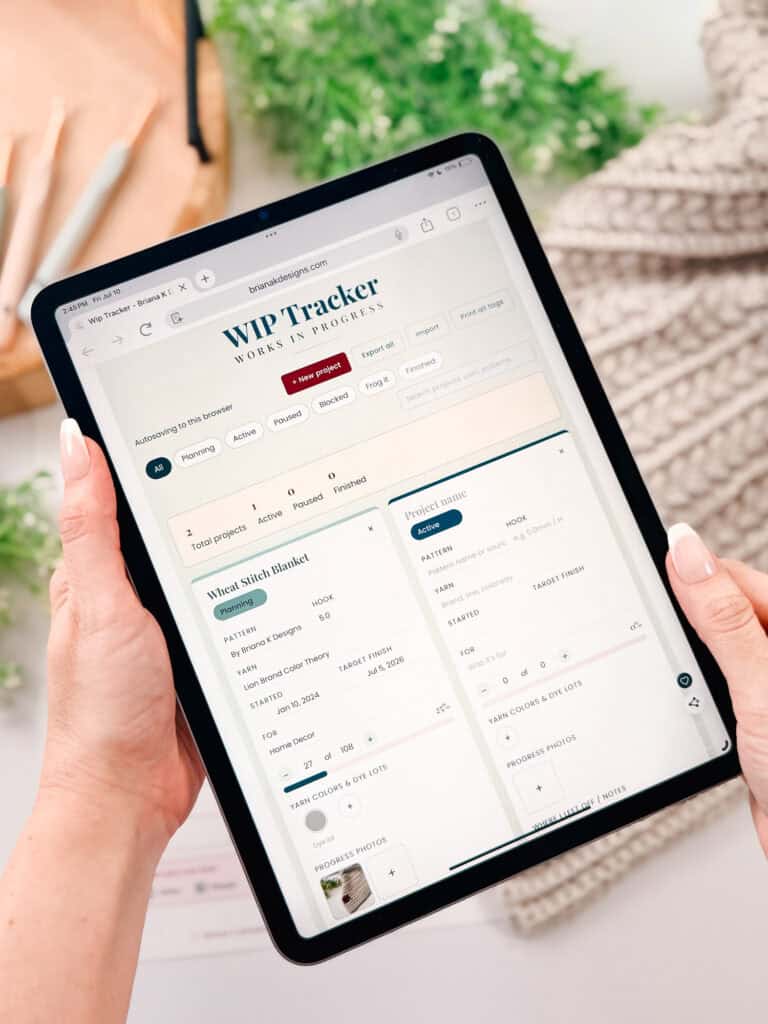 WIP Tracker
 The Stitch Keeper