
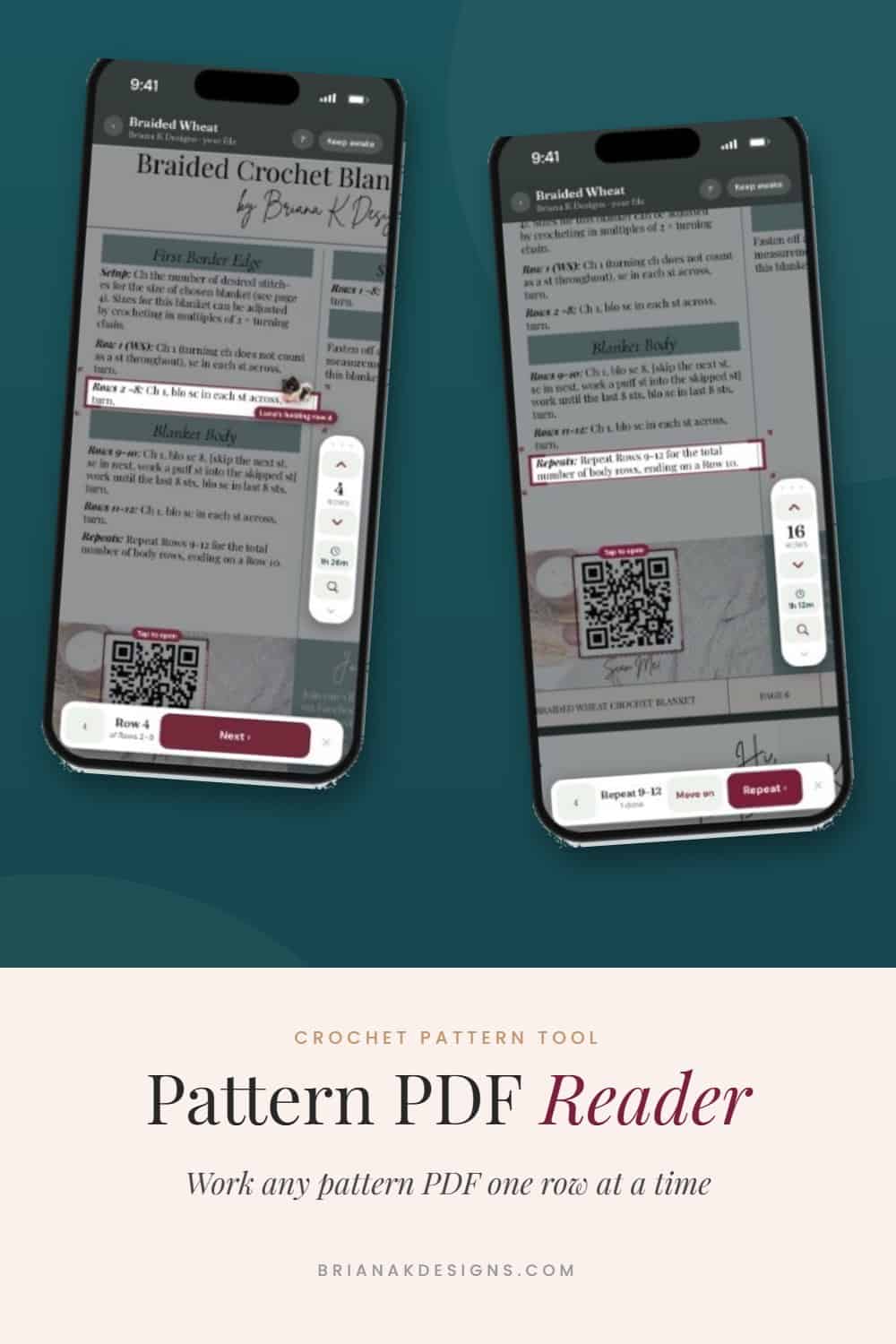
The Pattern PDF Reader is a tool in the Briana K Stitch app that lets you work any crochet pattern PDF you own one row at a time. It boxes the row you’re on, counts your rows and repeats, times your project, and remembers exactly where you stopped. It works on your phone, tablet, or computer, and it works with patterns from any designer, not just mine. It’s free with your Briana K Stitch app account.
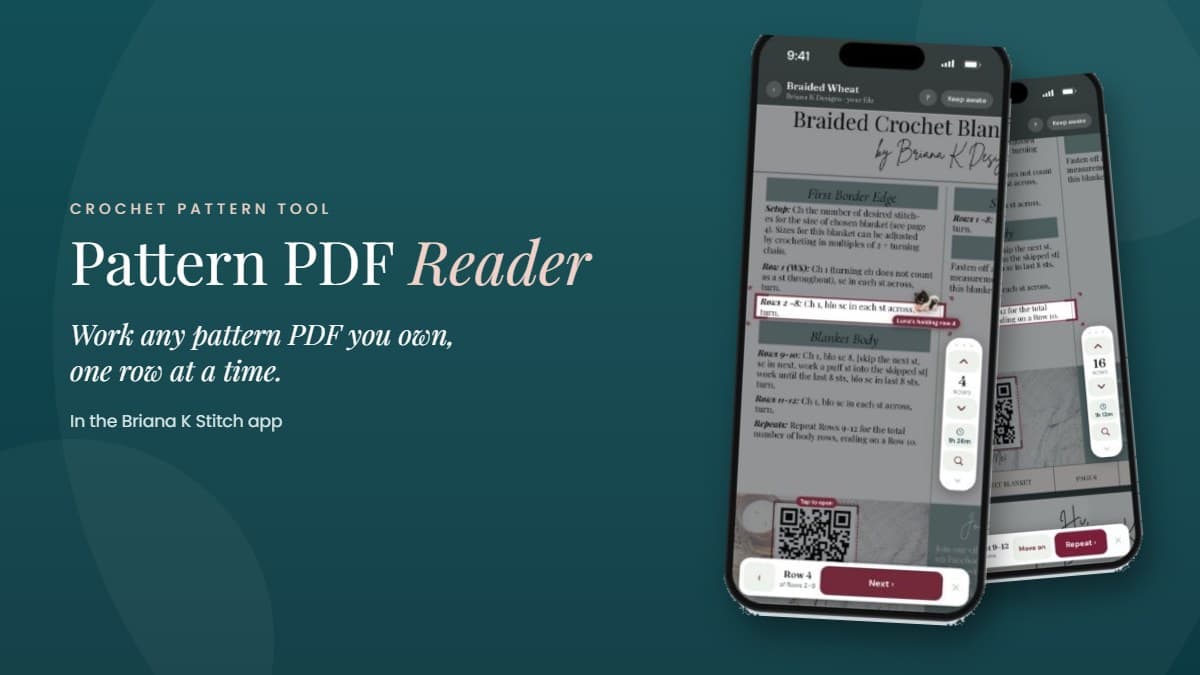
I made the Pattern PDF Reader because so many of you kept asking for it.
What You Need
- A pattern PDF you own, from any designer, saved on your phone, tablet, or computer.
- Your free Briana K Stitch app account, so your place, time, and notes follow you.
The Pattern PDF Reader is free with your Briana K Stitch app account. No card and no time limit. The free version works with one pattern PDF, and if you want it for every pattern you own, that’s Pattern PDF Reader Deluxe. More on that below.
Step 1: Open Your PDF
In the Briana K Stitch app, open the Pattern PDF Reader and pick any pattern PDF you own. It opens right on your device and stays there.
Step 2: Follow the Box
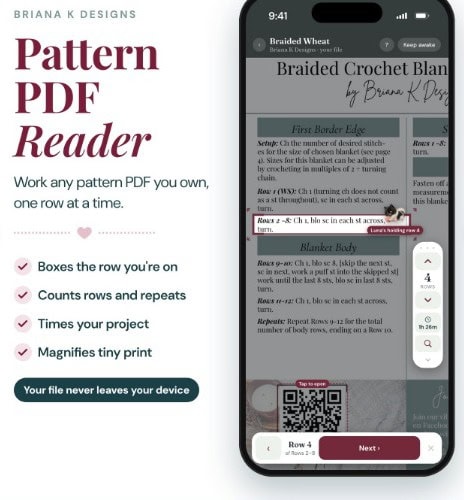
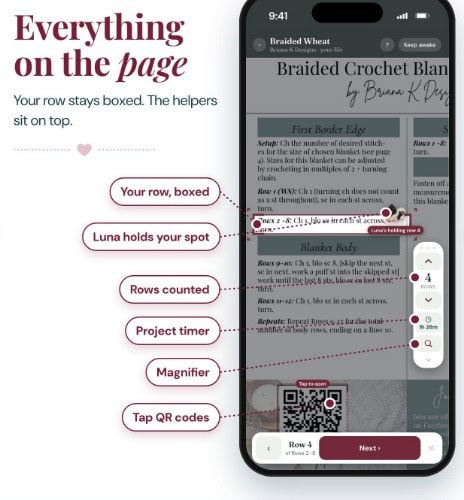
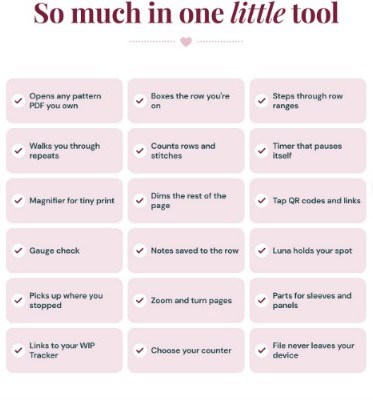
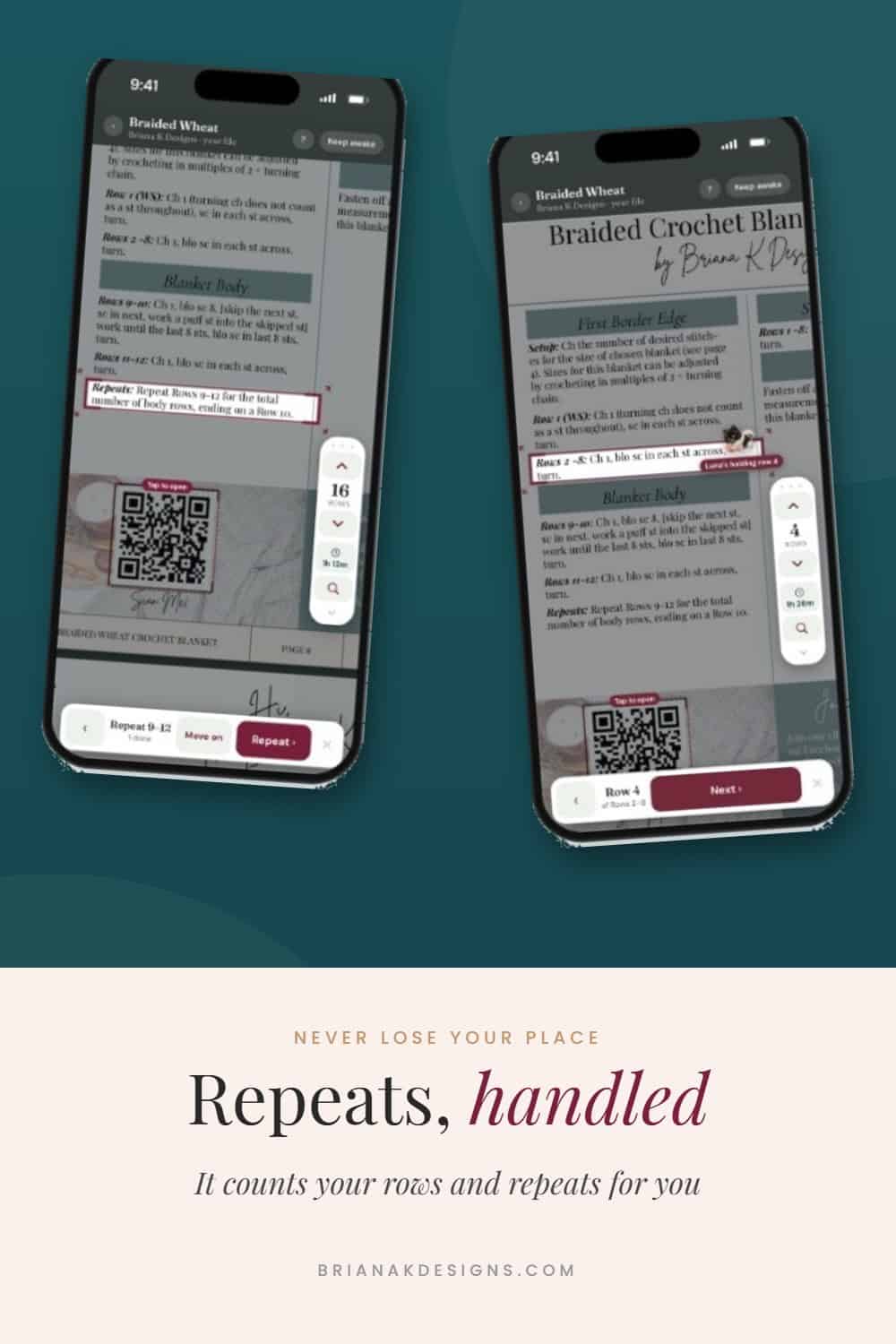
The row you’re on gets a box around it. Tap Next and the box moves to your next row, while the counter and the timer keep up with you.
Ranges like Rows 2 to 8 step through one row at a time, so you’re never trying to remember whether you’re on row 5 or row 6.
Step 3: Let It Handle Your Repeats
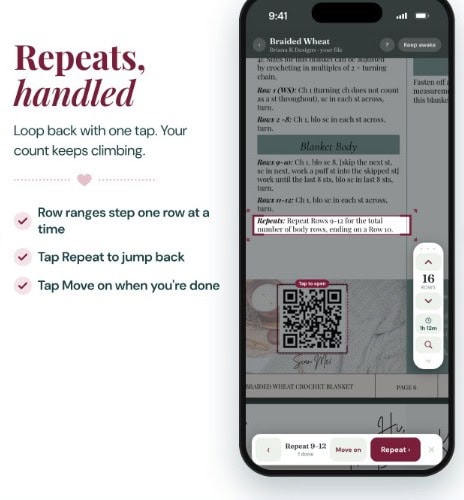
When a pattern says to repeat a set of rows, tap Repeat and it loops you back to the start of that set. Your count keeps climbing the whole time. When you’re done repeating, tap Move on.
Step 4: Make Tiny Print Big
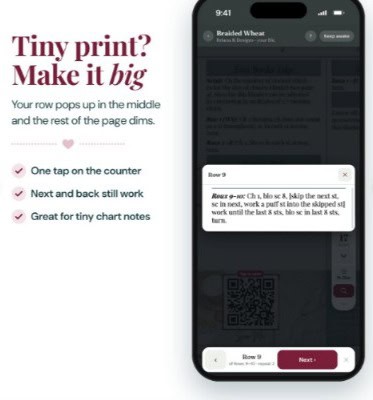
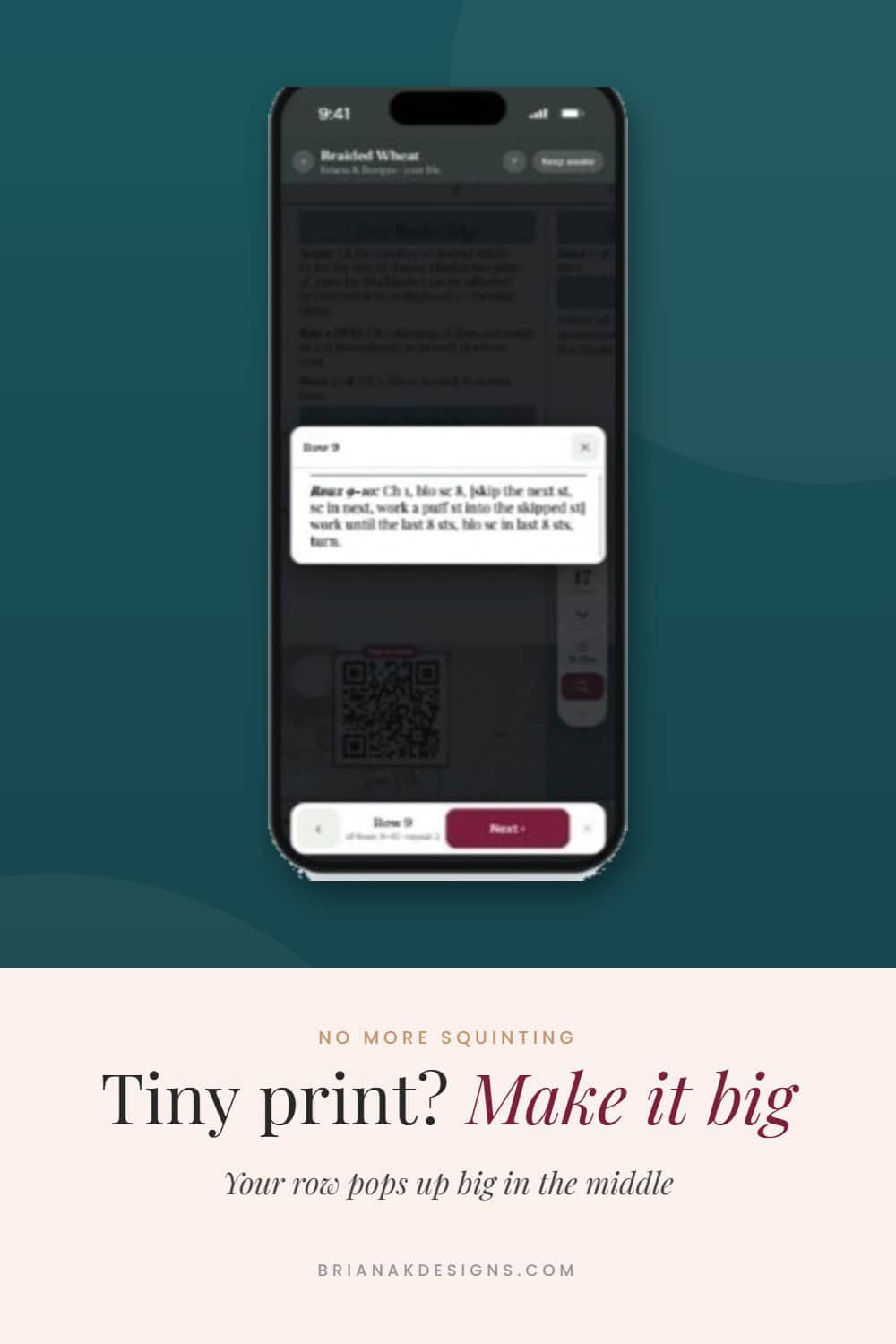
Squinting at a pattern? Tap the magnifier and your row pops up big in the middle of the screen while the rest of the page dims. Next and Back still work while it’s open, and it’s great for tiny chart notes.
Step 5: Check Gauge and Keep Notes
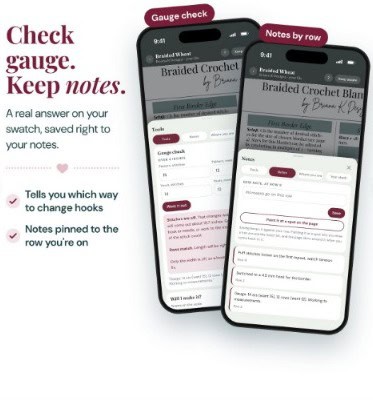
The gauge check gives you a real answer on your swatch and tells you which way to change hooks. Notes are pinned to the row you’re on, so the reminder you need shows up right where you need it.
Step 6: Put It Down, Pick It Back Up
Life happens. When you need to stop, tap the pin, then tap the page, and Luna holds your spot until you’re back. Open the same PDF again later and it lands right back on your row.
Your project timer pauses itself, so the time it shows is time you actually spent stitching.
What If My Pattern Doesn’t Label Its Rows?
Some patterns never label their rows, like charts or scanned patterns. For those, you get a band you can drag down the page yourself.
Everything Else It Does
There’s a lot packed into this one little tool. You can tap QR codes and links right inside your PDF, zoom and turn pages, choose your counter, and track parts like sleeves and panels.
Your Pattern Stays Yours
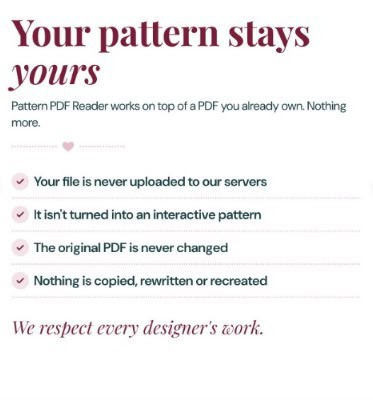
Your file never leaves your device. It isn’t uploaded to our servers, it isn’t turned into an interactive pattern, and the original PDF is never changed. You’re reading your own copy with helpers sitting on top.
I respect every designer’s work. This tool doesn’t copy, rewrite, or recreate anyone’s pattern, and it only works with a PDF you already own.
Free vs. Deluxe
The free Pattern PDF Reader boxes the row you’re on, counts your rows and repeats, times your project, and magnifies tiny print. It works with one pattern PDF.
Pattern PDF Reader Deluxe opens every pattern PDF you own and adds:
- Pick your size
- Check off finished rows
- Chart mode
- Folders for your pattern PDFs
- Links to your WIP Tracker and Yarn Stash
Deluxe is $7.49 a year. It’s also included with any Stitch Club on yearly billing (Slip Knot, Cashmere, or Penthouse). It isn’t included with monthly billing.
Once Deluxe is yours, it’s in your Library too. It renews every year.
Try Deluxe Free for 7 Days
You don’t need a card to try it. Your 7-day free trial starts when you tap a Deluxe feature or open a second PDF and say yes. When the trial ends, the reader goes back to the free version, and nothing’s deleted.
Get the Pattern PDF Reader
You’ll find both versions in the Tools tab of the Briana K Stitch app. The Pattern PDF Reader is under Free Tools, and Pattern PDF Reader Deluxe is under Deluxe Tools. Sign in or create your free account to get started.
Pin the Pattern PDF Reader for Later
Save it to your crochet board so it’s right there the next time you open a pattern PDF.
More Crochet Goodies To Love
We’ve got tools, games, patterns, tutorials…it’s all here waiting for you!
🥂 Cheers!
Want more? See all my free crochet games, or try my crochet tools and calculators.

What should you make next?
Keep the hook movingReaders Are Loving
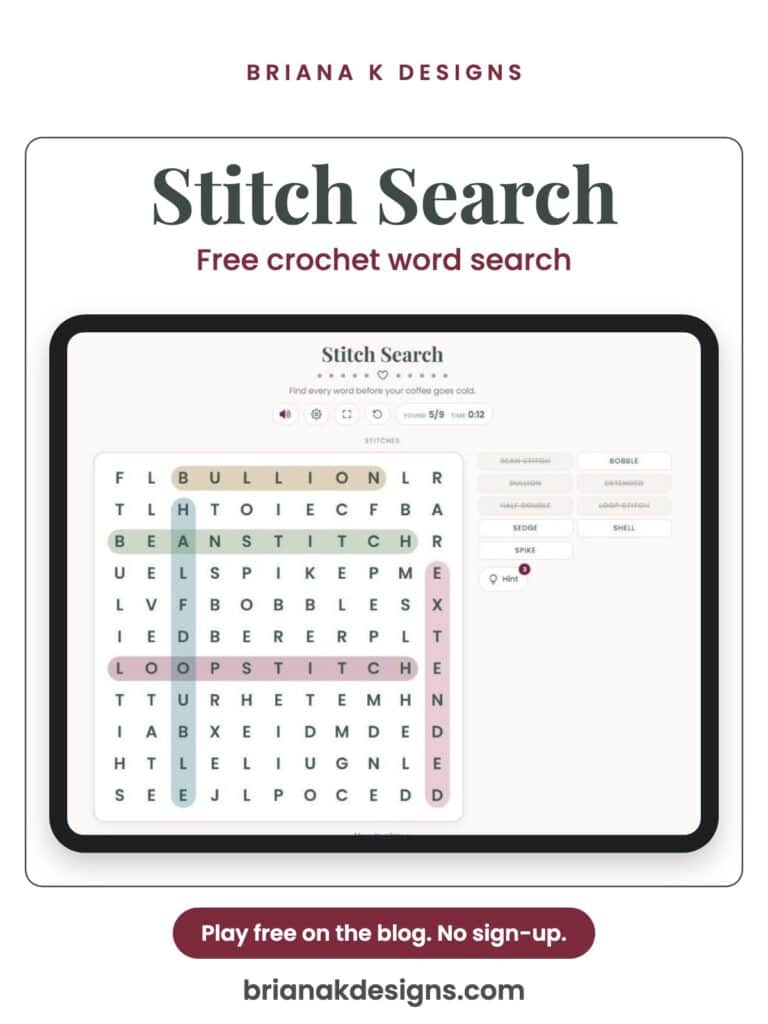
 Stitch Search: A Free Crochet Word Search
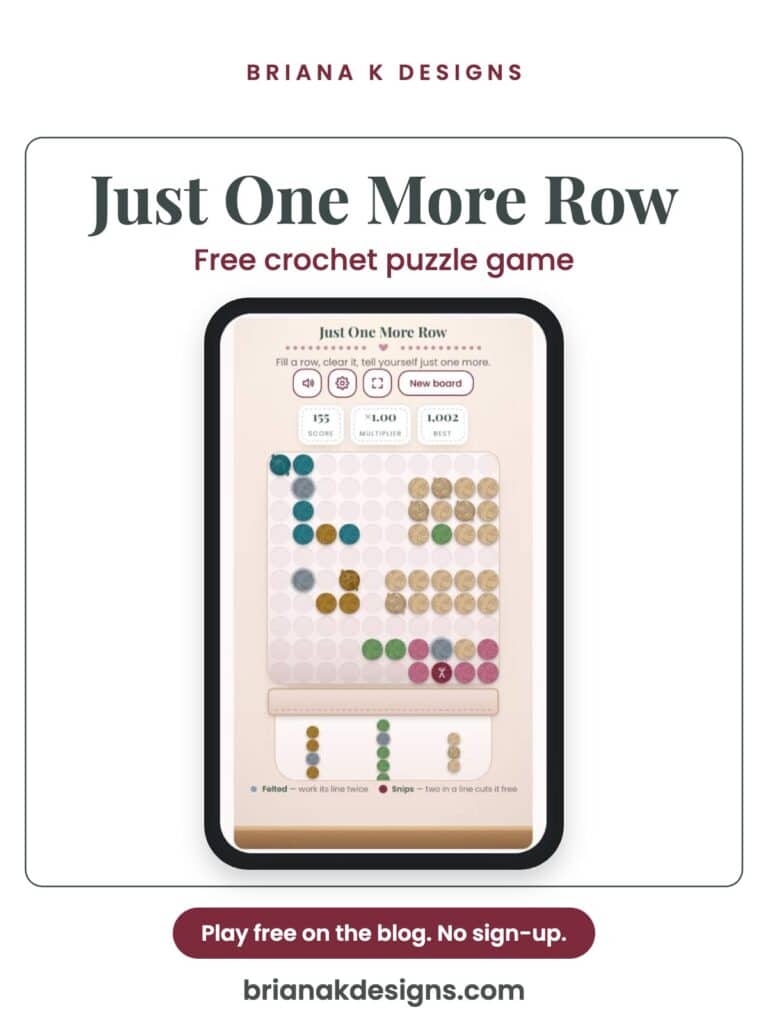
- Just One More Row: A Free Crochet Puzzle Game
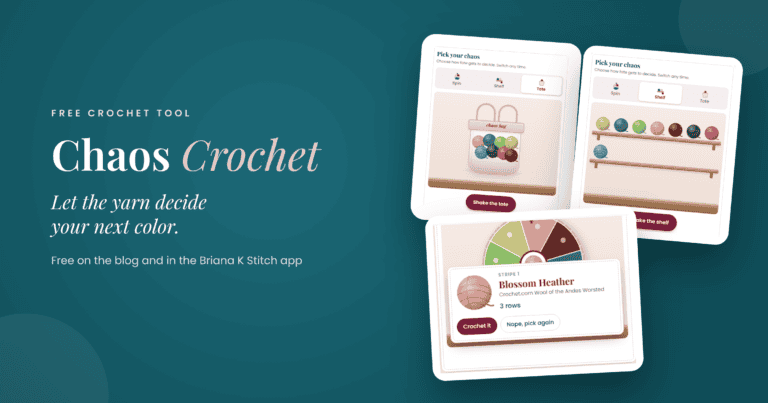
 Chaos
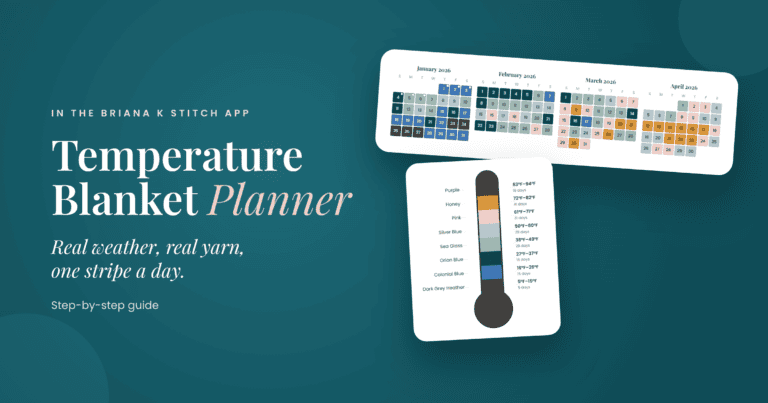
- Plan a Blanket
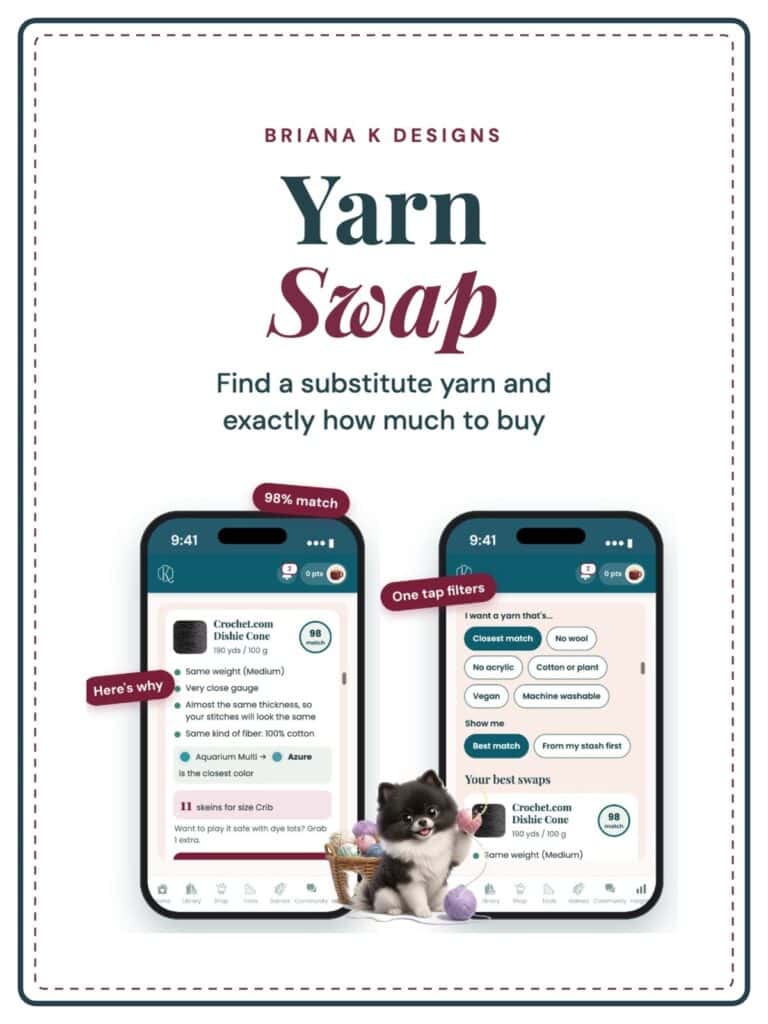 Yarn Substitute Finder
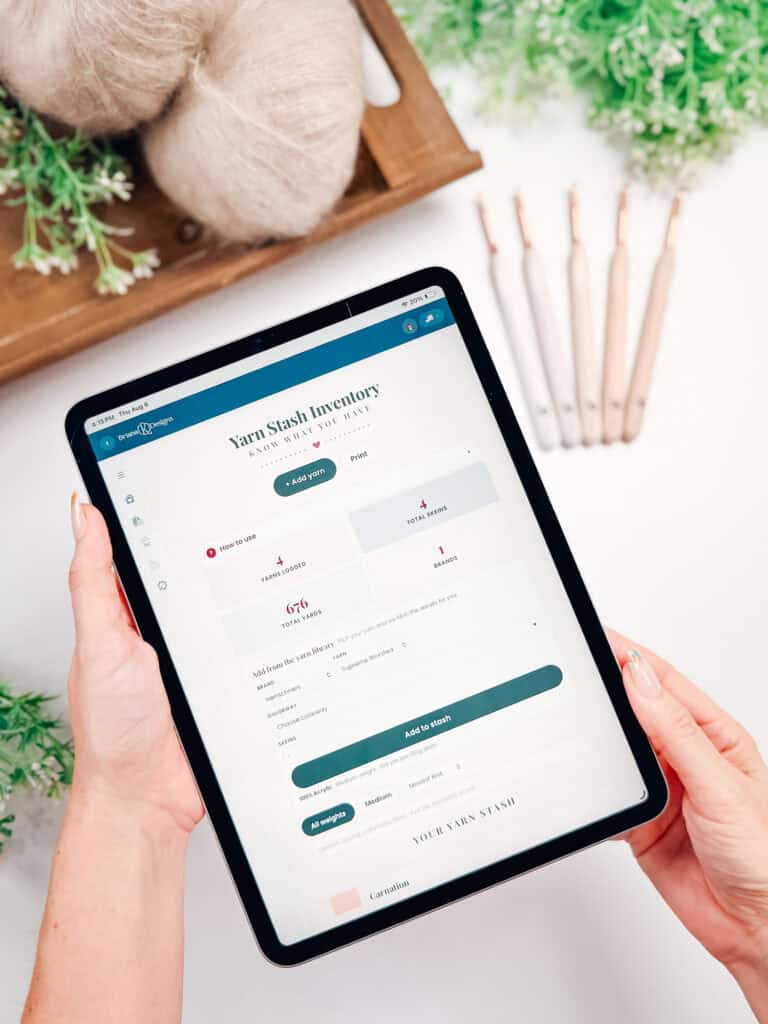 Yarn Stash Inventory
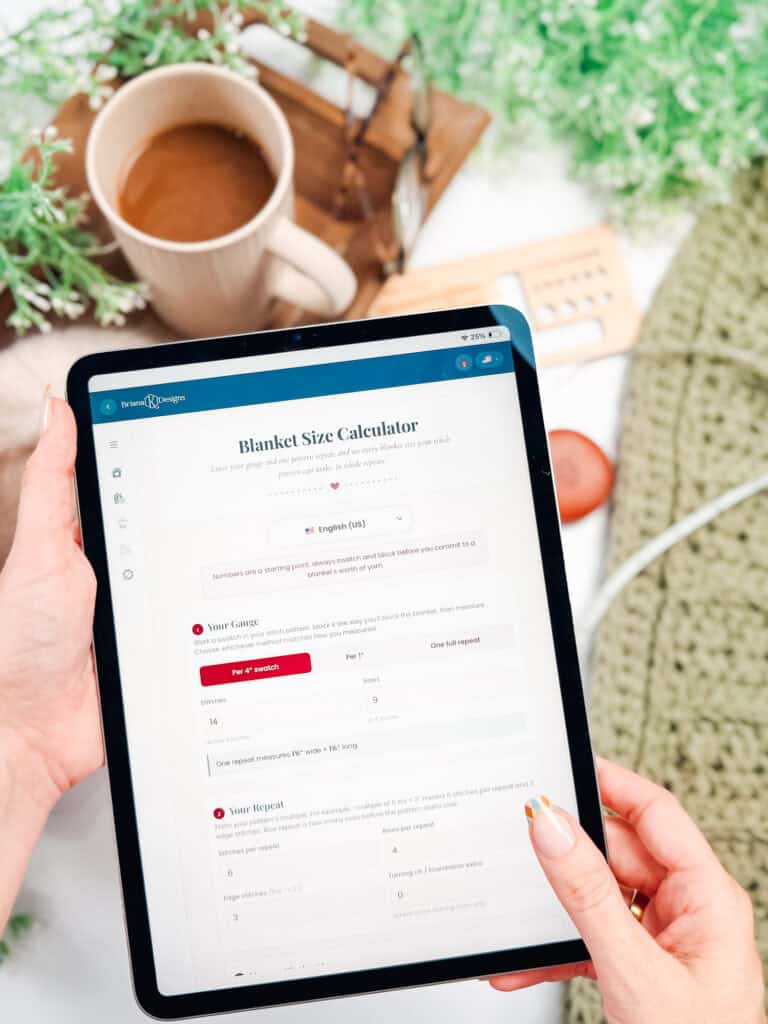 Blanket Calculator
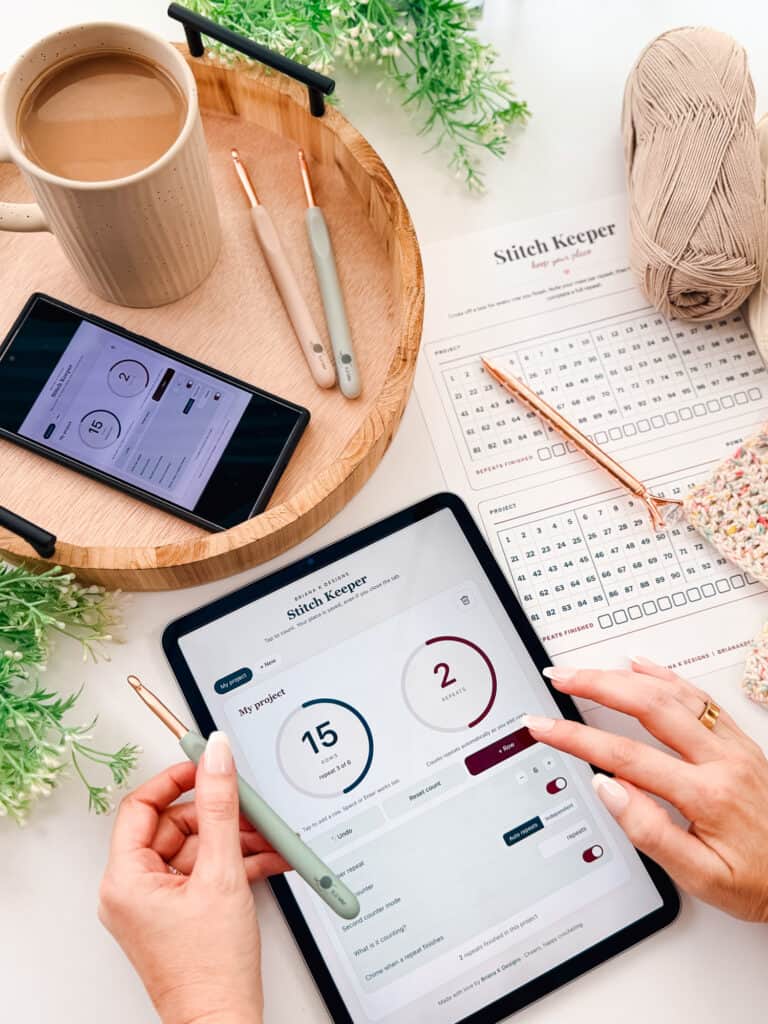 The Stitch Keeper