

I own multiple skeins of the same cream worsted. The first two times I bought more, I didn’t remember I already had it, which is exactly how you end up with three. Or five.
For years my stash lived in bins, in a closet, in a basket by the couch, and in my head. The bins and the closet were fine. My head was the problem. I could picture almost everything I owned and still couldn’t tell you whether I had enough of any of it to start a blanket.
Full disclosure, my yarn still lives in those exact places. The bins are still bins, and the closet is still a closet. The difference is that now I know what’s in them.
Disclosure: This post contains affiliate links. Please read my disclosure for more info.
Most of us work off a rough feeling about our stash rather than actual knowledge, and a rough feeling doesn’t help when you’re standing in a yarn aisle.
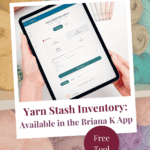
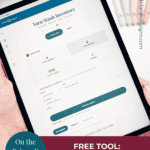
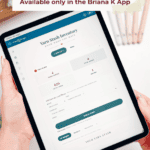
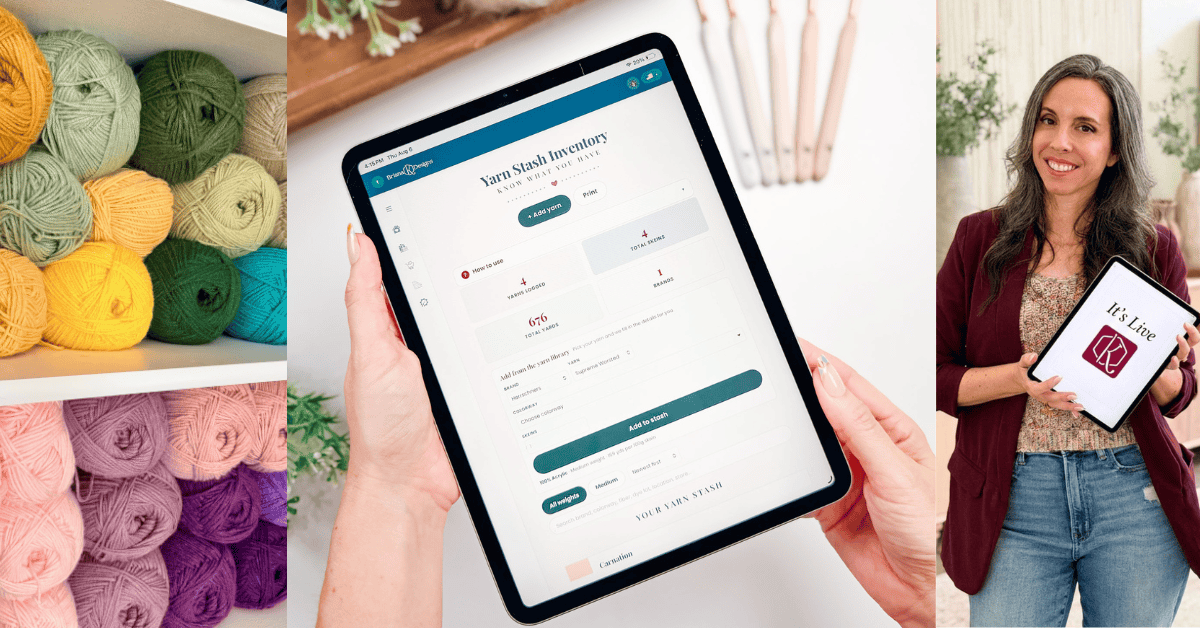
The Yarn Stash Inventory is the fix. It’s a free tool in the Briana K app that keeps a running list of every yarn you own, with the details that matter later, and totals it all up so you can see the whole picture at once.
Open the Yarn Stash Inventory in the Briana K App!
What the Yarn Stash Inventory does
It’s one screen, not a maze. Across the top, you get four running totals: how many yarns you’ve logged, how many skeins that adds up to, how many total yards you’re sitting on, and how many different brands you own.
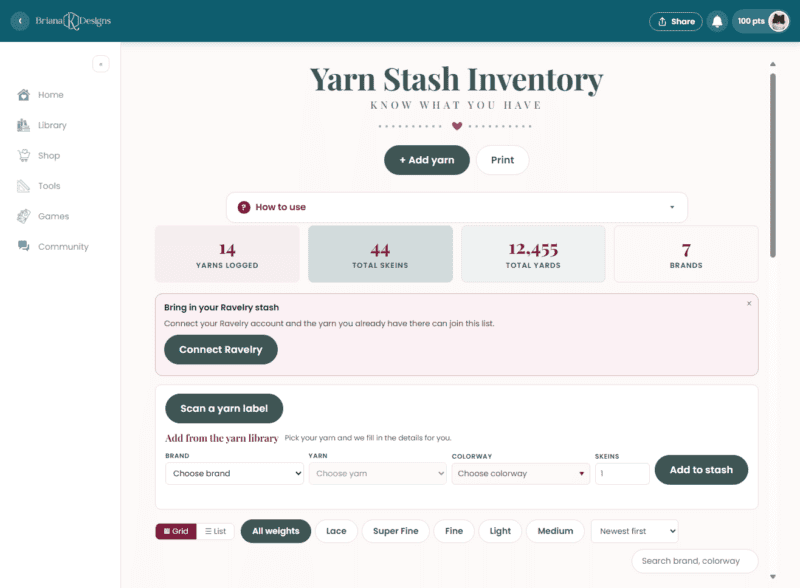
Below that is where you add yarn, and below that is your stash itself, searchable and sortable.
You’ll need an account to use the app. It’s free to create, and your stash saves there for you.
Save for Later • Get a Summary • Pick Up Where You Left Off
Four ways to add yarn
From the yarn library, which is the fast way
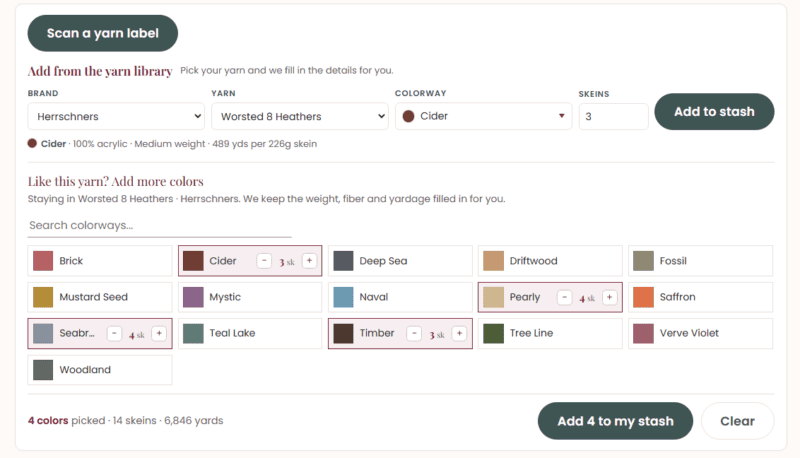
Open the Add from the yarn library row and pick your brand, then your yarn, then your colorway. The tool fills in the weight, the fiber, and the yardage per skein for you. All you do is say how many skeins and tap Add to stash.
Have more than one color of the same yarn? Under “Like this yarn? Add more colors,” tap each colorway you own, then use the + and − buttons to set the skein count. The app keeps a running count of your colors, skeins, and yards, then adds them all at once when you tap Add to my stash.
This is the route to use whenever the yarn is in there, because it means you’re not squinting at a ball band trying to work out whether 226 grams is the number that matters.
Scan the label
Tap Scan a yarn label and point your phone’s camera at the barcode on the ball band, or type in the numbers under the barcode and tap Look it up. If someone’s already logged that label, the app shows you the yarn so you can add it in a tap.
Bring over your Ravelry stash
Already keep your stash on Ravelry? Tap Connect Ravelry and approve it on Ravelry’s screen. Once it’s linked, tap Bring over my stash and your Ravelry yarn joins the list. Added more on Ravelry later? Refresh the page and tap it again. Only the new yarn comes over.

Or enter it yourself
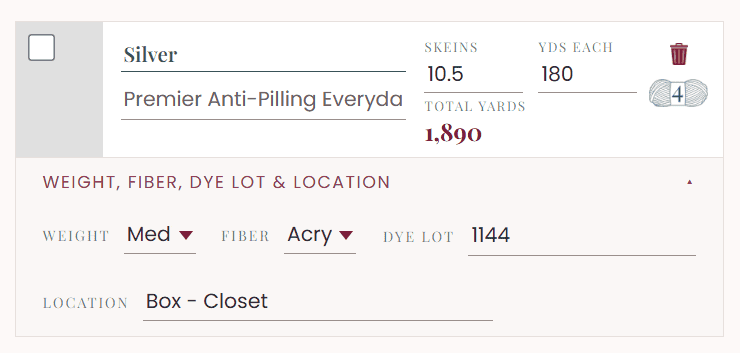
If your yarn isn’t in the library yet, tap + Add yarn and enter the details by hand: colorway, brand, weight, fiber, and yards per skein. Handspun, thrifted, discontinued, a mystery skein from a destash, it all goes in the same way.
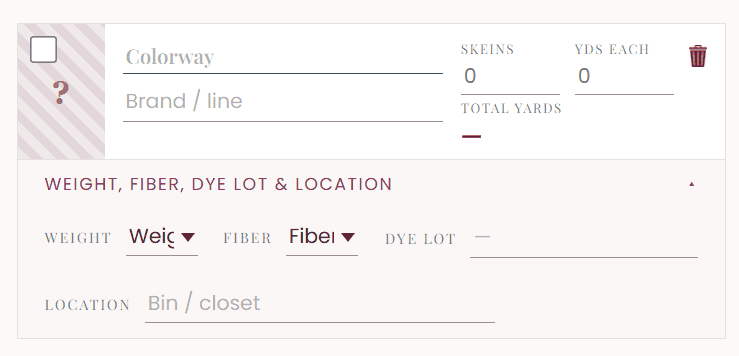
Once you fill it in, it looks like this – you can even set a custom color:
Half skeins count too
This detail makes the totals honest. The skeins box takes fractions. If you have two and a half balls, type 2.5. When you use up half a ball, change it to 2.
Your total skeins and total yards update to match, which means the number at the top of the screen is what you actually have, not what you had when you bought it.
The two fields worth filling in
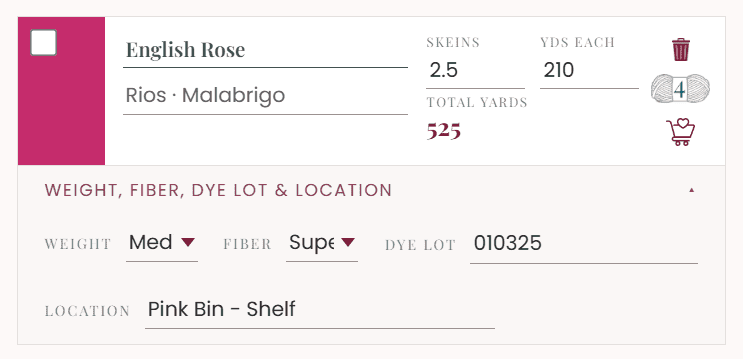
Each yarn in your stash has a spot for the dye lot and a spot for the location. Both look optional. Neither really is.
The dye lot is the one that saves projects. Two skeins of the same colorway from different lots can read as two different colors under daylight, and you usually find this out about forty rows in. Logging it means you can check before you start, not after.
Location is what saves time. Bin, basket, closet, under the bed, wherever it lives. Write it down once and stop hunting.
Finding things again
Once you’ve got more than a handful of yarns in there, search and filters make it useful, not just tidy.
- Search by brand, colorway, fiber, dye lot, or location
- Filter by weight, so you can see only your medium (worsted) or only your super fine (fingering)
- Sort by newest, yarn line, colorway, most yardage, or weight
- Switch between Grid and List view, whichever’s easier for you to scan
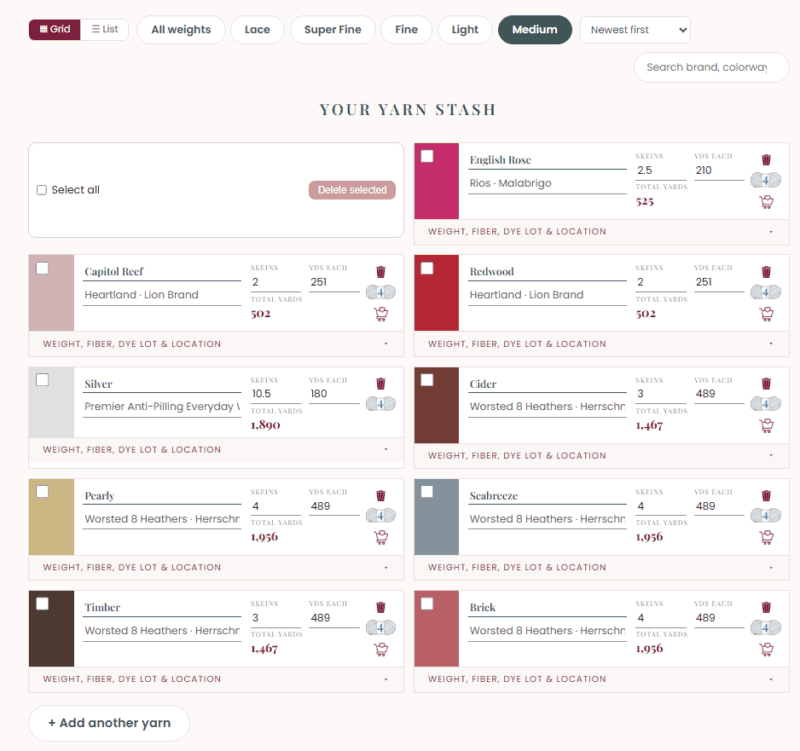
The most yardage sort is the practical one. It instantly tells you which yarns you have enough of to actually make something, which is usually why you open the app in the first place.
Order more, and print a copy
Many yarns in your stash have a little cart icon, so when you realize you’re one skein short, you can tap it and go straight to where it’s sold instead of trying to remember exactly which cream it was.
There’s also a Print button at the top. That gives you a tidy copy of your whole stash, handy to have on your phone or folded in your bag when you’re standing in a yarn aisle wondering whether you already own it.
How I’d set yours up in one sitting
Don’t try to log everything. That’s how this becomes a project you abandon.
Start with the yarn you’d actually use in the next few months. Pull out one bin, log what’s in it using the yarn library where you can, put the location in as you go, and stop there. Twenty minutes gets you most of the value.
Then add new yarn as it comes into the house. That habit keeps it accurate, and it takes about thirty seconds per purchase.
My friend Courtney just did exactly this. A box of yarn showed up for her fall projects, and instead of putting it straight into a bin, she logged it first.
For a sense of what that actually costs you: she logged 32 skeins in 8 minutes. All but three came straight out of the yarn library, which is where the speed comes from. She typed in the other three by hand because they weren’t in there yet, and even those didn’t slow her down much.
That came to 12,773 yards. I wouldn’t have guessed anywhere close to that, which is sort of the point.
Join The Kindest Community
Join our vibrant community of crafters on Facebook today. Whether you enjoy crafting with others or simply have burning questions, we’ve got you covered – join us now!
Yarn Stash Inventory FAQs
Is it free?
Yes. The tool’s free, and so is the account you need to get into the app. Open the app (also free!) here.
Do I need an account?
Yes, and it’s free to set up. Once you’re in, your stash is there waiting for you every time you come back.
What if my yarn isn’t in the library?
Add it by hand with the + Add yarn button. You enter the colorway, brand, weight, fiber, and yards per skein yourself, and once it’s in, it behaves exactly like a library yarn.
Can I track partial skeins?
Yes, the skeins field accepts fractions. Type 2.5 for two and a half balls, and your totals adjust to match.
How long does it take to log my stash?
Less than you’d think, as long as you’re not trying to do all of it in one go. Courtney logged 32 skeins in 8 minutes, for 12,773 yards, and most of that was picking from the yarn library rather than typing anything. Hand-entering a yarn that isn’t in the library yet takes a little longer, but only a little.
Does it work on my phone?
Yes. It runs in your browser on a phone, tablet, or laptop, which matters most when you’re standing in a store trying to remember what you already own.
Why does the dye lot matter so much?
Yarn is dyed in batches, and two batches of the same colorway can differ enough to show as a visible line in a finished piece. If you’re making anything large enough to need more than one skein, matching dye lots is the difference between a blanket that looks intentional and one that looks like it changed its mind.
The rest of the free tools
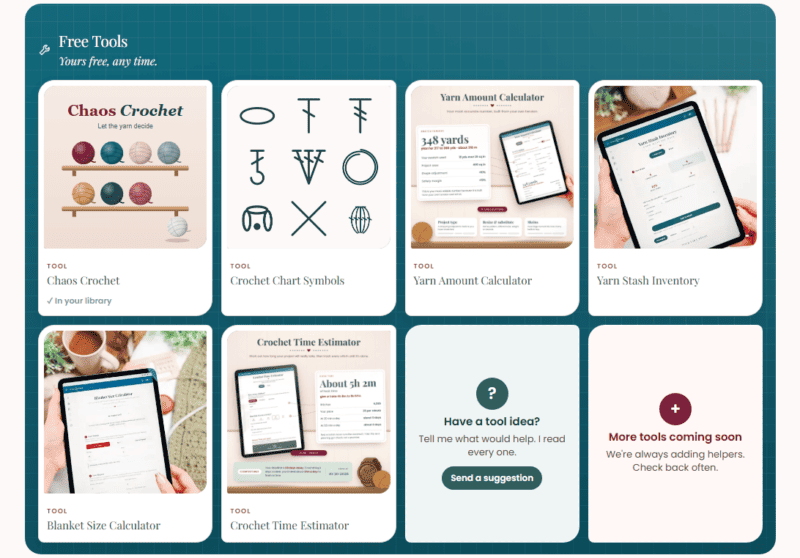
The Yarn Stash Inventory is one of six free tools in the app, and they work well together.
- Yarn Amount Calculator works out how much yarn a project needs, which pairs nicely with knowing what you already have. For more information, read How Much Yarn Do I Need?
- Blanket Size Calculator helps you sort out your dimensions and stitch counts before you start.
- Crochet Time Estimator tells you whether you can realistically finish that gift blanket before the holiday.
- Crochet Chart Symbols is a quick reference for the symbols you’ll see in crochet charts.
- Chaos Crochet lets the yarn decide.
All of them are free right in the app.
Go log your first bin: Yarn Stash Inventory!
More Crochet Patterns You’ll Love
Looking for some excellent ideas for busting through the stash you’ve just logged?
🥂 Cheers, and happy crocheting!
Hook down? Not so fast…
I’d Love to See Yours!
You made something beautiful. Here’s how to keep it, show it off, and inspire the next maker.

What should you make next?
Keep the hook movingReaders Are Loving
 Mosaic Tips & Tricks
 How to Tie Slip Knot
 Twisted Fringe
 Split Single Crochet